Sync your Steam wishlist to find the lowest game prices instantly. No login required, just paste your Steam profile URL! ⚡ Try Wishlist Radar!
Sync your Steam wishlist to find the lowest game prices instantly. No login required! ⚡ Try Wishlist Radar! Close

iVRy Driver for SteamVR on Steam

Quick menu

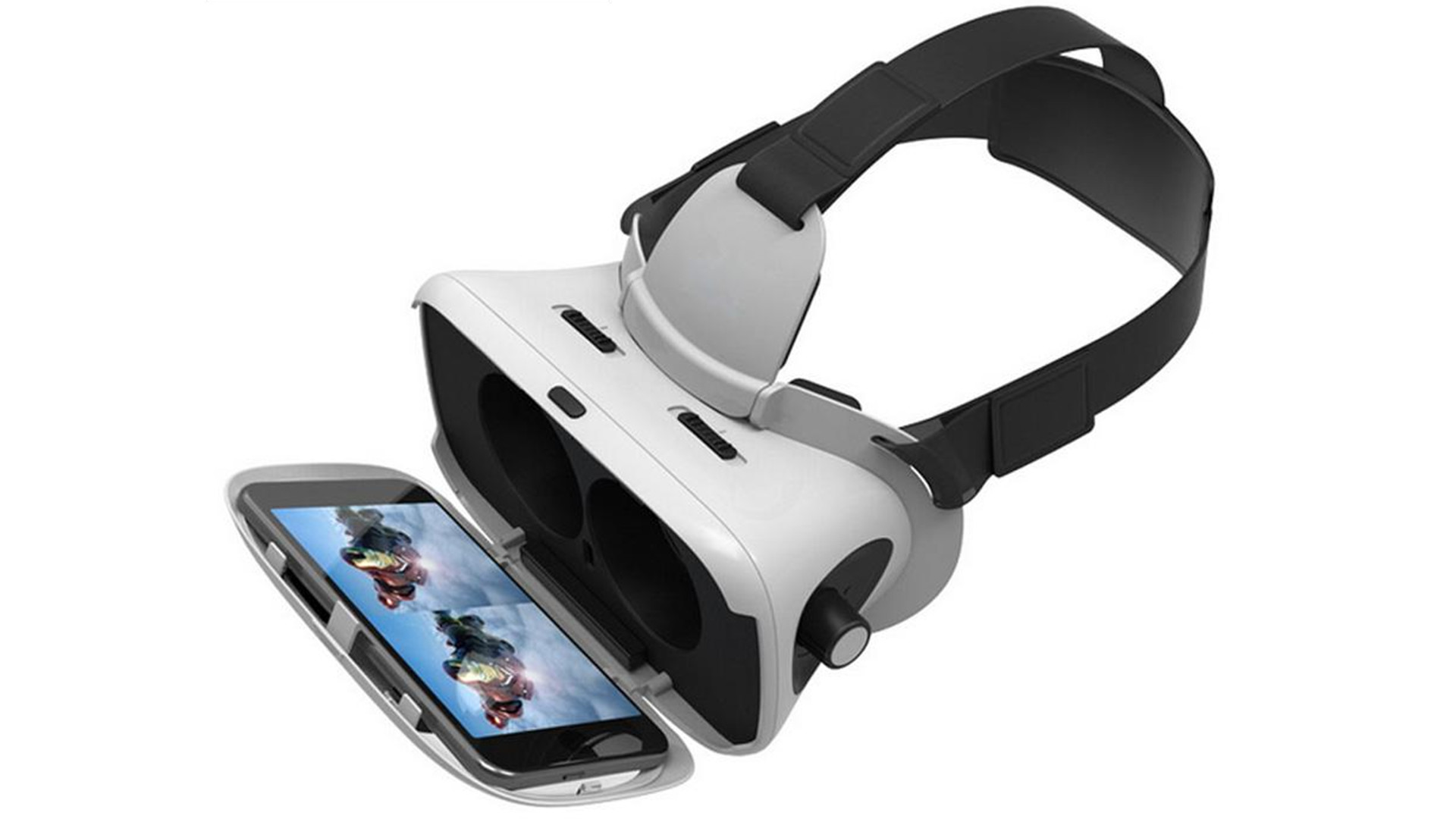
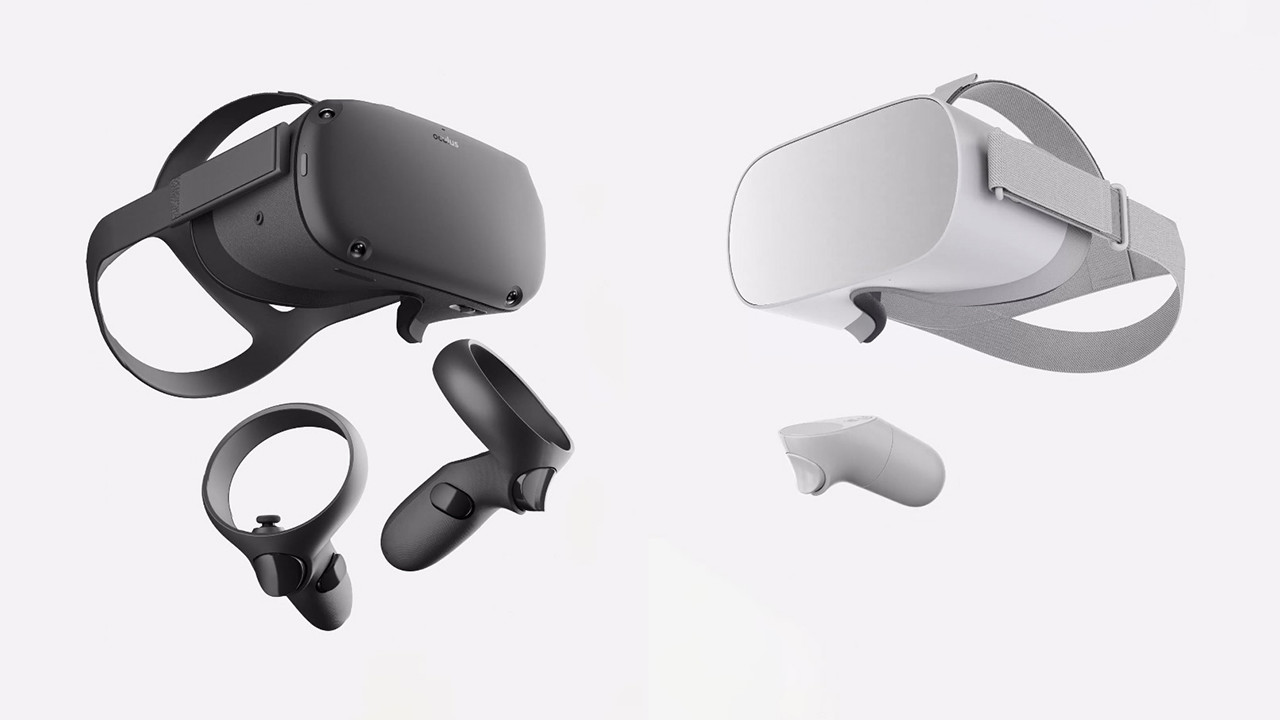
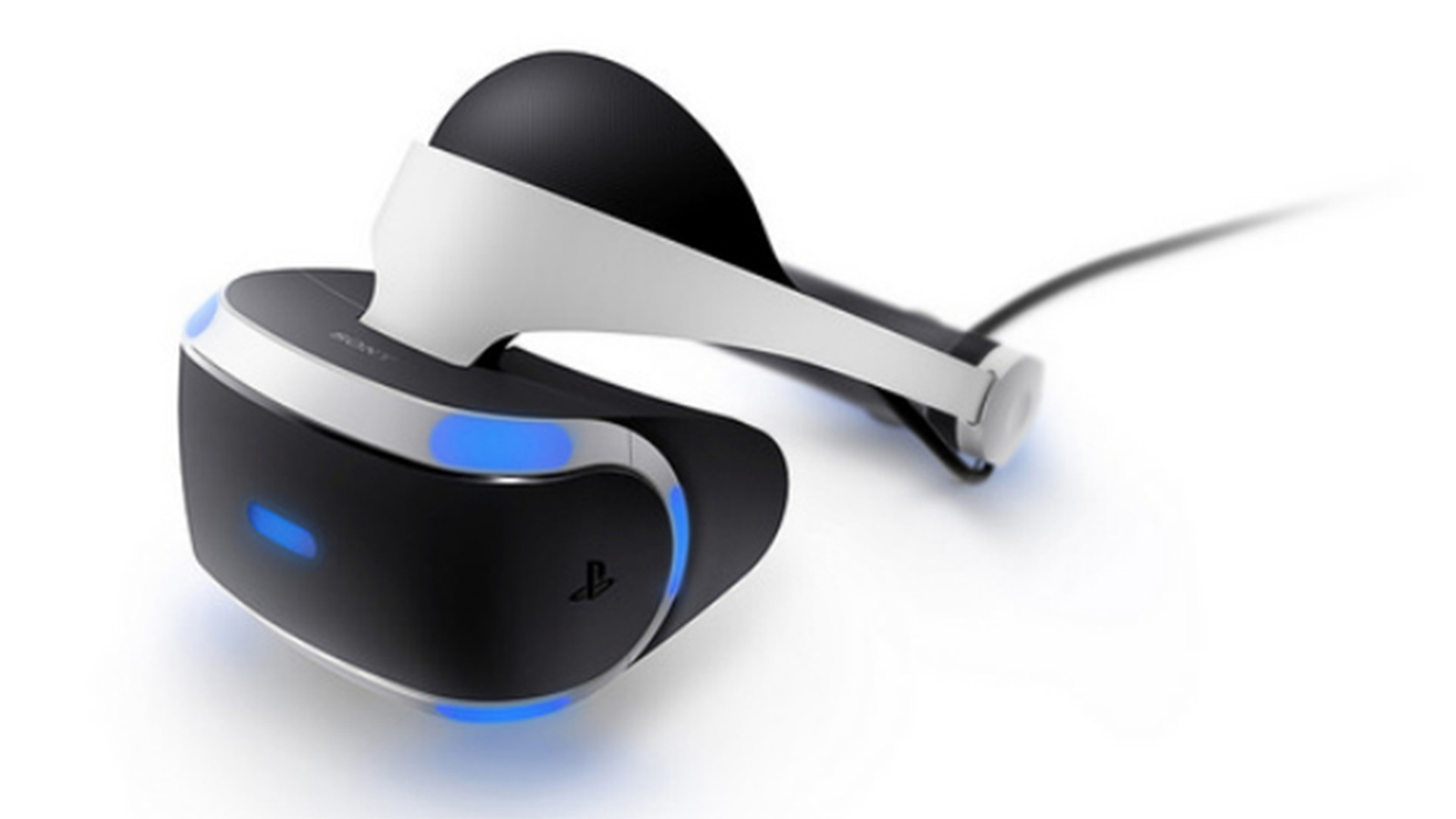
Use your iPhone, Android, GearVR, Oculus, Vive Wave, Pico Mobile or Sony Playstation VR/VR2 headset as a Virtual Reality Headset for your PC. Lets you run SteamVR & Oculus Rift PC VR titles without a dedicated PC VR headset.

iVRy Driver for SteamVR is a utilities and vr game developed and published by Mediator Software.
Released on January 24th 2019 is available only on Windows.

It has received 460 reviews of which 294 were positive and 166 were negative resulting in a rating of 6.2 out of 10. 😐

Among its top reviewers, the game has a median playtime of 1 hours, offering a realistic snapshot of how much time players typically invest rather than strict completion time.

The game is free to play on Steam.


The Steam community has classified iVRy Driver for SteamVR into these genres:


Here is the detailed breakdown of supported languages for iVRy Driver for SteamVR:

UI Subtitle Audio
English

Media & Screenshots

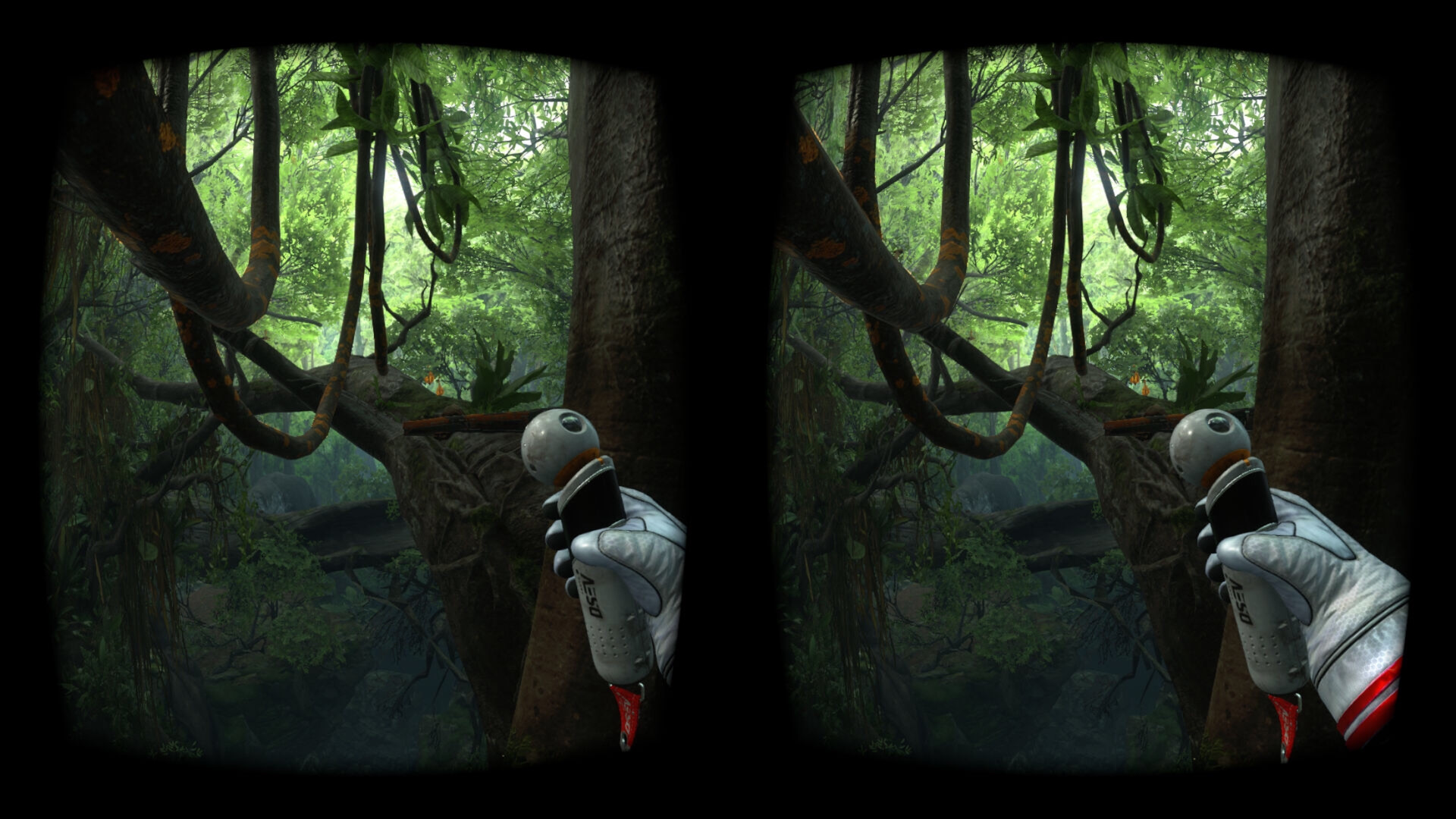
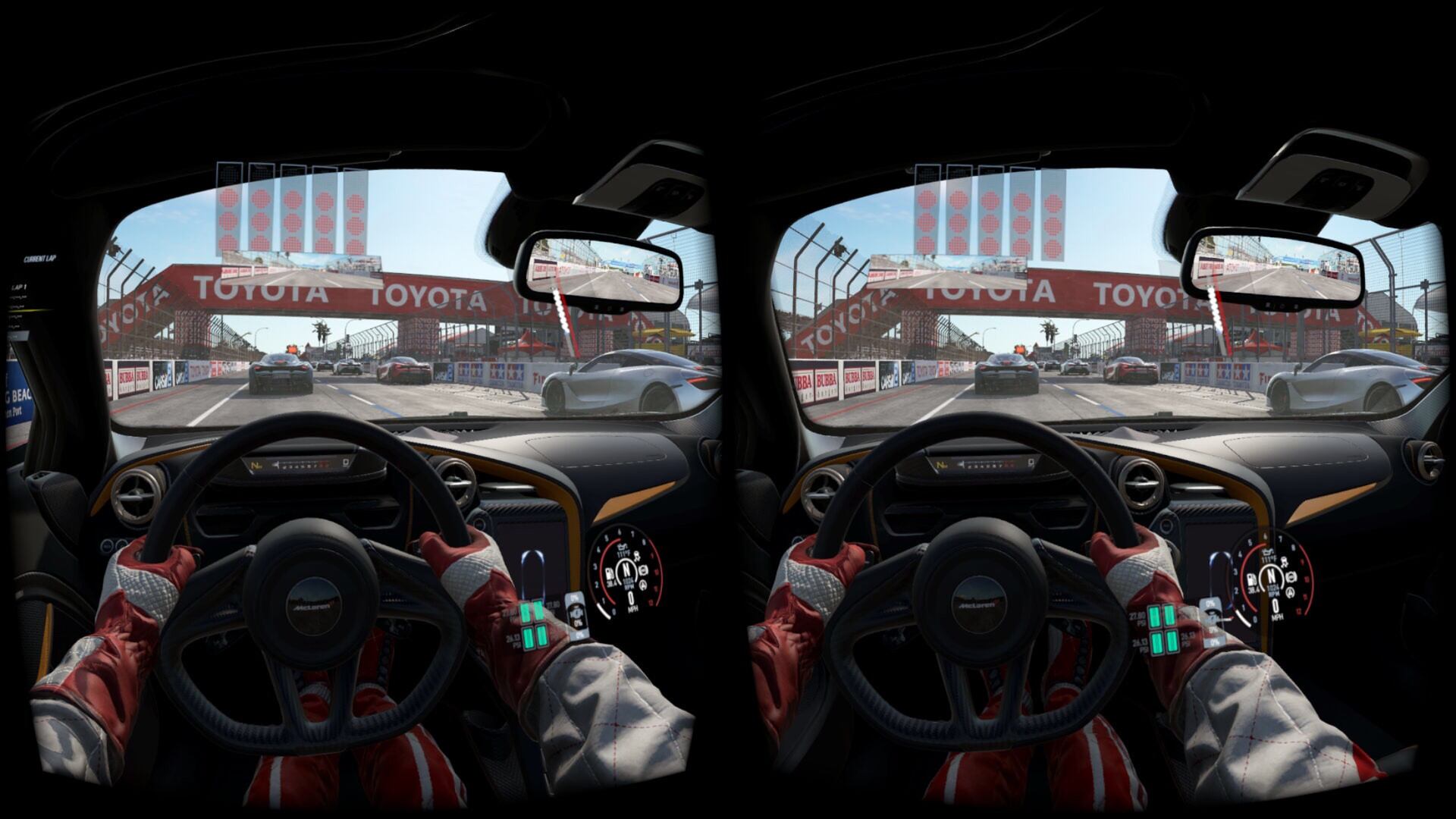
Get an in-depth look at iVRy Driver for SteamVR through various videos and screenshots.
System requirements

These are the minimum specifications needed to play the game. For the best experience, we recommend that you verify them.

Windows
  • Requires a 64-bit processor and operating system
  • OS *: Windows 7
  • Processor: Intel® i5-4590 / AMD FX 8350 equivalent
  • Memory: 8 GB RAM
  • Graphics: NVIDIA GeForce® GTX 970 / AMD Radeon™ R9 290 equivalent
  • DirectX: Version 11
  • Storage: 40 MB available space

Steam Price & Best Deals

User reviews & Ratings

Explore reviews from Steam users sharing their experiences and what they love about the game.

1 hours played
Sept. 2026
i would reccomend but i have problems with it using a phone (vivo y100) and a laptop (asus tuf gaming A16) and it has error code 301 (pls help me go throught this because i'm 2 days new to having a laptop, send help and i dont want to give up bc ik this driver works
Sept. 2026
this app works if you are willing to invest time and resources to actually setup, 6/10
July 2026
This software carried me through almost two years of headsetless VR gaming. I freakin' LOVE this thing. I'm a lil bit sad to say goodbye to it, since I just got my new headset, but I'm leaving this review as a thank you to the dev(s) behind this project. Overall well priced, works like a charm, support is very helpful and (usually) gets my issue fixed in less than a week of back-and-forth communication. Absolutely would recommend to anyone who isn't able to get a "real" headset. Cheers, yo!
July 2026
If you have a PSVR headset lying around and some steam games youd like to play, this is a great tool!
May 2026
I recently purchased the Premium version of iVRy (Pico Edition), but I am still experiencing an issue where the display gradually turns black and white after about 5 minutes of use. As far as I understand, this behavior should only occur in the demo version, not after purchasing the premium license. I have already made sure that the DLC is installed and enabled in Steam, and I restarted both Steam and SteamVR, but the problem still persists. Could you please help me resolve this issue?
1 hours played
April 2026
This is a really great app if your looking to start your first era of VR, combine it with Driver4VR and its great
24 hours played
March 2026
So, I've been messing around with this for the better of three-four days, along with several other services to convert the psvr set for use in steamVR. when I got the headset, along with some move controllers and the ps4 stereo camera, I expected the headset to be the biggest challenge to get working and functioning well. I was WRONG. the headset itself was an absolute cakewalk. install this program, a driver or two, and it works instantly and with almost no issues. sometimes you need to give the headset a minute or two to re-orient itself, but otherwise, it worked flawlessly. the controllers, on the other hand, are a nightmare. I've spent the better part of the last few days digging through old community forums, reddit threads, and whatever other sources google could send me to get these controllers working. but every potential solution came with a litany of other issues. so, at the point of writing this review, I give up. still gonna use the headset, because as i said, it works flawlessly. but I'm just gonna look for a way to either use my main ps4 controller, emulate my luna controller, or something. I do still recommend this software if you are going to try it, simply because of how easy to use it was. the only thing stopping me from giving it full marks is the trouble with the move controllers, and even then, I can only pass so much blame to the software for that. throughout my time with it, i could see the software trying its best to make the controllers work, but they just weren't having it. maybe it was just some calibration stuff on my end? I don't know, and I'm not about to spend any more energy trying to find out. still absolutely recommend it if you've got a psvr headset sitting around you wanna get use out of.
Feb. 2026
Good software for DIY VR with Android phone. Out of all options this one is the most stable i've seen and have good features. It's also has AR Core camera support, so you can have 6 DOF movement, though your phone has to support this. The only thing i need to figure out is DIY VR controllers...
1 hours played
Dec. 2025
[Disclaimer: this review is based entirely on the Android app experience, and I can't speak for any other hardware it supports.] As of the latest update, this has become a very compelling method of achieving entry-level VR. A simple old Google Cardboard viewer and a phone capable of a 120Hz refresh rate (I use a Moto G Stylus 2025) are enough to get you an experience which can comfortably beat out both the original Oculus Rift line and PSVR1 on a pretty destitute budget. Bear in mind, that's a fairly low bar to clear nowadays and it's not going to rival the top headsets or even something like a Quest 2, but if you want to get into VR—real VR—for around $20, this along with picking up a cheapo Cardboard kit on Amazon is the way to do it. Along with more and more phones in recent years becoming 120Hz-capable even in the mid-range and budget price brackets, software like this has the potential to both realize the original promise of Google Cardboard as well as make PCVR truly accessible to the masses in a way that even the upcoming (and admittedly far more capable) Steam Frame is still much too expensive to. Alongside extensive configuration options, it also supports both wired and wireless connections with easy switching between the two (it'll even automatically fall back to wireless if the wire gets unplugged), and I can say that even USB 2.0 speeds are enough for a rock-solid performance at full 1200p120 resolution with no frame drops or artifacting. As for wireless, simply enable a Wi-Fi Direct connection between your phone and PC (hint: use Windows' "mobile hotspot" feature, and then directly connect to the Wi-Fi network that appears with your phone) for the best connection and have the app open on your phone, and then firing up iVRy on your PC will get everything running automatically without interfering with anything else. The latest update has significantly improved its wireless performance to a near-identical stream quality to wired in my experience (Wi-Fi 6, non-E), with only a minor hit to framerate stability compared to wired mode. It's still not perfect, mind you. Getting the wired USB mode working can be a bit of a pain, especially with Windows' tendency to blue-screen when enabling USB network tethering on a USB 3.0 port (even if the connection is only at 2.0 speeds), and the alternative wired method of enabling USB debugging on your Android device can be a bit of a maze of compatibility and configuration issues depending on your setup. For me, I have both Motorola's Smart Connect app for use with my phone as well as Spacedesk using a separate USB debug connection to utilize a Fire tablet as a secondary monitor, and neither of those play nice with iVRy's USB debug mode. In my case, I had to write myself a batch file to switch things around whenever I want to run in wired mode, and I know very few people will have the patience to even research the underlying issues, let alone write a script to resolve them like I have. Though wireless has gotten so good as of the latest update that I'm not sure if I'll even bother with wired anymore. Also, it's supposedly capable of 6DOF inside-out tracking using your device's cameras, but at least in my experience that's been pretty wonky and so I just stick to the basic 3DOF mode, and that has the risk of gyroscopic drift, though that latter bit is entirely down to your device and not the software itself. In my experience, there's a subtle horizontal drift over time which requires recentering every few minutes. A minor irritation, but nothing I can't handle when it's a simple button press to rectify. Some games also don't play 100% nice with it: for instance, prior to enabling emulation of SteamVR's "Room Setup", my point-of-view was constantly floating above my car in the game Distance rather than properly situated in the cockpit. And even now, the lighting engine in BeamNG.drive gets a bit wonky in VR mode in a way that other players with proper VR headsets don't seem to experience. Still, in any case, it's in active development and now at a state where basic usage and setup are pretty painless, and the dev has been responsive and helpful in my experience. Better yet, the free version has a very generous limitation where it simply fades to monochrome after five minutes but otherwise remains unlimited in both featureset and usage duration. This makes it easy to try before you buy and decide if it's right for you; being able to tinker unrestricted with it even in monochrome view allowed me to learn it enough to have the confidence to drop the very reasonable $9 for the full Android mode key, and I've been plenty satisfied with it ever since. Honestly, I'm surprised something like this isn't built into SteamVR itself. It seems like a no-brainer for Valve to implement with far more polish and edge-case consideration if even this somewhat janky one-man show has gotten as far as it has.
1 hours played
Dec. 2025
Current day 12/7/25. I bought this for PSVR (Premium Version or whatever.) And after fiddling around for the next 12 hours of my life, I must say, I am very happy with it all. After connecting all the cords to my computer, it is really easy to setup. Especially the controllers which can connect very easily, however I think the controllers from the PSVR just sucks with gyro because after maybe just even a bit of movement, the known center for alignment is all messed up. You also can't like move our arms in games, but you can still use the VR controllers, (II don't have any cameras for the tracking) anyway, after that I was able to play games perfectly fine. Very happy its all within one app too, asides the connecting controllers.

Frequently Asked Questions

Yes, iVRy Driver for SteamVR is free to play on Steam.

iVRy Driver for SteamVR is not on sale because is already free to play on Steam.

Yes, iVRy Driver for SteamVR received 294 positive votes out of a total of 460 achieving a rating of 6.17.
😐

iVRy Driver for SteamVR was developed and published by Mediator Software.

Yes, iVRy Driver for SteamVR is playable and fully supported on Windows.

No, iVRy Driver for SteamVR is not playable on MacOS.

No, iVRy Driver for SteamVR is not playable on Linux.

This information about iVRy Driver for SteamVR is not available yet.

This information about iVRy Driver for SteamVR is not available yet.

No, iVRy Driver for SteamVR does not support VR.

Yes, there are 16 DLCs available for iVRy Driver for SteamVR. Explore additional content available for iVRy Driver for SteamVR on Steam.

No, iVRy Driver for SteamVR does not support mods via Steam Workshop.

No, iVRy Driver for SteamVR does not support Steam Remote Play.

No, iVRy Driver for SteamVR does not currently support Steam Family Sharing.

You can find solutions or submit a support ticket by visiting the Steam Support page for iVRy Driver for SteamVR.

Data sources

The information presented on this page is sourced from reliable APIs to ensure accuracy and relevance. We utilize the Steam API to gather data on game details, including titles, descriptions, prices, and user reviews. This allows us to provide you with the most up-to-date information directly from the Steam platform.

Additionally, we incorporate data from the SteamSpy API, which offers insights into game sales and player statistics. This helps us present a comprehensive view of each game's popularity and performance within the gaming community.

Last Updates
Steam data 15 November 2026 07:53 UTC
SteamSpy data 12 November 2026 10:47 UTC
Steam price 15 November 2026 07:53 UTC
Steam reviews 19 November 2026 09:08 UTC

If you'd like to dive deeper into the details about iVRy Driver for SteamVR, we invite you to check out a few dedicated websites that offer extensive information and insights. These platforms provide valuable data, analysis, and user-generated reports to enhance your understanding of the game and its performance.

  • SteamDB - A comprehensive database of everything on Steam about iVRy Driver for SteamVR
  • SteamCharts - Analysis of iVRy Driver for SteamVR concurrent players on Steam
  • ProtonDB - Crowdsourced reports on Linux and Steam Deck iVRy Driver for SteamVR compatibility

iVRy Driver for SteamVR
Rating
6.2
294
166
Median playtime
1h
Online players
2
Developer
Mediator Software
Publisher
Mediator Software
Release 24 Jan 2019
Platforms