OVRdrop on Steam - User reviews, Price & Information

Quick menu

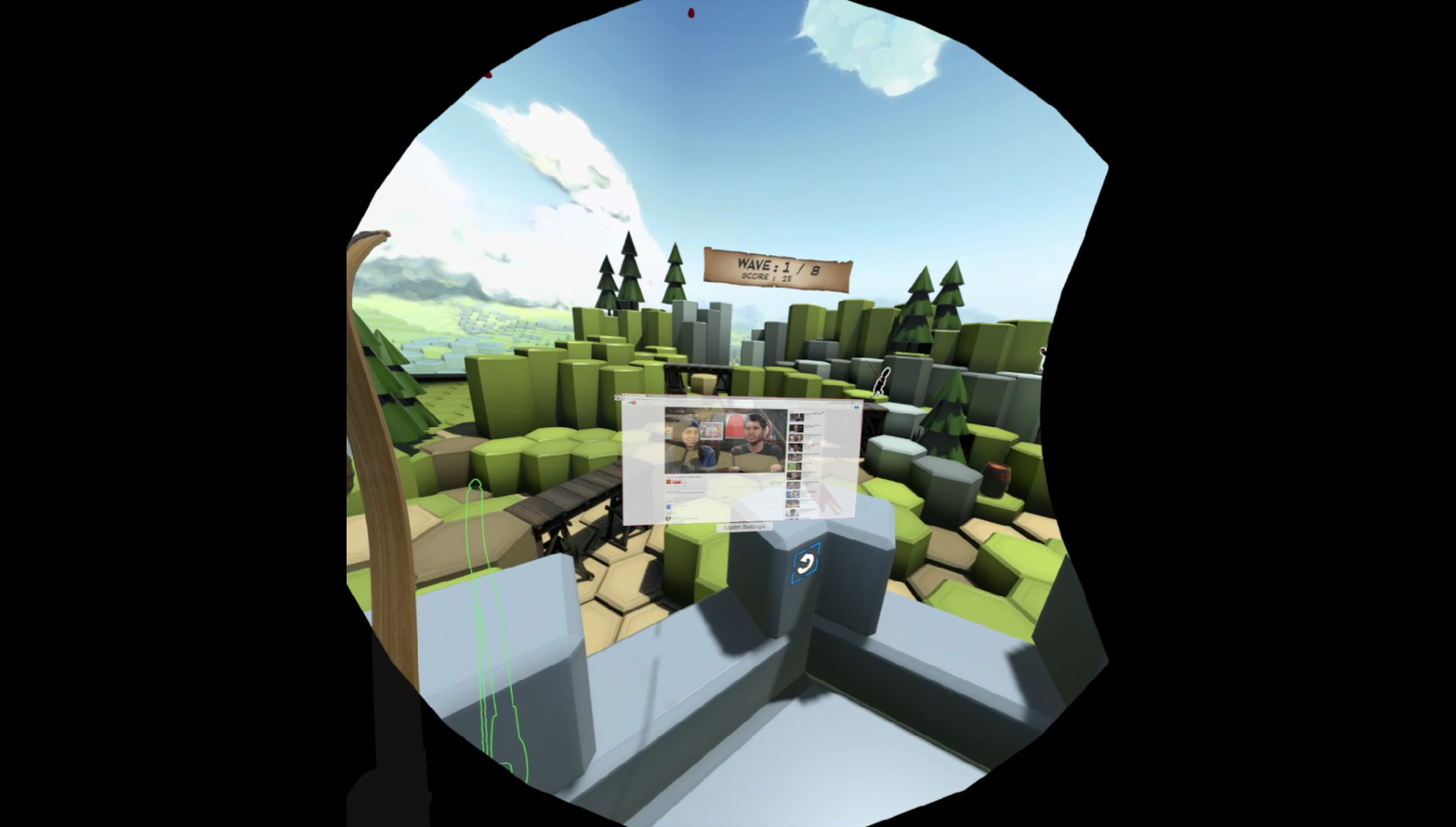
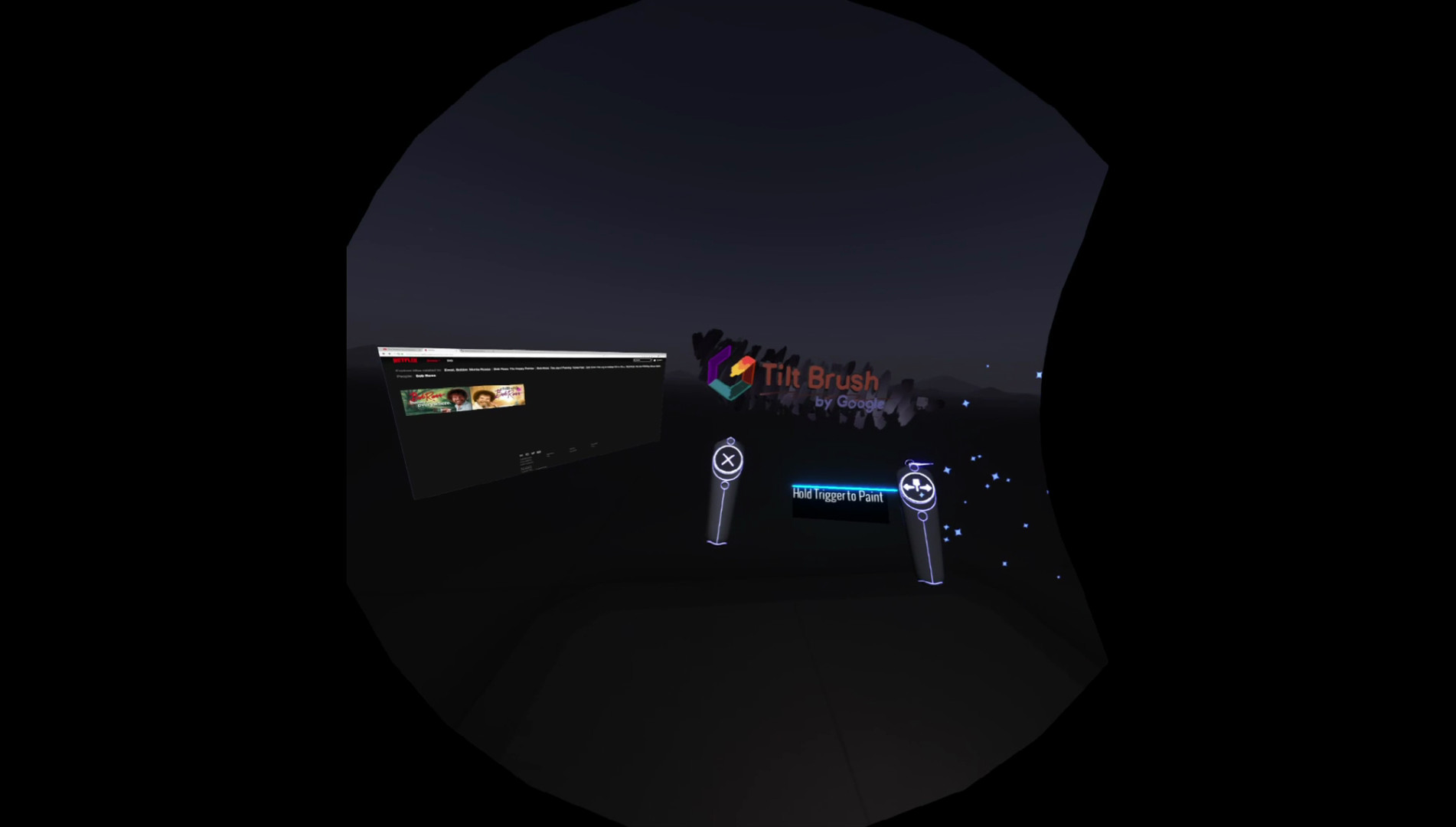
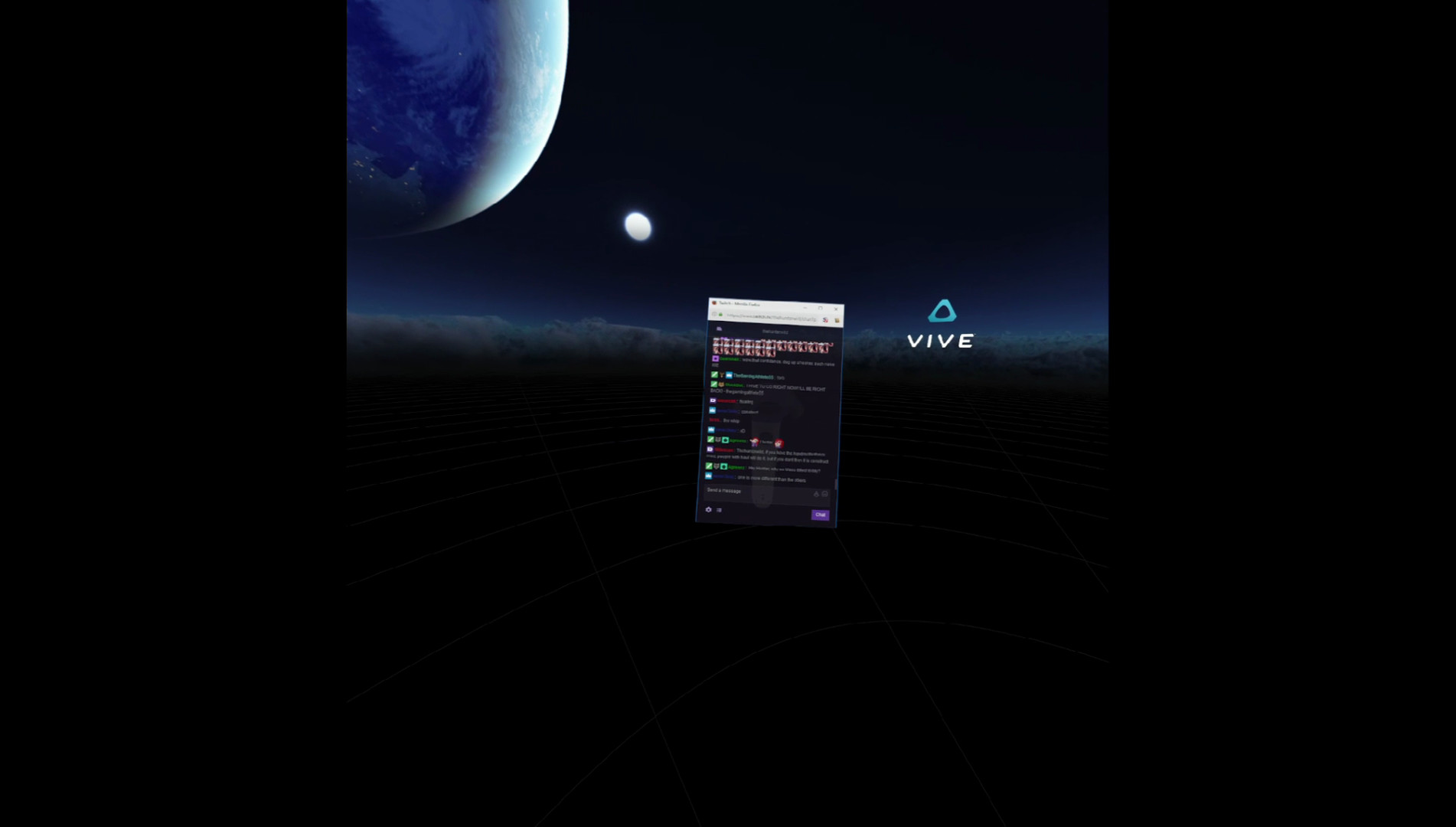
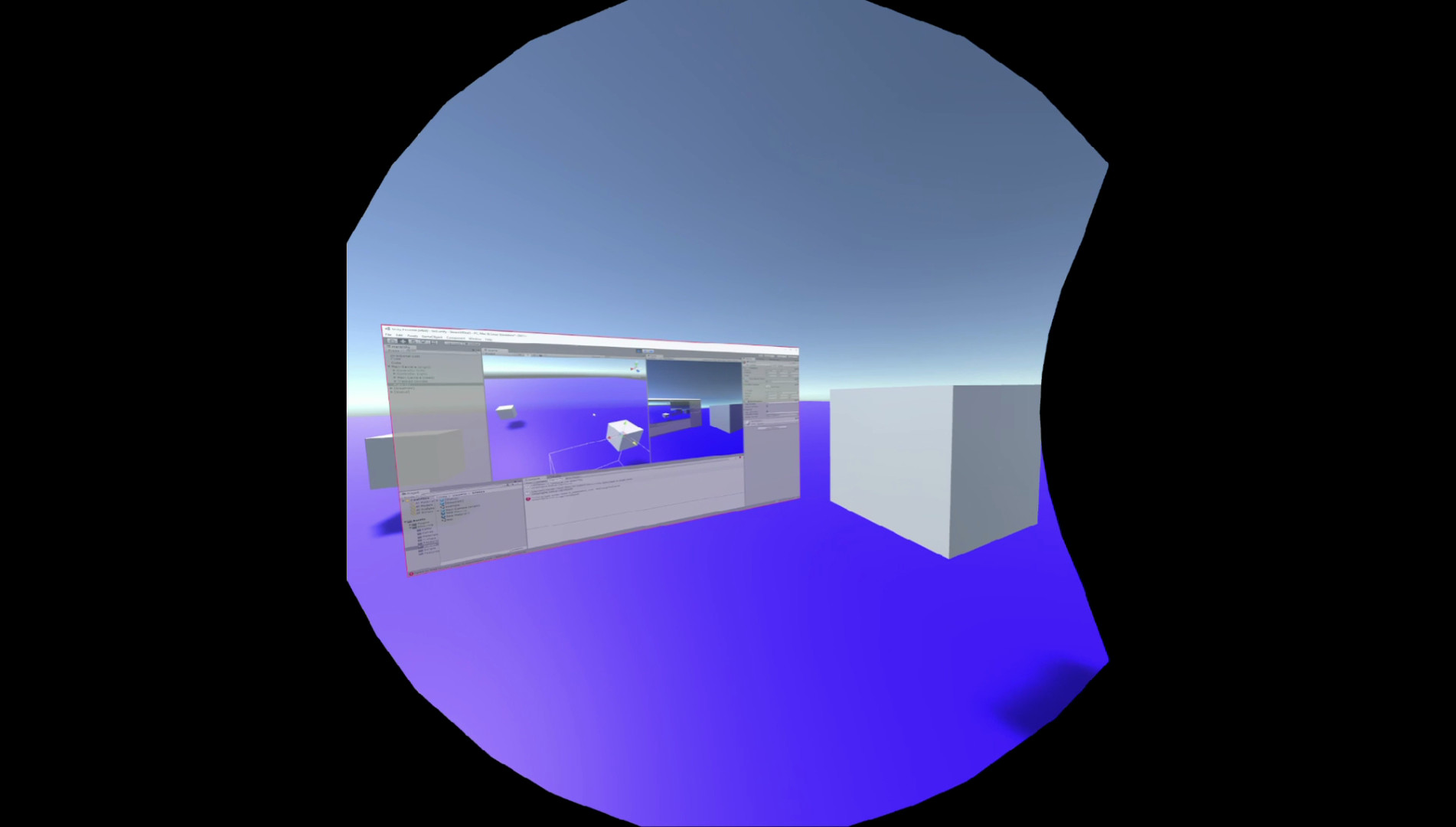
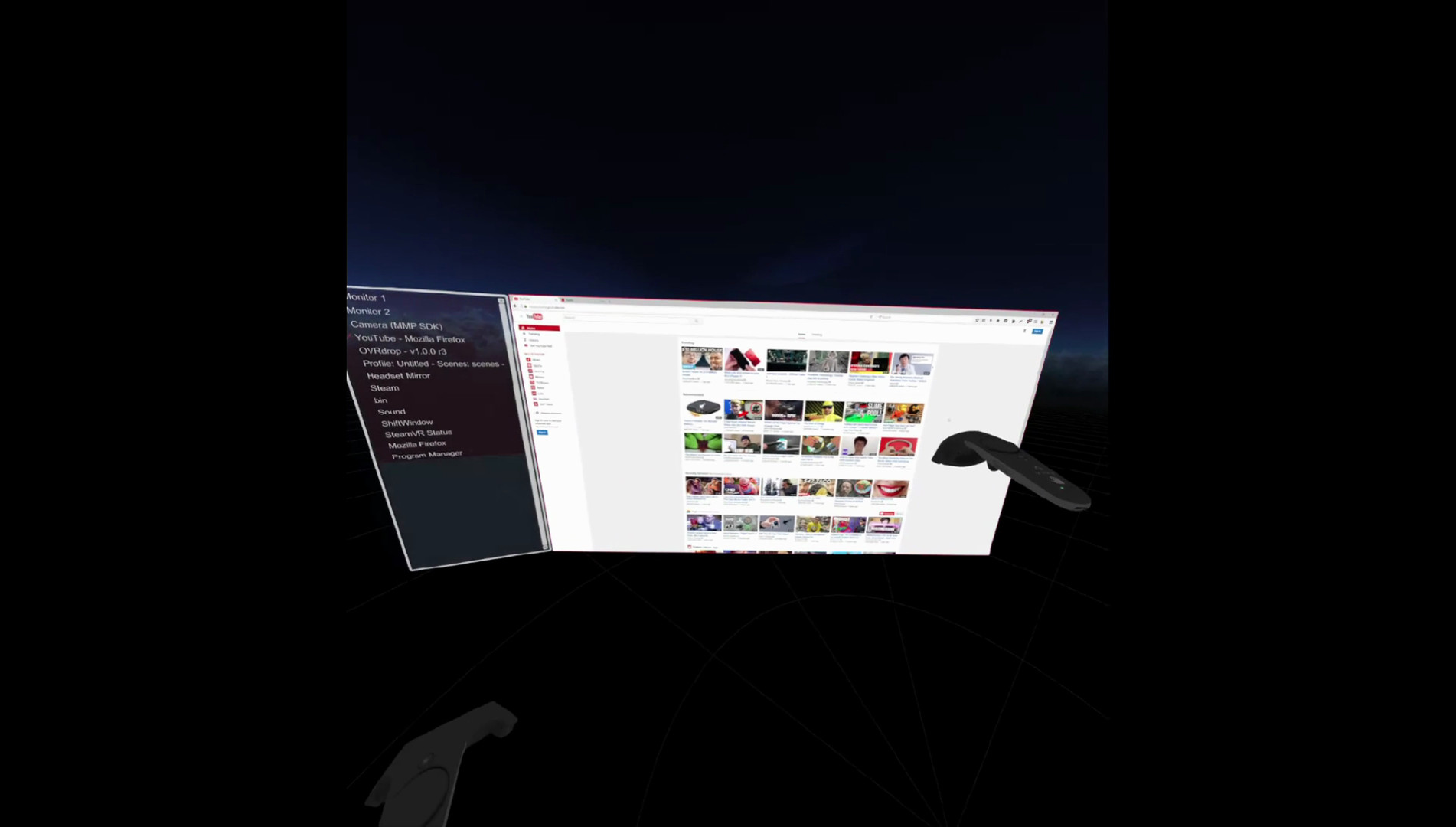
OVRdrop is a Utility Application for SteamVR that can mirror a Desktop Window, an entire Monitor, or a WebCam into a Cross Game SteamVR Overlay.

OVRdrop is a utilities and vr game developed and published by Axolittle Software.
Released on March 31st 2017 is available in English only on Windows.

It has received 530 reviews of which 352 were positive and 178 were negative resulting in a rating of 6.4 out of 10. 😐

The game is currently priced at 2.04€ on Steam with a 75% discount.


The Steam community has classified OVRdrop into these genres:

Media & Screenshots

Get an in-depth look at OVRdrop through various videos and screenshots.
System requirements

These are the minimum specifications needed to play the game. For the best experience, we recommend that you verify them.

Windows
  • OS *: Windows 8/8.1 or Windows 10
  • Memory: 4 GB RAM
  • Graphics: NVIDIA GeForce® GTX 970 / AMD Radeon™ R9 290 equivalent or greater
  • DirectX: Version 11
  • Storage: 100 MB available space
  • VR Support: SteamVR
  • Additional Notes: Windows 7 is NOT supported due to technical limitations. Some laptops are not currently compatible due to their configuration.

User reviews & Ratings

Explore reviews from Steam users sharing their experiences and what they love about the game.

Jan. 2026
OVRdrop is a purpose-built VR utility rather than a traditional game, and it succeeds or fails entirely on how useful you find desktop multitasking inside a headset. Developed and published by Axolittle Software, OVRdrop focuses on a single core idea: letting you bring parts of your normal PC desktop into virtual reality as floating overlays while you remain immersed in SteamVR. It doesn’t try to be flashy or transformative in a narrative sense, but instead positions itself as a practical tool aimed at VR enthusiasts, streamers, and power users who want to stay connected to their desktop world without constantly lifting the headset. At its core, OVRdrop allows you to capture individual application windows, entire monitors, or even webcam feeds and display them inside your VR environment. These overlays can be positioned freely in space, attached to your view like a heads-up display, anchored to a controller, or placed within the virtual world itself. This flexibility is what gives OVRdrop its strength: you can tailor your setup to your exact needs, whether that means pinning a chat window to your wrist, keeping a browser tab floating nearby, or monitoring music playback while playing a VR game. For users who spend long stretches in VR, this dramatically reduces friction and makes the experience feel less isolated from the rest of the PC ecosystem. Interaction is another key part of the experience. OVRdrop is not limited to passive viewing; many overlays can receive mouse input, scrolling, and clicks, allowing you to interact with applications directly from inside VR. This is especially useful for streamers who need to manage chat, alerts, or broadcasting software while staying immersed. The ability to resize, rotate, crop, and adjust transparency for each overlay further enhances usability, letting users strike a balance between visibility and immersion. When configured well, OVRdrop can feel like a natural extension of the VR interface rather than an intrusive layer sitting on top of it. That said, the application shows its age and technical limitations in several areas. Because of how SteamVR handles overlays, OVRdrop windows always render on top of in-game geometry, which can occasionally break immersion or obscure important visual elements. There is no true depth awareness, so overlays do not interact naturally with the virtual world. Additionally, compatibility can vary depending on headset, game, and VR runtime, with some users reporting inconsistent behavior in non-SteamVR-native titles. These constraints are largely out of the developer’s control, but they do shape how seamless the experience can feel. Usability is another mixed aspect. OVRdrop offers a wide range of settings, from capture resolution and frame rate to filtering and cropping options, but the interface can feel utilitarian and unintuitive. New users may find the setup process confusing, especially when trying to fine-tune interaction or window placement. Achieving an optimal configuration often requires trial and error, and occasional trips back to the desktop to adjust settings can disrupt the sense of immersion the tool is meant to preserve. For technically inclined users, this flexibility is a benefit; for others, it can feel like unnecessary friction. Performance-wise, OVRdrop is generally lightweight, but capturing and rendering multiple high-resolution windows can introduce overhead depending on your system. Careful configuration is often required to avoid unnecessary performance hits, particularly in demanding VR games. When used conservatively, however, it integrates smoothly into most VR setups and becomes easy to forget once everything is positioned correctly. Overall, OVRdrop is a niche but genuinely useful VR utility that does exactly what it promises, even if it does so without polish or elegance. It is not a must-have for every VR user, but for those who value multitasking, streaming, or staying connected to their desktop while immersed, it can become an essential part of their setup. Its mixed reception reflects both its practicality and its rough edges, yet for users willing to learn its quirks, OVRdrop remains a reliable bridge between the flat desktop world and the immersive space of virtual reality. Rating: 6/10
Expand the review
July 2025
Fantastic. Just what I needed for elite dangerous. I now have a small screen to watch my fave scifi while cruising through vr space.
Expand the review
Feb. 2025
works great to bring in a window to Elite Dangerous...
Expand the review

Frequently Asked Questions

OVRdrop is currently priced at 2.04€ on Steam.

OVRdrop is currently available at a 75% discount. You can purchase it for 2.04€ on Steam.

OVRdrop received 352 positive votes out of a total of 530 achieving a rating of 6.39.
😐

OVRdrop was developed and published by Axolittle Software.

OVRdrop is playable and fully supported on Windows.

OVRdrop is not playable on MacOS.

OVRdrop is not playable on Linux.

OVRdrop does not currently offer any DLC.

OVRdrop does not support mods via Steam Workshop.

OVRdrop does not support Steam Remote Play.

OVRdrop does not currently support Steam Family Sharing.

You can find solutions or submit a support ticket by visiting the Steam Support page for OVRdrop.

Data sources

The information presented on this page is sourced from reliable APIs to ensure accuracy and relevance. We utilize the Steam API to gather data on game details, including titles, descriptions, prices, and user reviews. This allows us to provide you with the most up-to-date information directly from the Steam platform.

Additionally, we incorporate data from the SteamSpy API, which offers insights into game sales and player statistics. This helps us present a comprehensive view of each game's popularity and performance within the gaming community.

Last Updates
Steam data 21 January 2026 20:05
SteamSpy data 24 January 2026 16:46
Steam price 28 January 2026 20:42
Steam reviews 27 January 2026 06:02

If you'd like to dive deeper into the details about OVRdrop, we invite you to check out a few dedicated websites that offer extensive information and insights. These platforms provide valuable data, analysis, and user-generated reports to enhance your understanding of the game and its performance.

  • SteamDB - A comprehensive database of everything on Steam about OVRdrop
  • SteamCharts - Analysis of OVRdrop concurrent players on Steam
  • ProtonDB - Crowdsourced reports on Linux and Steam Deck OVRdrop compatibility
OVRdrop
Rating
6.4
352
178
Online players
3
Developer
Axolittle Software
Publisher
Axolittle Software
Release 31 Mar 2017
VR VR Only
Platforms