SAO Utils 2: Progressive on Steam - User reviews, Price & Information

Quick menu

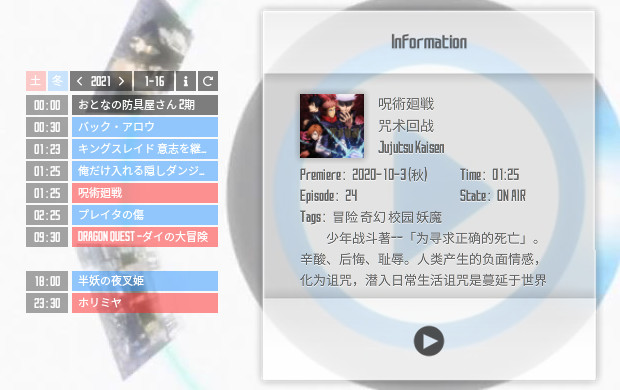
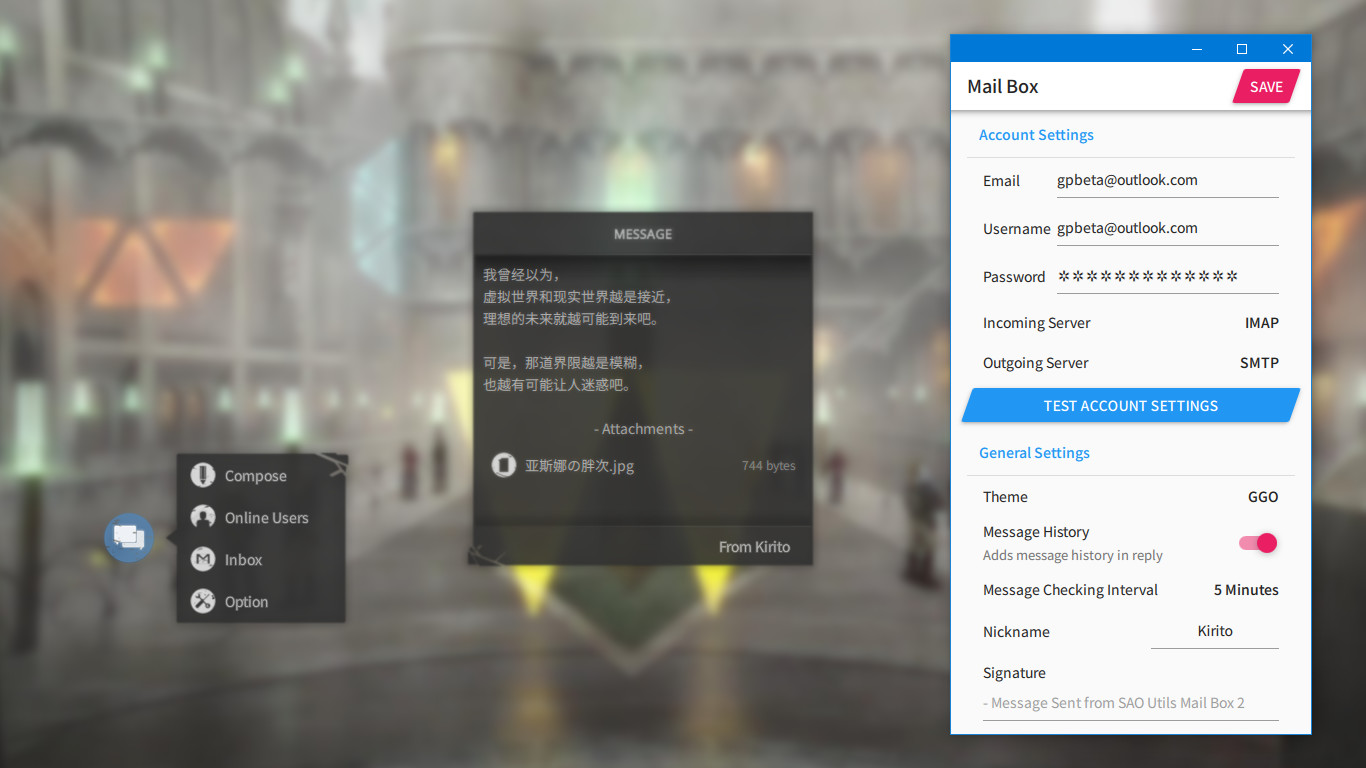
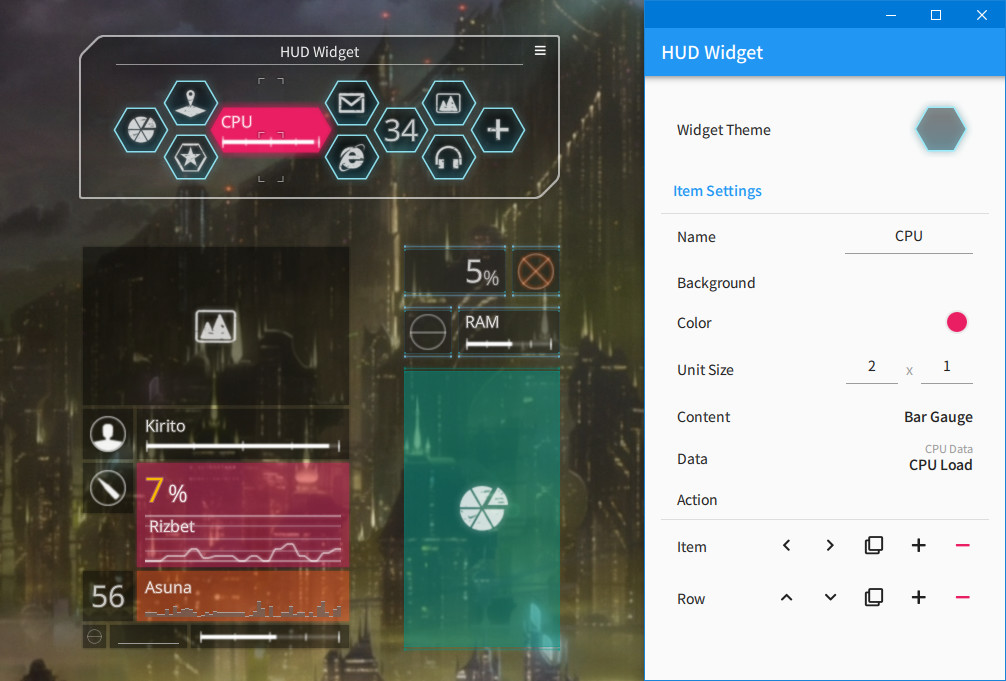
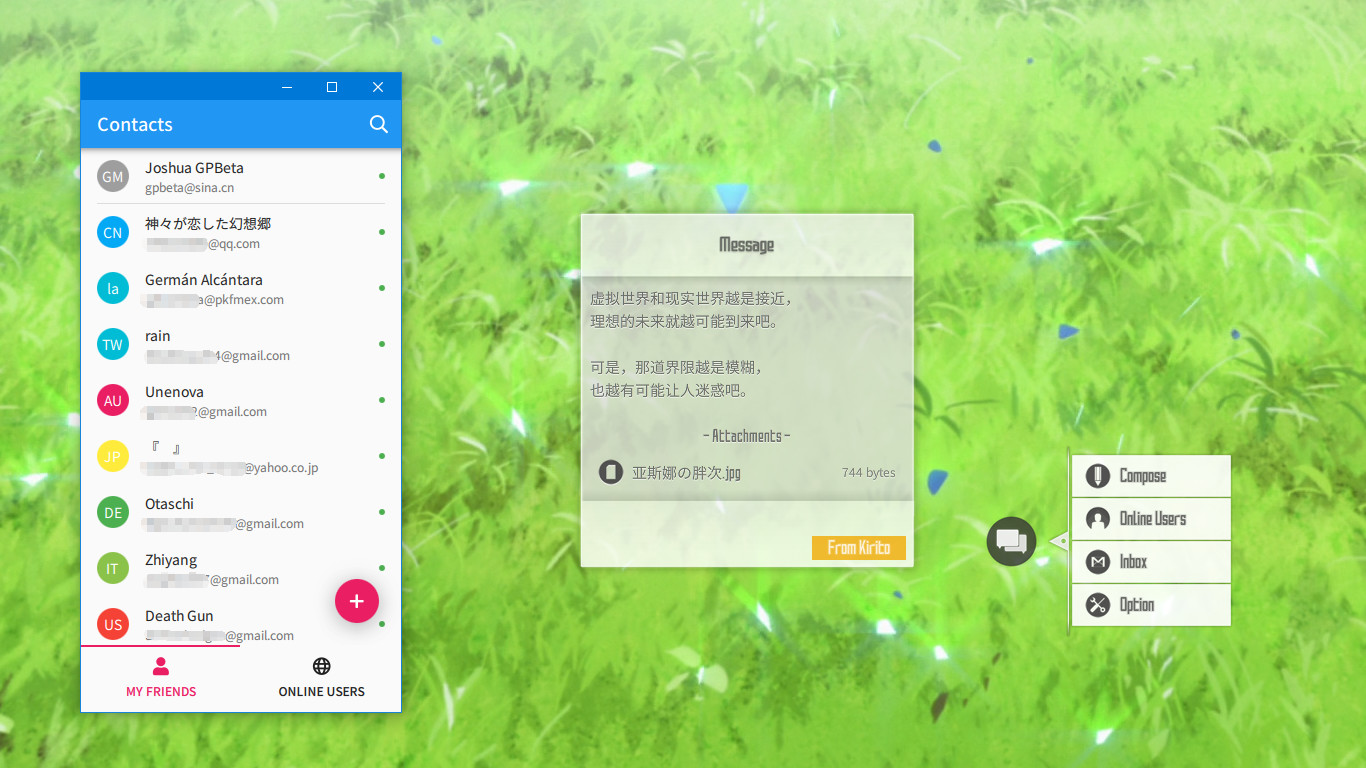
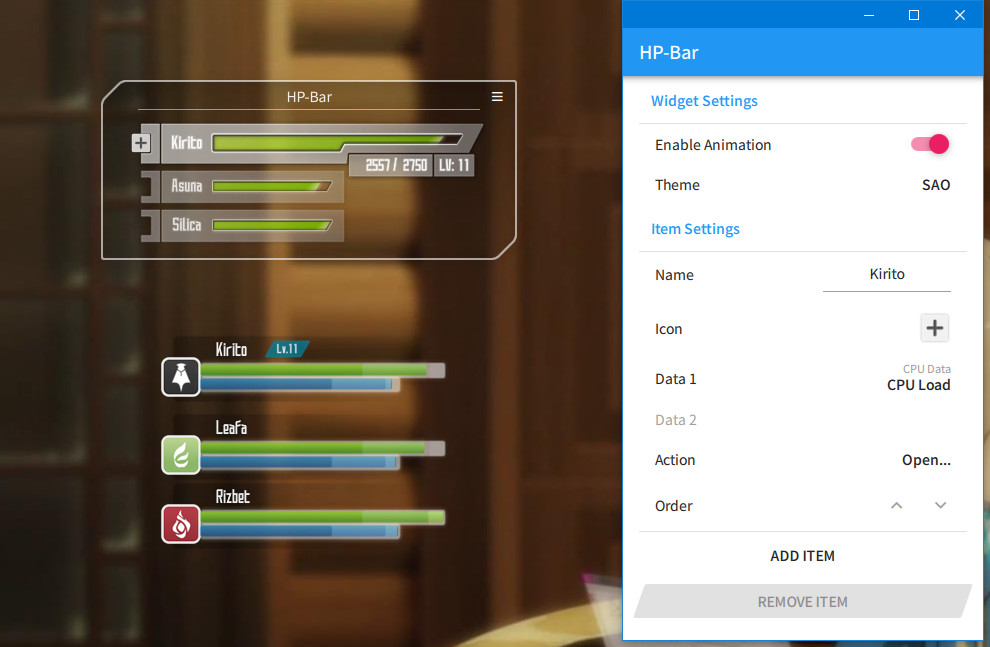
SAO Utils 2 provides you a fresh-new customizable Full-Dive 3D app launcher with varieties of themes, desktop widgets and powerful utilities.

SAO Utils 2: Progressive is a utilities, software and anime game developed by Joshua Chen and published by Studio GPBeta.
Released on November 05th 2022 is available only on Windows.

It has received 1,802 reviews of which 1,680 were positive and 122 were negative resulting in a rating of 8.9 out of 10. 😎

The game is free to play on Steam.


The Steam community has classified SAO Utils 2: Progressive into these genres:

Media & Screenshots

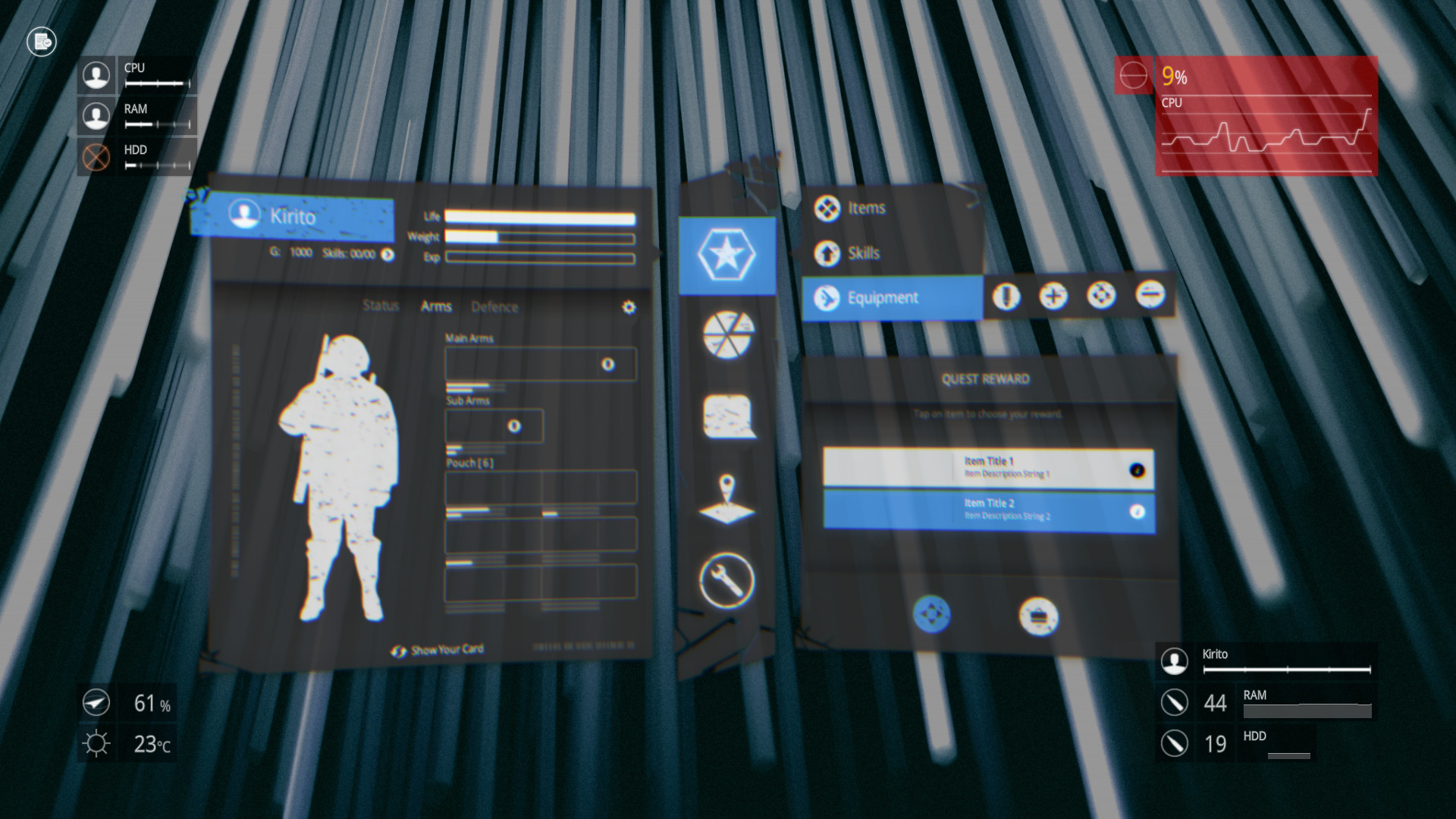
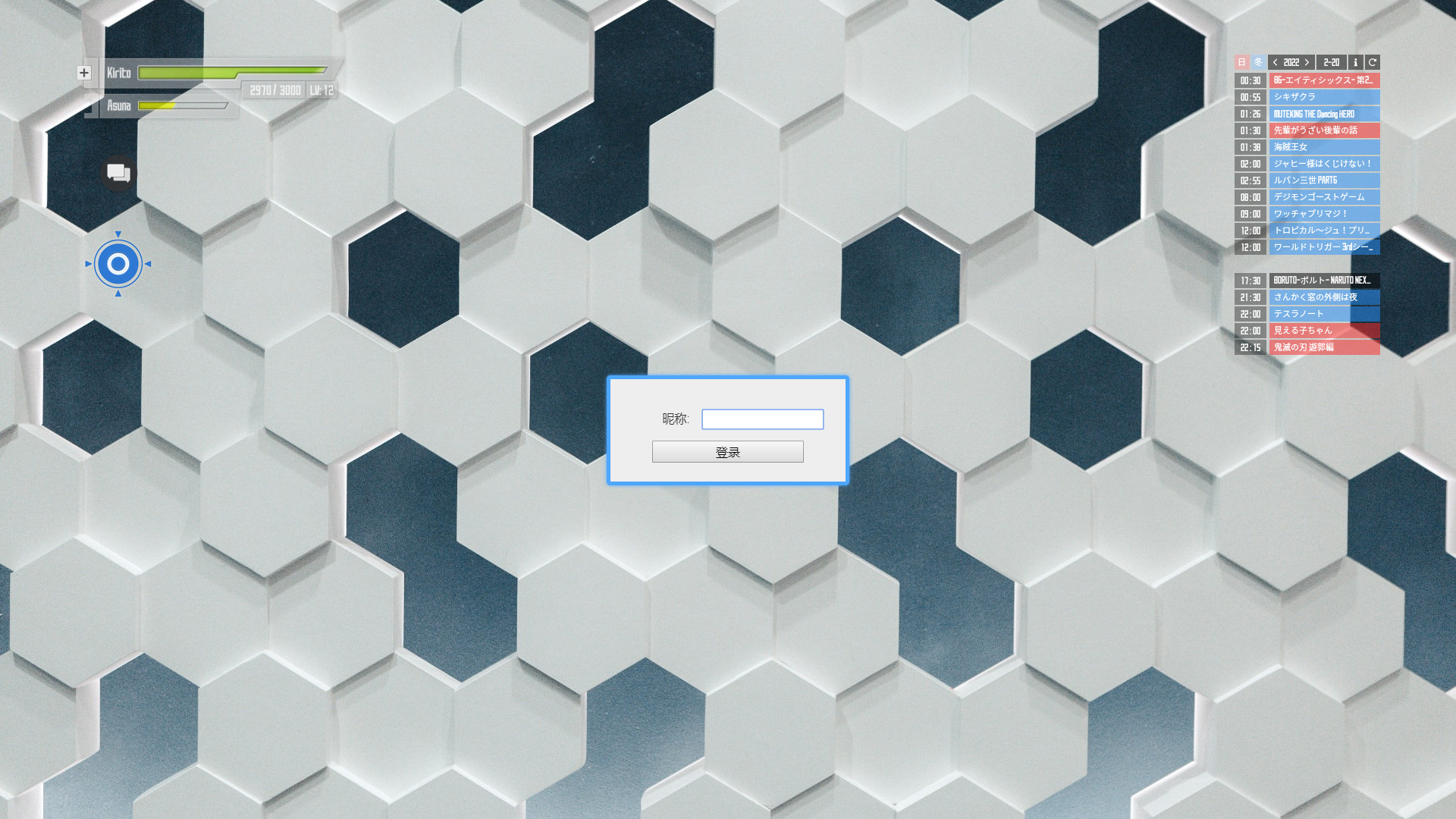
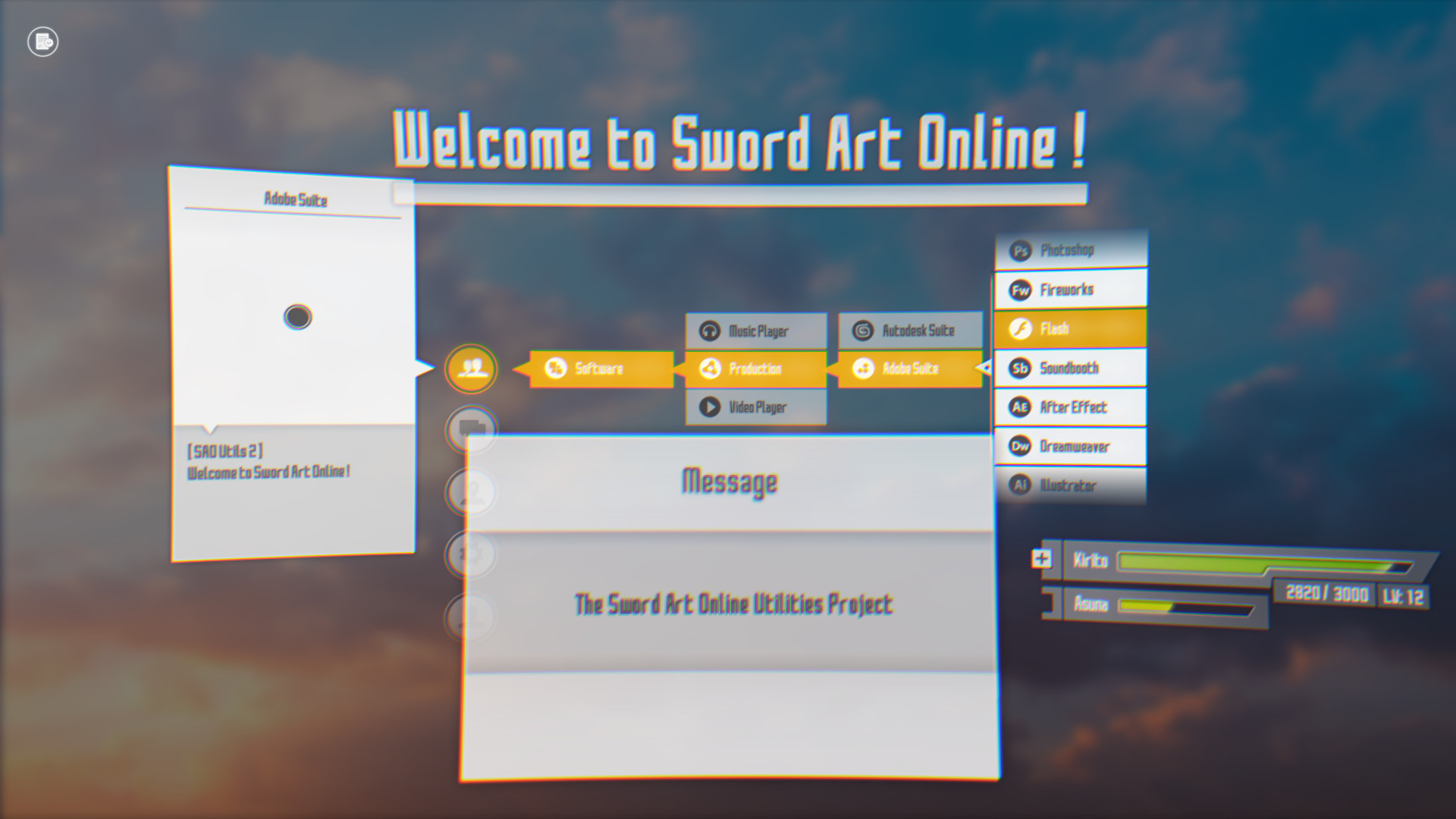
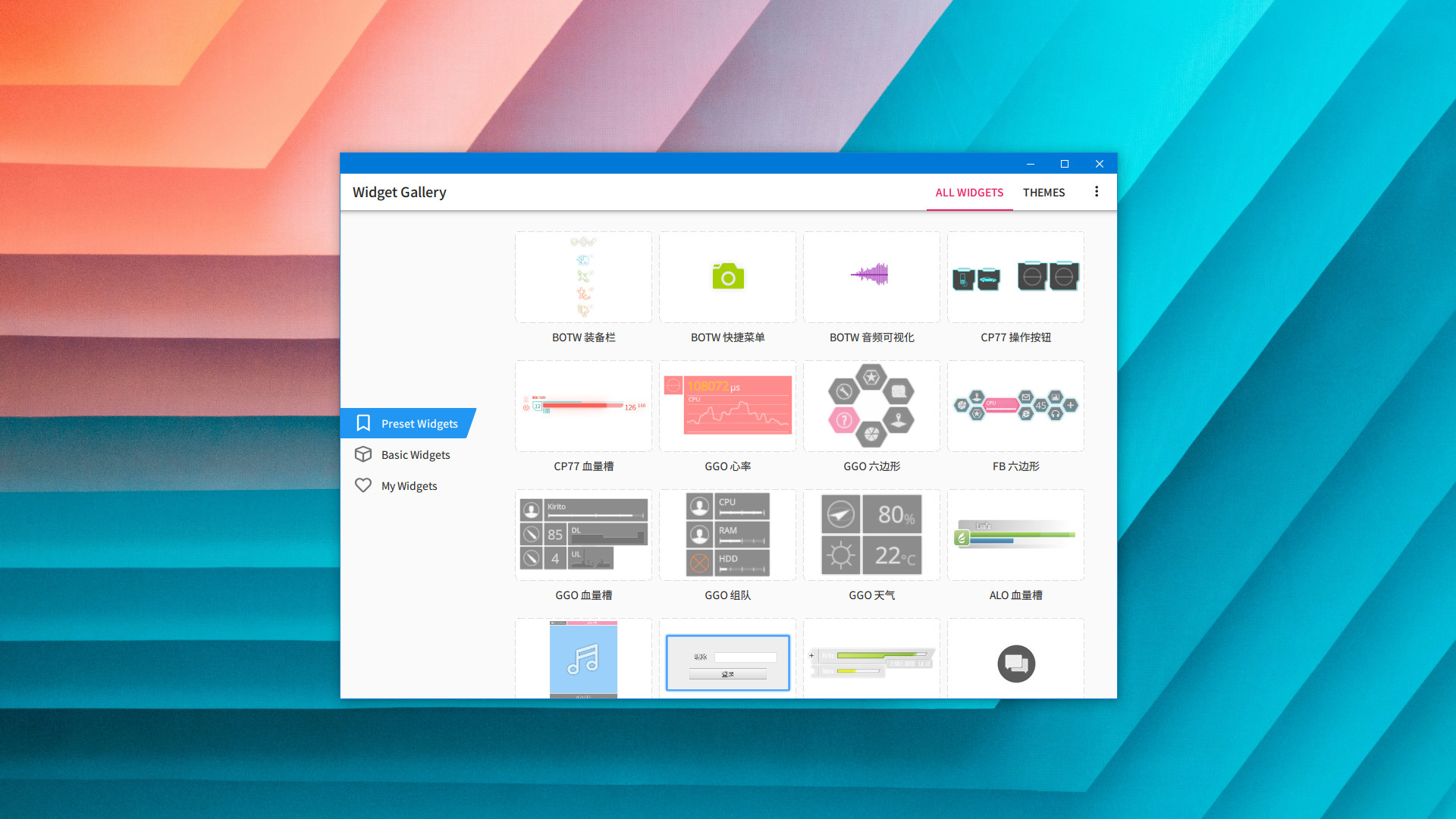
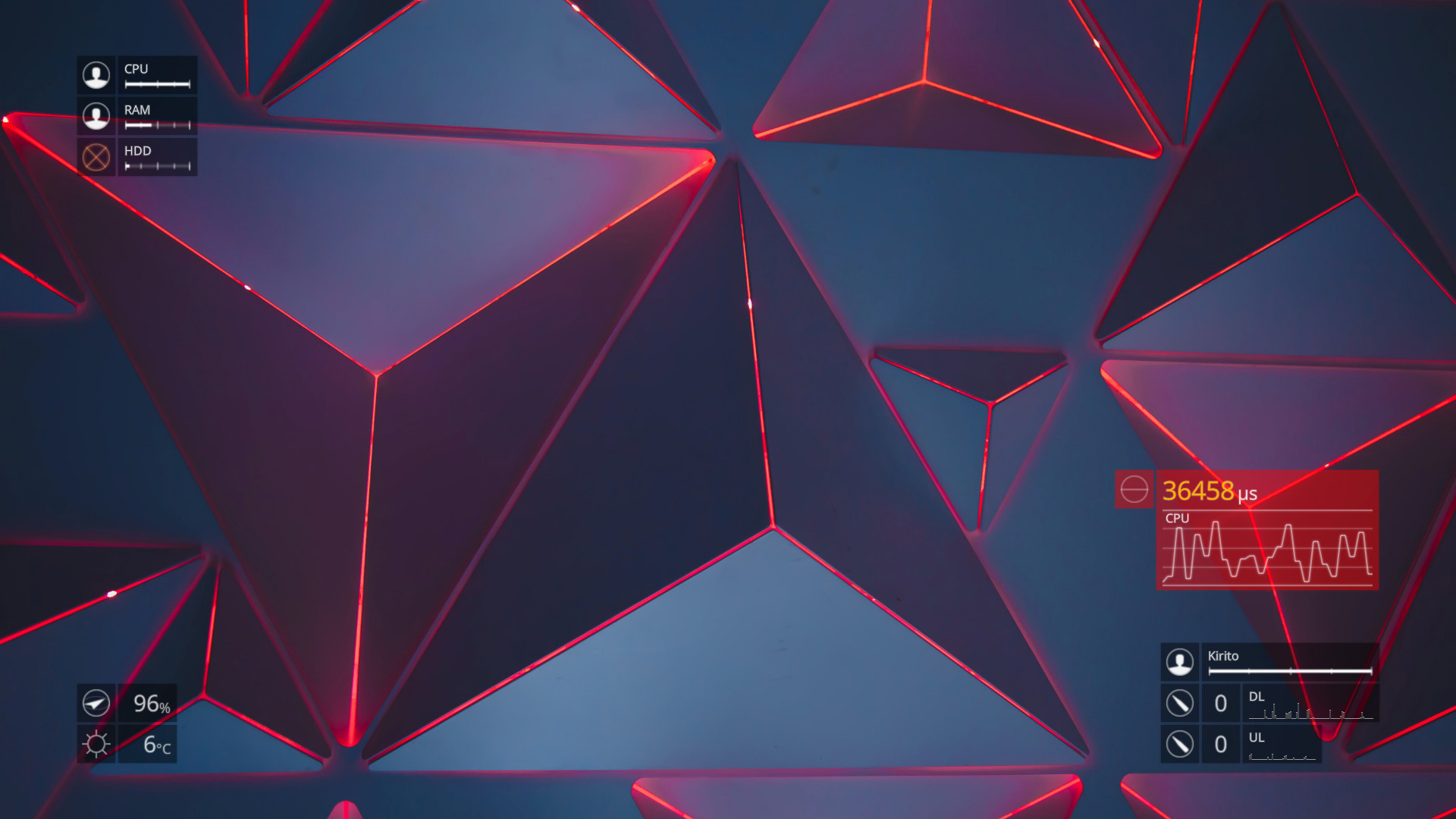
Get an in-depth look at SAO Utils 2: Progressive through various videos and screenshots.
System requirements

These are the minimum specifications needed to play the game. For the best experience, we recommend that you verify them.

Windows
  • Requires a 64-bit processor and operating system
  • OS *: Windows® Vista or above
  • Processor: Intel® Core™ 2 Duo or AMD Phenom™ X3 processor or better
  • Memory: 4 GB RAM
  • Graphics: 1GB VRAM with Direct 3D 9 or 11
  • Storage: 512 MB available space

User reviews & Ratings

Explore reviews from Steam users sharing their experiences and what they love about the game.

Feb. 2026
Screw you Kayaba... Already 7.000 hours has passed, I will find out how to logout!!!
Expand the review
Jan. 2026
SAO Utils 2: Progressive is a highly distinctive piece of software on Steam that deliberately steps outside the boundaries of what users typically expect from desktop utilities. Developed by Joshua Chen and published by Studio GPBeta, it positions itself not as a game, but as an immersive interface layer inspired by the visual language of anime and futuristic user experiences. Rather than focusing on productivity alone, the software aims to transform everyday PC interaction into something expressive and engaging, borrowing heavily from the sleek, holographic aesthetics associated with Sword Art Online. From the moment it is installed, it becomes clear that this is a tool designed as much for personalization and atmosphere as it is for functionality. At the heart of the experience is its three-dimensional launcher system, which replaces conventional start menus and shortcuts with a gesture-based interface that feels fluid and modern. By using simple mouse gestures, users can summon a layered UI that floats over the desktop, presenting applications, folders, and tools in a visually rich space rather than a flat list. This approach prioritizes immersion and visual clarity, encouraging users to organize their digital environment spatially instead of hierarchically. While this design may feel unconventional at first, it gradually becomes intuitive, especially for users who enjoy visually oriented workflows and interactive interfaces. Customization is where SAO Utils 2: Progressive truly excels. Nearly every element of the interface can be adjusted, rearranged, or replaced to suit individual tastes. Widgets play a central role, allowing users to place images, notes, clocks, web pages, media players, system monitors, and other interactive elements directly onto their desktop. These widgets can be resized, layered, animated, and styled to match specific themes, turning the desktop into a living dashboard rather than a static workspace. The ability to mix decorative and functional widgets gives users freedom to decide whether their setup leans toward productivity, aesthetics, or a balance of both. The software’s extensibility further deepens its appeal, particularly for technically inclined users. SAO Utils 2: Progressive supports scripting and modular design, enabling users to modify existing widgets or create entirely new ones. This openness encourages experimentation and fosters a creative community around the software. Steam Workshop integration amplifies this by making it easy to share and download themes, widgets, icons, and sound effects created by other users. Over time, this ecosystem transforms the software from a standalone utility into a collaborative platform where creativity and customization continuously expand its capabilities. Compared to its predecessor, the “Progressive” version feels more refined and actively maintained. Performance is generally smoother, features are more cohesive, and quality-of-life improvements make extended use far more comfortable. Regular updates have added practical enhancements such as improved widget management, additional system controls, better media handling, and expanded customization options. These updates demonstrate a clear commitment to long-term development, addressing many of the rough edges that characterized earlier versions and reinforcing the software’s identity as a living project rather than a static release. That said, the depth of customization comes with a noticeable learning curve. New users may initially feel overwhelmed by the sheer number of options, menus, and configuration possibilities available. Unlike minimalist launchers that emphasize immediate usability, SAO Utils 2: Progressive rewards patience and exploration. It is not a plug-and-play productivity booster, but rather a toolkit that grows more satisfying the more time you invest in shaping it. Users who prefer simplicity or efficiency above all else may find the setup process excessive, while those who enjoy tinkering and visual experimentation will likely find it deeply rewarding. Ultimately, SAO Utils 2: Progressive succeeds by offering something genuinely different in the realm of desktop software. It reframes the PC desktop as a personal, expressive space rather than a purely functional one, blending utility with style in a way that feels intentional and cohesive. For fans of anime-inspired design, customizable interfaces, and experimental software, it provides a unique way to engage with everyday computing. While it may not be essential for everyone, for its target audience it delivers a creative, immersive, and highly personal desktop experience that stands apart from traditional utilities. Rating: 9/10
Expand the review
Dec. 2025
Do i use this often? No. Do i use when i want to show off? Yes. Do i forget to make it so it does not start on startup? Yes. Do i forgot i need to close it? Yes. Is this worth it? Yesn't
Expand the review
Sept. 2025
Very easy to use and allows for functionality through custom scripts for people who wants to combine aesthetics with functionality. However the lack of documentation or tutorials made things more challenging for beginners, and there's not much in terms of community workshop yet. I'm looking forward to this app's growth and hopefully more interest in the English community.
Expand the review
July 2025
Super cool interactive software for free
Expand the review

Frequently Asked Questions

SAO Utils 2: Progressive is free to play on Steam.

SAO Utils 2: Progressive is not on sale because is already free to play on Steam.

SAO Utils 2: Progressive received 1,680 positive votes out of a total of 1,802 achieving a rating of 8.87.
😎

SAO Utils 2: Progressive was developed by Joshua Chen and published by Studio GPBeta.

SAO Utils 2: Progressive is playable and fully supported on Windows.

SAO Utils 2: Progressive is not playable on MacOS.

SAO Utils 2: Progressive is not playable on Linux.

SAO Utils 2: Progressive does not currently offer any DLC.

SAO Utils 2: Progressive is fully integrated with Steam Workshop. Visit Steam Workshop.

SAO Utils 2: Progressive does not support Steam Remote Play.

SAO Utils 2: Progressive does not currently support Steam Family Sharing.

You can find solutions or submit a support ticket by visiting the Steam Support page for SAO Utils 2: Progressive.

Data sources

The information presented on this page is sourced from reliable APIs to ensure accuracy and relevance. We utilize the Steam API to gather data on game details, including titles, descriptions, prices, and user reviews. This allows us to provide you with the most up-to-date information directly from the Steam platform.

Additionally, we incorporate data from the SteamSpy API, which offers insights into game sales and player statistics. This helps us present a comprehensive view of each game's popularity and performance within the gaming community.

Last Updates
Steam data 14 March 2026 18:18
SteamSpy data 11 March 2026 22:38
Steam price 14 March 2026 18:18
Steam reviews 15 March 2026 02:03

If you'd like to dive deeper into the details about SAO Utils 2: Progressive, we invite you to check out a few dedicated websites that offer extensive information and insights. These platforms provide valuable data, analysis, and user-generated reports to enhance your understanding of the game and its performance.

  • SteamDB - A comprehensive database of everything on Steam about SAO Utils 2: Progressive
  • SteamCharts - Analysis of SAO Utils 2: Progressive concurrent players on Steam
  • ProtonDB - Crowdsourced reports on Linux and Steam Deck SAO Utils 2: Progressive compatibility
SAO Utils 2: Progressive
Rating
8.9
1,680
122
Features
Online players
967
Developer
Joshua Chen
Publisher
Studio GPBeta
Release 05 Nov 2022
Platforms