SAO Utils: Beta on Steam - User reviews, Price & Information

Quick menu

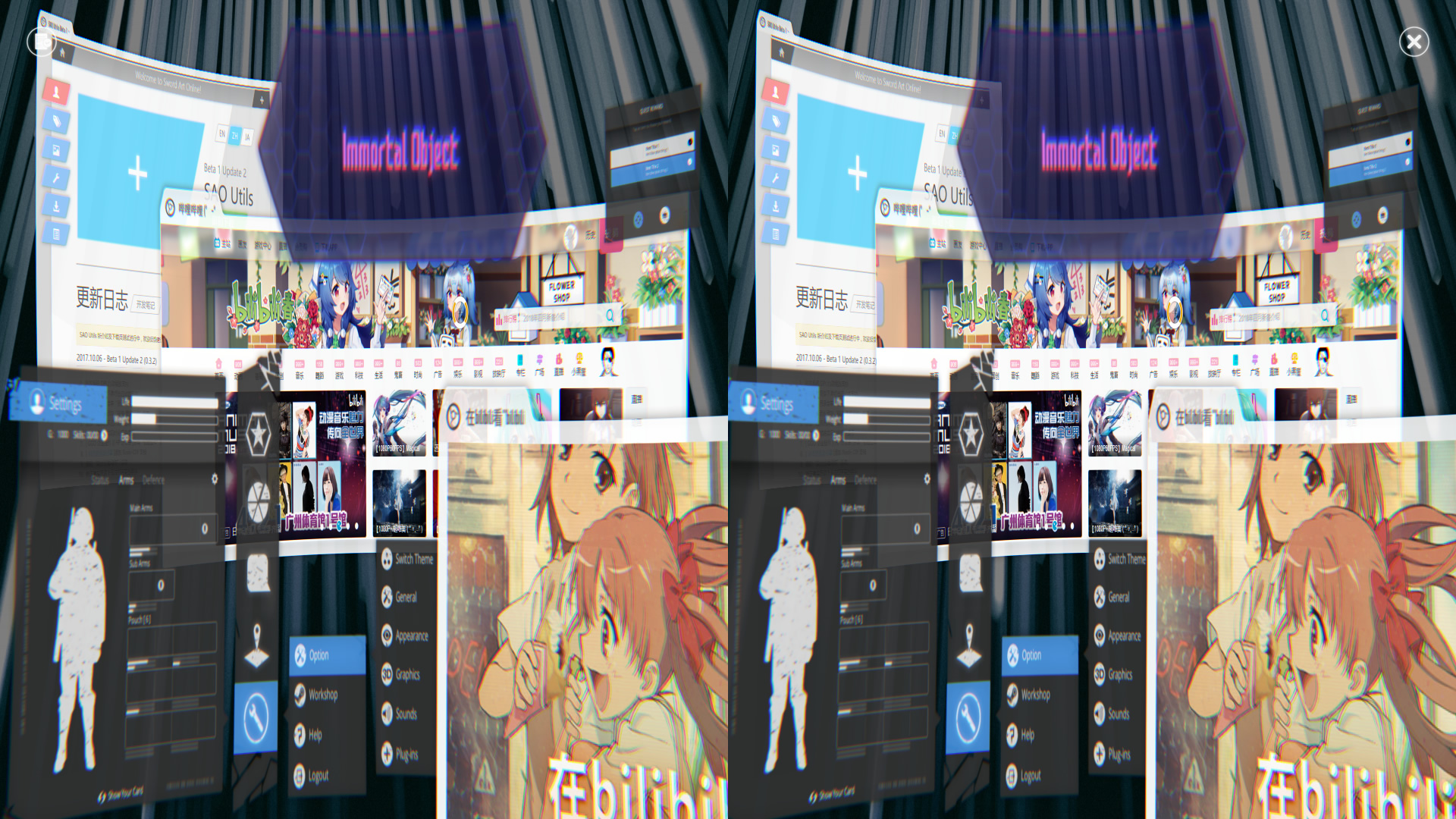
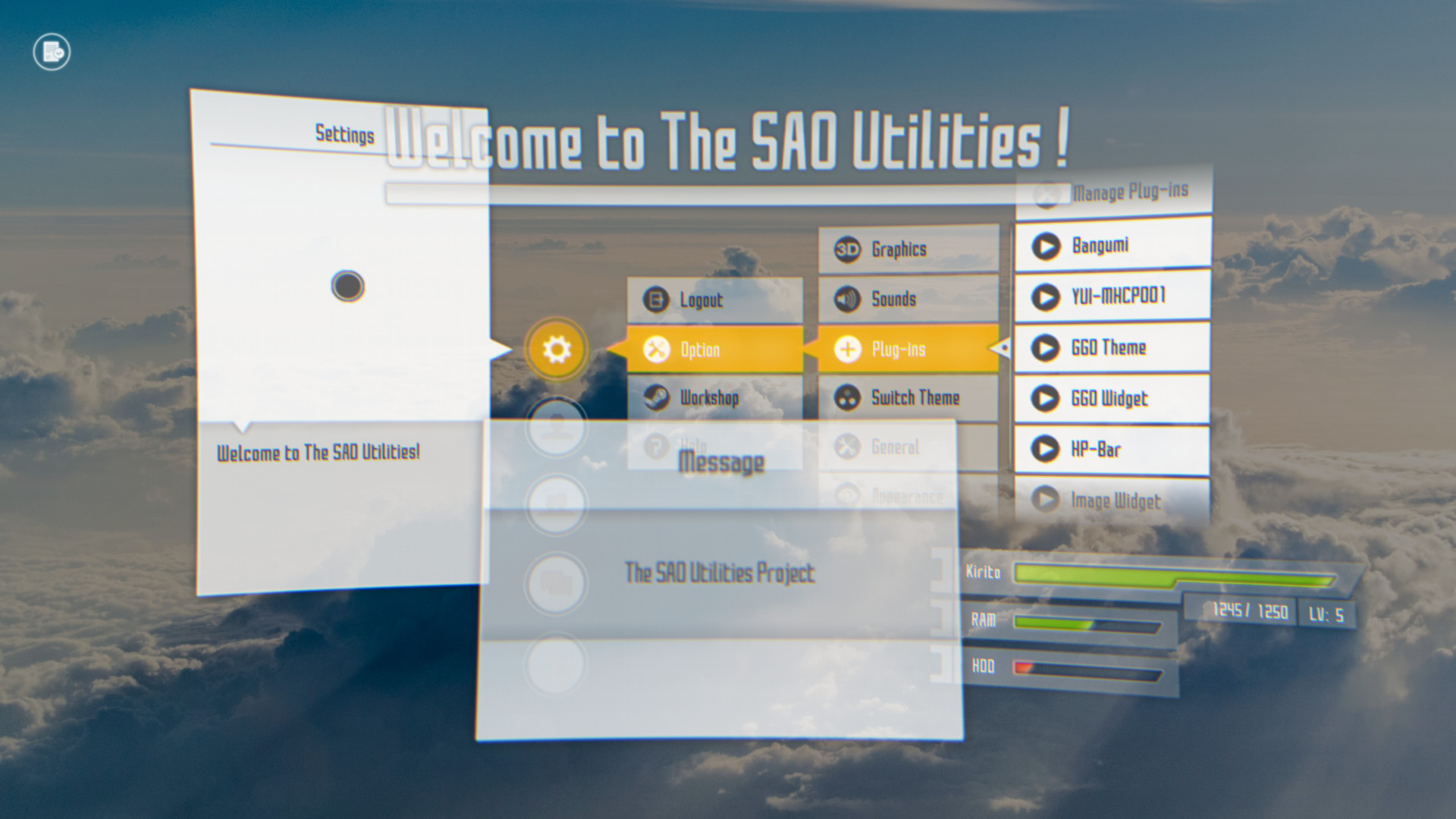
SAO Utils provides you a customizable Full-Dive 3D app launcher with varieties of themes, desktop widgets and powerful utilities.

SAO Utils: Beta is a utilities, anime and early access game developed by Joshua Chen and published by Studio GPBeta.
Released on March 14th 2018 is available only on Windows in 4 languages: English, Japanese, Simplified Chinese and Traditional Chinese.

It has received 3,002 reviews of which 2,634 were positive and 368 were negative resulting in a rating of 8.4 out of 10. 😎

The game is currently priced at 2.99€ on Steam.


The Steam community has classified SAO Utils: Beta into these genres:

Media & Screenshots

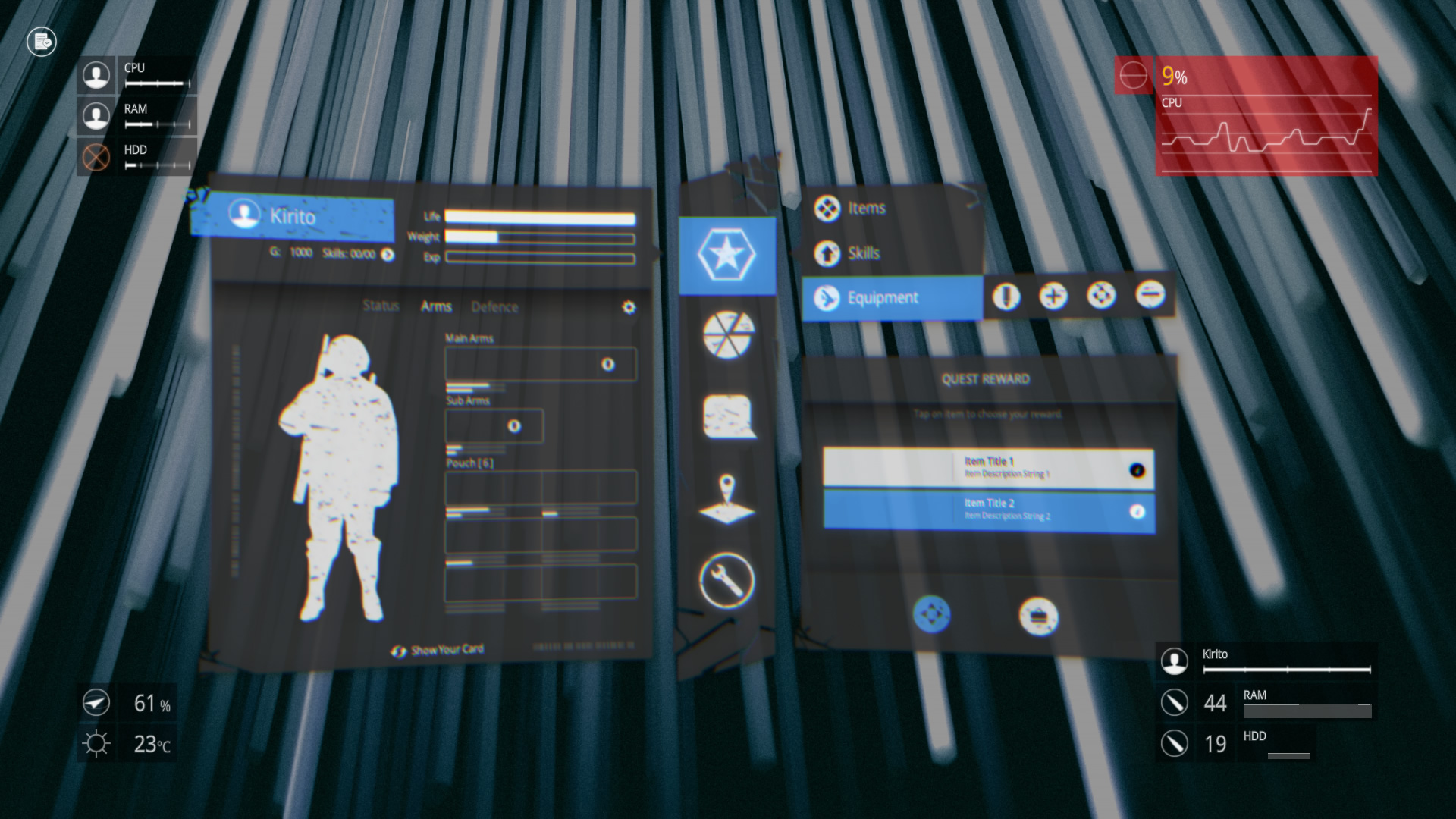
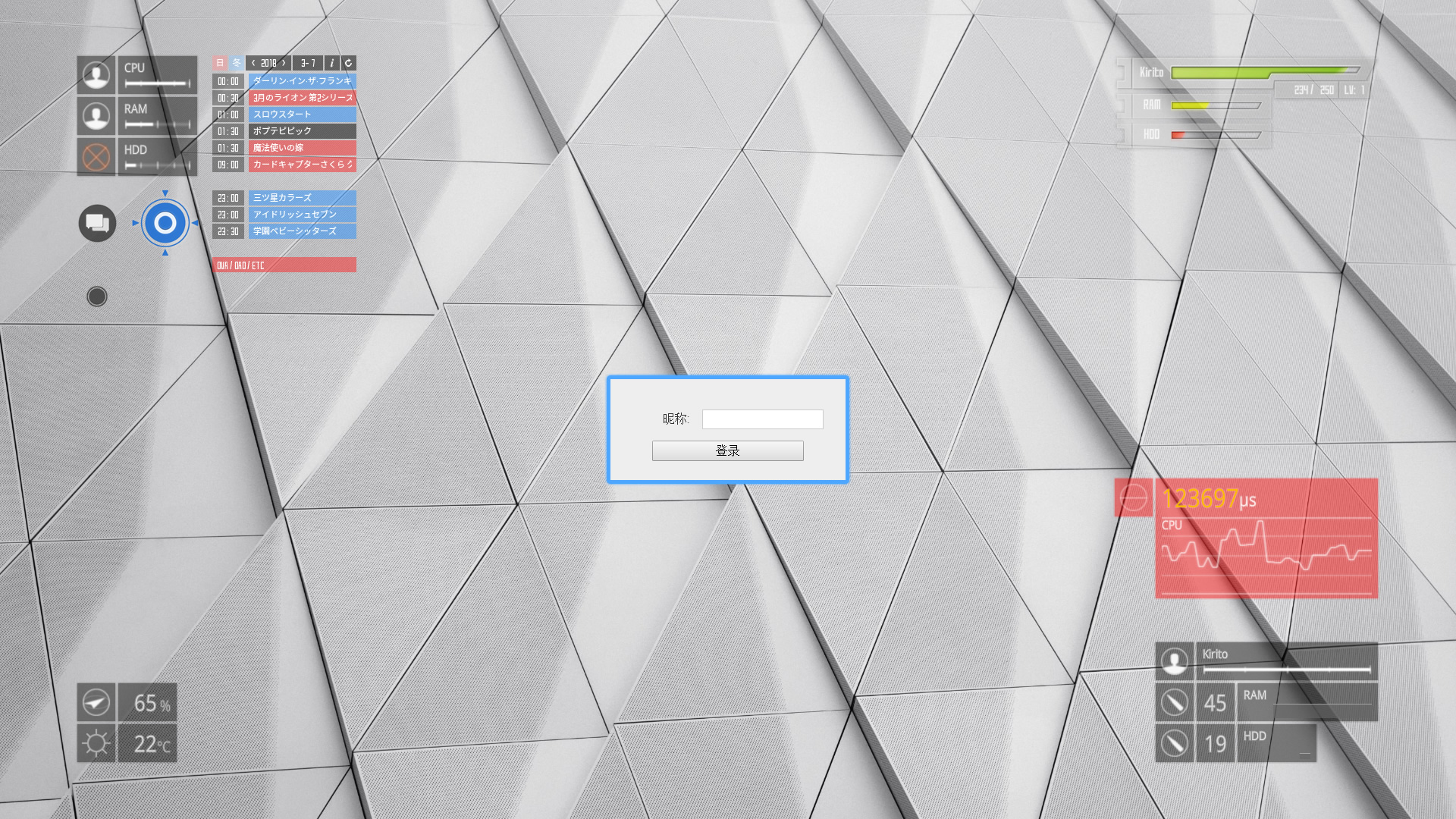
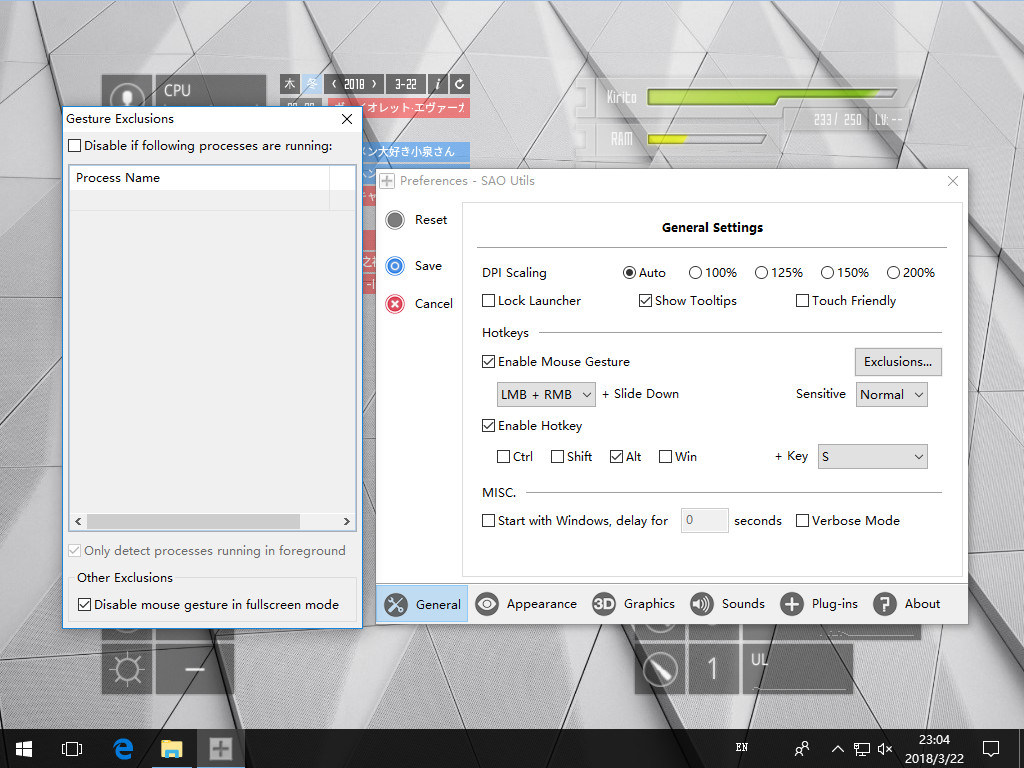
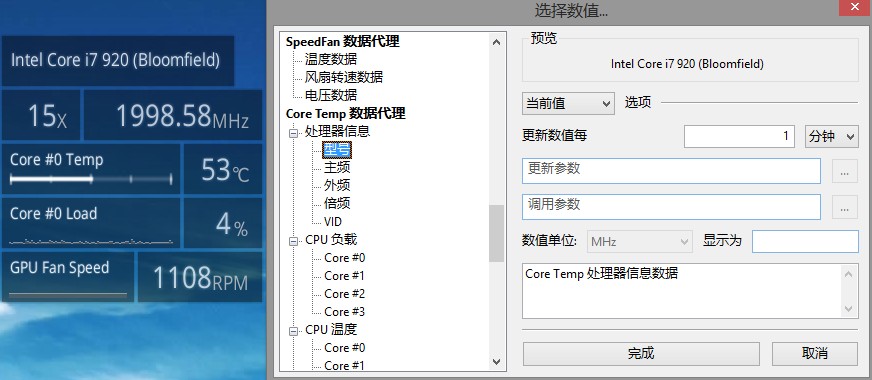
Get an in-depth look at SAO Utils: Beta through various videos and screenshots.
System requirements

These are the minimum specifications needed to play the game. For the best experience, we recommend that you verify them.

Windows
  • OS *: Windows® Vista or above
  • Processor: Intel® Core™ 2 Duo or AMD Phenom™ X3 processor or better
  • Memory: 2 GB RAM
  • Graphics: 512MB VRAM compatible with DirectX 9 and OpenGL 2.0
  • DirectX: Version 9.0c
  • Storage: 512 MB available space

User reviews & Ratings

Explore reviews from Steam users sharing their experiences and what they love about the game.

Jan. 2026
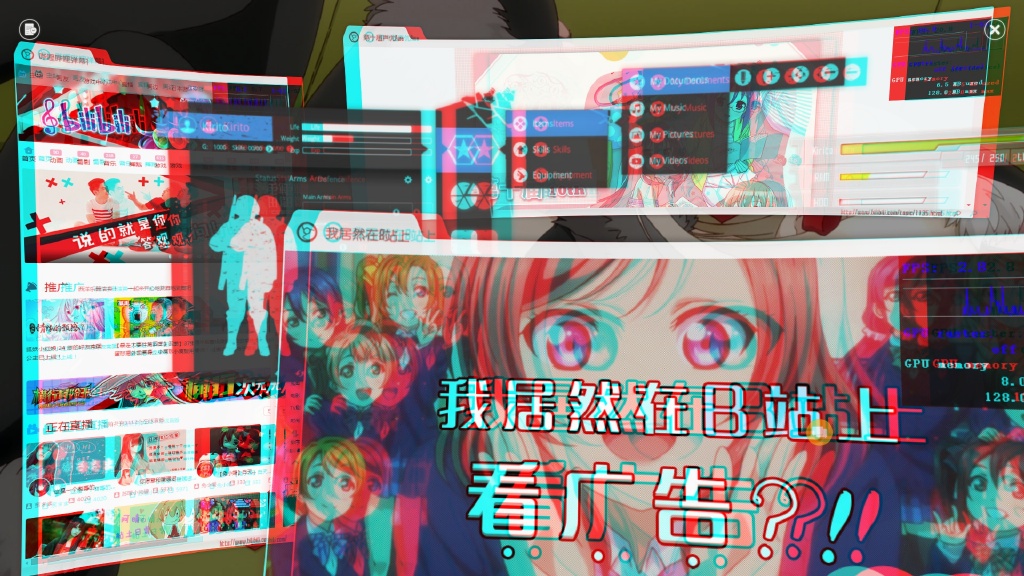
SAO Utils: Beta is an unconventional Steam title that blurs the line between software utility and interactive experience, positioning itself less as a traditional game and more as a customizable digital environment inspired by anime interface design. Developed by Joshua Chen and published by Studio GPBeta, the project draws clear inspiration from the visual language of Sword Art Online, aiming to recreate the feeling of interacting with a futuristic, immersive system interface. Rather than offering structured gameplay, objectives, or narrative progression, the software invites users to reshape how they interact with their desktop by wrapping everyday tasks in a stylized 3D launcher that feels playful, personal, and distinctly thematic. At its core, SAO Utils: Beta functions as an always-available application launcher that can be summoned through mouse gestures anywhere on the desktop. Once opened, it presents a three-dimensional interface where shortcuts, folders, widgets, and web content coexist in a virtual space rather than a flat menu. This design choice gives the utility a sense of depth and presence, making it feel closer to an interactive dashboard than a simple launcher. Users can open applications, browse websites, or organize tools in a way that emphasizes visual arrangement over text-based efficiency, which can feel refreshing for those tired of conventional operating system layouts. Customization is the central pillar of the experience, and it is here that SAO Utils: Beta shines brightest. Nearly every aspect of the interface can be adjusted, from widget placement and background visuals to sound effects and animation styles. The inclusion of Steam Workshop support allows users to download community-created themes, icons, and widgets, significantly expanding the software’s creative potential. Over time, many users treat the utility as a digital canvas, layering visual elements and functional tools to craft a desktop environment that reflects their personal tastes, interests, or fandoms. For anime enthusiasts in particular, the aesthetic flexibility offers a satisfying way to merge fandom with everyday PC use. The software also introduces more experimental features such as stereo browsing, where multiple web pages or interface elements can be viewed side by side in a layered visual format. While not essential for productivity, these features reinforce the project’s focus on immersion and novelty rather than speed or efficiency. Drag-and-drop functionality and contextual menus help manage complexity, though mastering the system still requires patience and experimentation. There is a noticeable learning curve, especially for users unfamiliar with heavily customizable desktop tools, and the lack of modern onboarding or detailed tutorials can make the early experience feel overwhelming. As a beta release, the software carries visible limitations. Development slowed significantly after its early access launch, leaving certain systems feeling incomplete or outdated compared to newer customization tools on the market. Some features lack refinement, and users expecting a polished, plug-and-play experience may be disappointed. Navigation can feel unintuitive at times, particularly for those accustomed to search-driven menus or minimalist interfaces. Instead of prioritizing speed and convenience, SAO Utils: Beta demands that users adapt to its design philosophy, rewarding curiosity and experimentation rather than efficiency. Despite these drawbacks, community reception has remained largely positive, driven by appreciation for the project’s ambition and uniqueness. Many users view the beta as a passion project rather than a finished product, valuing its creativity over its rough edges. The presence of achievements and interface terminology inspired by Sword Art Online lore adds a layer of charm for fans, reinforcing the sense that the software is as much about atmosphere as it is about function. For long-time supporters, the beta version also holds nostalgic value as the foundation for later iterations that expanded upon its core ideas. Ultimately, SAO Utils: Beta succeeds as a niche experience tailored to users who enjoy personalization, visual flair, and unconventional interfaces. It is not designed to replace standard desktop tools for productivity-focused users, nor does it attempt to compete with mainstream launchers on efficiency alone. Instead, it offers an alternative way to engage with a PC, turning routine interactions into something expressive and immersive. For those willing to invest time into customization and who appreciate experimental software that prioritizes style and identity, SAO Utils: Beta stands as an intriguing and memorable example of how utility software can adopt the spirit of interactive entertainment. Rating: 8/10
Expand the review
Dec. 2025
kinda good to make pc pretty
Expand the review
July 2025
so many customisation options. ♥♥♥♥♥♥♥ adore this
Expand the review
March 2025

Similar games

View all
SAO Utils 2: Progressive SAO Utils 2 provides you a fresh-new customizable Full-Dive 3D app launcher with varieties of themes, desktop widgets and powerful utilities.

Similarity 85%
Price Free to play
Rating 8.9
Release 05 Nov 2022
ScreenPlay ScreenPlay is an Open Source cross-platform app for displaying Wallpaper, Widgets and AppDrawer.

Similarity 78%
Price Free to play
Rating 7.7
Release 08 Feb 2021
XSOverlay XSOverlay is a Desktop Overlay application for OpenVR. It aims to be as intuitive as possible, minimalist and out of the way, but fully functional. XSOverlay conforms to your needs, and will adjust itself as such!

Similarity 70%
Price 8.19€
Rating 8.2
Release 03 Mar 2020
YUR Fitness Tracking across ANY VR Game

Similarity 68%
Price Free to play
Rating 7.7
Release 02 Sep 2020
Driver4VR Driver4VR is a versatile virtual reality solution that provides many useful VR features. You can use it for body tracking, head & hand tracking, controller emulation, utilities, and alternative VR configurations.

Similarity 68%
Price 17.49€
Rating 6.0
Release 07 Jun 2021
Wallpaper Play 【WallpaperPlay】It is a powerful desktop beautification tool that combines dynamic wallpapers, desktop clocks, music spectrums, typing follow effects, and mouse cursors. For desktop beautification, this one is all you need! O(∩_∩)O~

Similarity 62%
Price Free to play
Rating 8.1
Release 11 Apr 2025
Driver Booster 4 for Steam Driver Booster 4 for STEAM, as a powerful & easy-to-use driver updater, provides 1-click solution to rapidly & securely update 400,000+ drivers including the outdated, missing and faulty ones. Moreover, game components and game-related drivers are supported for enhanced gaming experience.

Similarity 61%
Price Free to play
Rating 7.2
Release 07 Nov 2016
N0va Desktop Simply click the desktop to wake Lumi up. Enjoy an immersive experience with a lovely companion that's always by your side!

Similarity 60%
Price Free to play
Rating 6.2
Release 26 Jan 2022
MyDockFinder MyDockFinder is a software for quick system startup and control viewing system functions. You can drag and drop to add your favorite programs or files, and drag and drop to directly use the program to open the file. Based on WinUI using GPU rendering, smooth animation effects.

Similarity 59%
Price 4.99€
Rating 7.0
Release 25 Nov 2021
Warudo Warudo is the flexible & personalized 3D VTubing software you have always wanted. Built-in face & hand tracking, custom 3D assets, Twitch/YouTube integration, blueprint system, C# plugins, and so much more.

Similarity 58%
Price Free to play
Rating 8.7
Release 14 Jul 2023
Live2DViewerEX The best cross-platform Live2D solution, three display modes (Wallpaper / Desktop / Desktop Window), multiple platforms (Windows / MacOS / Android / iOS), high-precision facial capture, and many other features.

Similarity 58%
Price 4.99€
Rating 8.9
Release 31 Dec 2021
Rytmik Studio Rytmik Studio is a music creation software based around a beautifully simple, yet wonderfully powerful concept. It’s flexible, instant and fun. Create a basic melody in a few steps, compose a great song in a few minutes, and show your musical flare with a whole range of instruments and effects.

Similarity 57%
Price 28.99€
Rating 7.9
Release 15 Nov 2017

Frequently Asked Questions

SAO Utils: Beta is currently priced at 2.99€ on Steam.

SAO Utils: Beta is currently not on sale. You can purchase it for 2.99€ on Steam.

SAO Utils: Beta received 2,634 positive votes out of a total of 3,002 achieving a rating of 8.44.
😎

SAO Utils: Beta was developed by Joshua Chen and published by Studio GPBeta.

SAO Utils: Beta is playable and fully supported on Windows.

SAO Utils: Beta is not playable on MacOS.

SAO Utils: Beta is not playable on Linux.

SAO Utils: Beta does not currently offer any DLC.

SAO Utils: Beta is fully integrated with Steam Workshop. Visit Steam Workshop.

SAO Utils: Beta does not support Steam Remote Play.

SAO Utils: Beta does not currently support Steam Family Sharing.

You can find solutions or submit a support ticket by visiting the Steam Support page for SAO Utils: Beta.

Data sources

The information presented on this page is sourced from reliable APIs to ensure accuracy and relevance. We utilize the Steam API to gather data on game details, including titles, descriptions, prices, and user reviews. This allows us to provide you with the most up-to-date information directly from the Steam platform.

Additionally, we incorporate data from the SteamSpy API, which offers insights into game sales and player statistics. This helps us present a comprehensive view of each game's popularity and performance within the gaming community.

Last Updates
Steam data 11 March 2026 12:02
SteamSpy data 08 March 2026 06:15
Steam price 15 March 2026 12:40
Steam reviews 13 March 2026 13:47

If you'd like to dive deeper into the details about SAO Utils: Beta, we invite you to check out a few dedicated websites that offer extensive information and insights. These platforms provide valuable data, analysis, and user-generated reports to enhance your understanding of the game and its performance.

  • SteamDB - A comprehensive database of everything on Steam about SAO Utils: Beta
  • SteamCharts - Analysis of SAO Utils: Beta concurrent players on Steam
  • ProtonDB - Crowdsourced reports on Linux and Steam Deck SAO Utils: Beta compatibility

SAO Utils: Beta
Rating
8.4
2,634
368
Features
Online players
600
Developer
Joshua Chen
Publisher
Studio GPBeta
Release 14 Mar 2018
Platforms