SVFI on Steam - User reviews, Price & Information

Quick menu

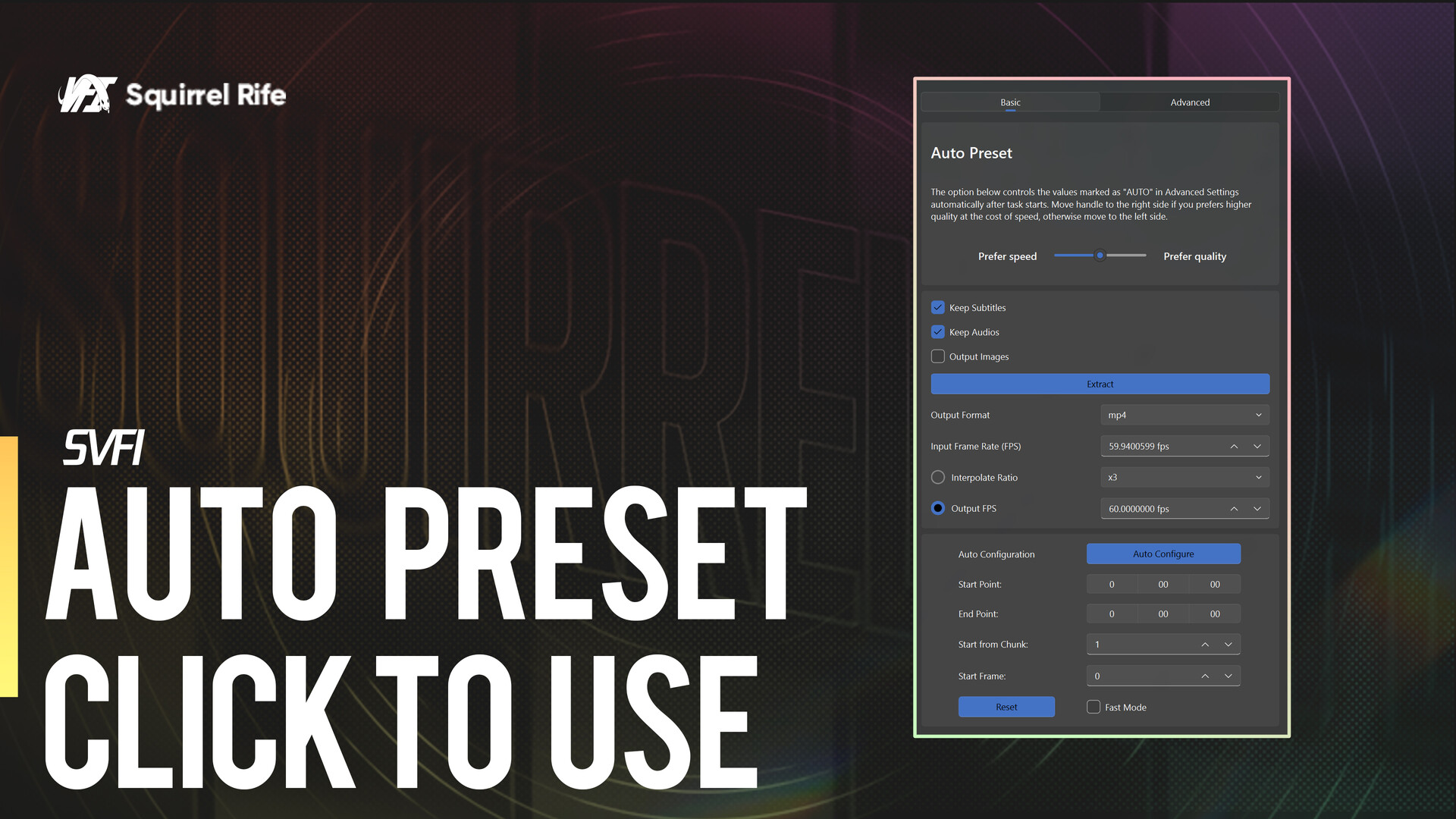
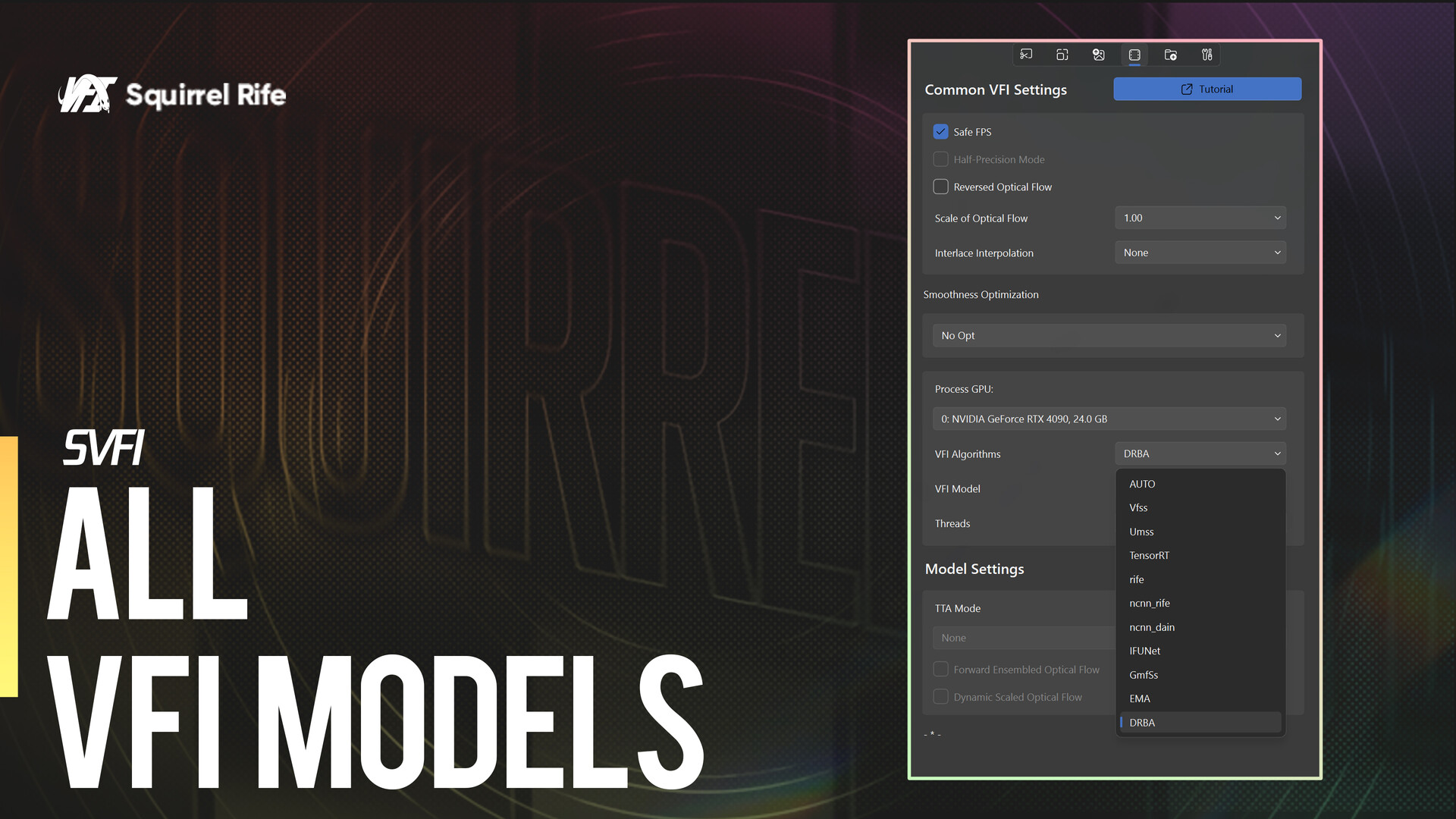
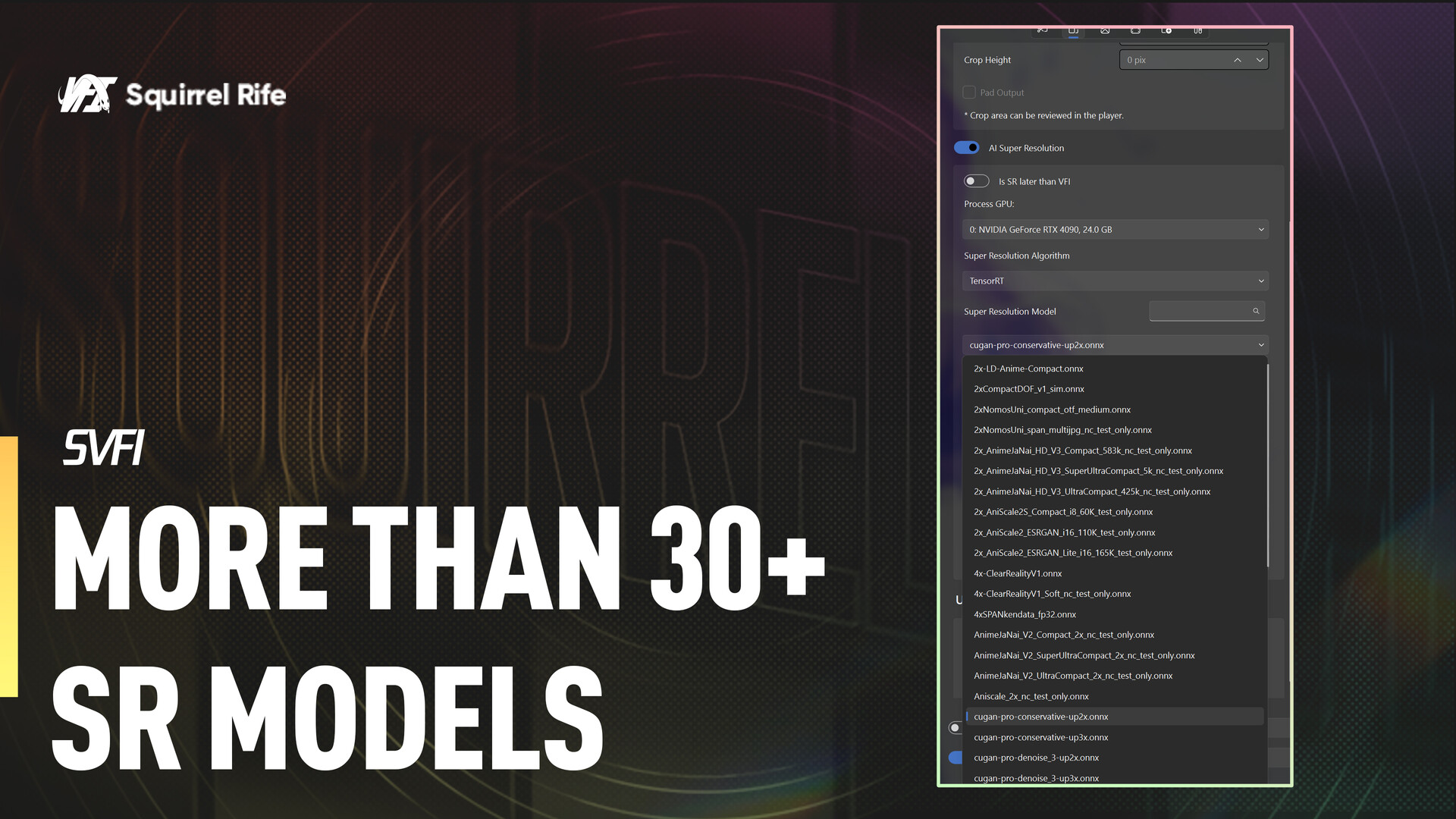
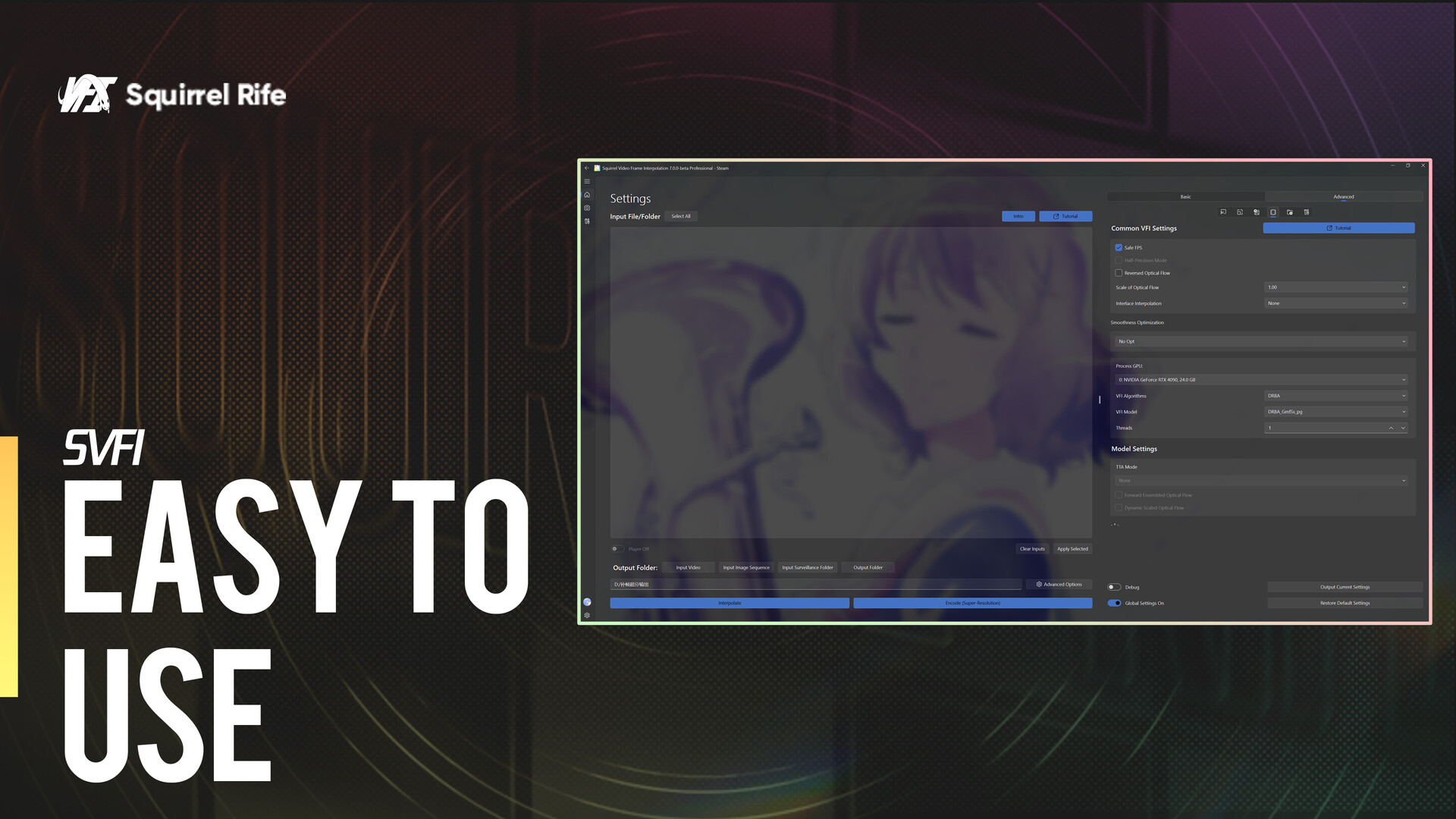
SVFI: Squirrel Video Frame Interpolation. An app to enhance your low-fps video or image sequence into high framerate footage with AI

SVFI is a design & illustration, video production and utilities game developed and published by SDT Core.
Released on September 06th 2021 is available only on Windows in 6 languages: Simplified Chinese, English, French, Spanish - Spain, Russian and Traditional Chinese.

It has received 581 reviews of which 442 were positive and 139 were negative resulting in a rating of 7.2 out of 10. 😊

The game is currently priced at 6.89€ on Steam.


The Steam community has classified SVFI into these genres:

Media & Screenshots

Get an in-depth look at SVFI through various videos and screenshots.
System requirements

These are the minimum specifications needed to play the game. For the best experience, we recommend that you verify them.

Windows
  • Requires a 64-bit processor and operating system
  • OS: Microsoft® Windows® 10 with up-to-date patches and service packs installed
  • Processor: Intel®, AMD®, or compatible processor, 1.5 GHz
  • Memory: 8 GB RAM
  • Graphics: NVIDIA® Graphics Cards above Maxwell Architecture® (GTX 750Ti+, CC>5.0), or AMD GPU that supports Vulkan
  • Network: Broadband Internet connection
  • Storage: 20 GB available space

User reviews & Ratings

Explore reviews from Steam users sharing their experiences and what they love about the game.

Feb. 2026
Very good program for enhancing videos, I have almost every single video processor on Steam and I wanted to try and fix a tiny flaw in an AI video generation, so I explained to my AI assistant the programs I owned and it basically told me to use SVFI because it works good and the AI understands it well. The other apps may have the processing models but they come with gawdy interfaces and may have been useful but this program seems like they have really perfected the user experience with it's stylish interface. I did many different adjustments to the settings I was using, and every single output is quite different in their own way. This is a great program for doing fine-tuning on video, and I have a set of default settings which seems to give me a very good smooth effect. I would like a way to do batch processing with different effects. Like let's say if I had 5 different processes I would like to try, you have to do them one-at-a-time. You can batch process a folder, but what I want is a single file to be processed in many different ways, even with just 1 model I would perhaps like to try 10 different sets of settings on the output to try and nail it. I need a button to send a video into the processing queue but still let me do settings adjustments, and it would be awesome if I could have pre-configured (and share-able) sets of configuration settings to process videos in my favorite ways. I bought the SVFI Professional DLC now so I have all the fancy bells-and-whistles that come along with it. There are even in-house designed exclusive processing models found here, I was recommended to use the GMFSS algorithm and it looks amazing. Thankfully not only is the interface a joy to work with, they have good Steam integration with some challenging Steam Achievements which is fun knowing that my work is actually nibbling away at some achievements, and there are leaderboards for people with the most processing done. Overall I'd say the best image processing app on Steam, can't wait for new features to be implemented.
Expand the review
Feb. 2026
totally recommend this over flow frames. i interpolate anime only and the results are amazing
Expand the review
Dec. 2025
Way better than FluidFrames. Fluidframes does only up to x2, x4 & x8 and it does takes up your storage quite a lot (when it does the process cuz it takes like over 2 or 10GB if its so long that you need massive storage) and takes ages the longer your video is. But this one, can go x2 all the way to x8 or custom input. Very good GPU acceleration which is faster than Fluidframes. Recommend this if you want your videos that has low fps to hight fps when it comes to content. I like this a lot. I highly recommend if you have an RTX 4060 or better if you want to have faster speed:) (which I have RTX 5070). Dont worry about the recommended requirements, as long you have a good cpu or gpu. 32GB ram is not the recommended. It's mostly 16GB as recommended. My specs runs really good with this
Expand the review
Nov. 2025
This app is really good. Though currently there is a bug where the parameters don't seem to automatically apply sometimes. The Prometheus model is by far the highest quality model. It it the only model that deblurs and adds detail to moving scenes!!! The output is about the same as Topaz Apollo and AION but Topaz Apollo runs at double the speed of Prometheus. Please add Tensor RT acceleration for Prometheus and it will be the best VFI model in existence.
Expand the review
April 2025
Good piece of software. Does everything it says it does, works mostly similar to what you can do with Flowframes, SVP Smooth Project and other similar tools (free and paid). But It is the only tool right now that can successfully do super res and interpolate while keeping the HDR metadata intact. Other tools have problems with this. For this alone it's useful. You got to get the Pro version for a solid piece of software as the Community Edition is on par with other tools but pretty limited. Still better price than professional tools that cost in excess of $300 so still worth every penny. Now I will love for the developer to optimize the workload so performance does indeed increase when owning 2 CUDA GPUs. As of right now, using a single GPU is still faster than using both. The option is there but the actual transcoding is actually slower when using all CUDA GPUs on the system, which is underwhelming, but still a small down compared to all the ups it has.
Expand the review

Frequently Asked Questions

SVFI is currently priced at 6.89€ on Steam.

SVFI is currently not on sale. You can purchase it for 6.89€ on Steam.

SVFI received 442 positive votes out of a total of 581 achieving a rating of 7.22.
😊

SVFI was developed and published by SDT Core.

SVFI is playable and fully supported on Windows.

SVFI is not playable on MacOS.

SVFI is not playable on Linux.

There are 4 DLCs available for SVFI. Explore additional content available for SVFI on Steam.

SVFI does not support mods via Steam Workshop.

SVFI does not support Steam Remote Play.

SVFI does not currently support Steam Family Sharing.

You can find solutions or submit a support ticket by visiting the Steam Support page for SVFI.

Data sources

The information presented on this page is sourced from reliable APIs to ensure accuracy and relevance. We utilize the Steam API to gather data on game details, including titles, descriptions, prices, and user reviews. This allows us to provide you with the most up-to-date information directly from the Steam platform.

Additionally, we incorporate data from the SteamSpy API, which offers insights into game sales and player statistics. This helps us present a comprehensive view of each game's popularity and performance within the gaming community.

Last Updates
Steam data 03 March 2026 14:27
SteamSpy data 12 March 2026 04:59
Steam price 15 March 2026 12:49
Steam reviews 14 March 2026 22:08

If you'd like to dive deeper into the details about SVFI, we invite you to check out a few dedicated websites that offer extensive information and insights. These platforms provide valuable data, analysis, and user-generated reports to enhance your understanding of the game and its performance.

  • SteamDB - A comprehensive database of everything on Steam about SVFI
  • SteamCharts - Analysis of SVFI concurrent players on Steam
  • ProtonDB - Crowdsourced reports on Linux and Steam Deck SVFI compatibility

SVFI
Rating
7.2
442
139
Online players
90
Developer
SDT Core
Publisher
SDT Core
Release 06 Sep 2021
Platforms