XWidget on Steam - User reviews, Price & Information

Quick menu

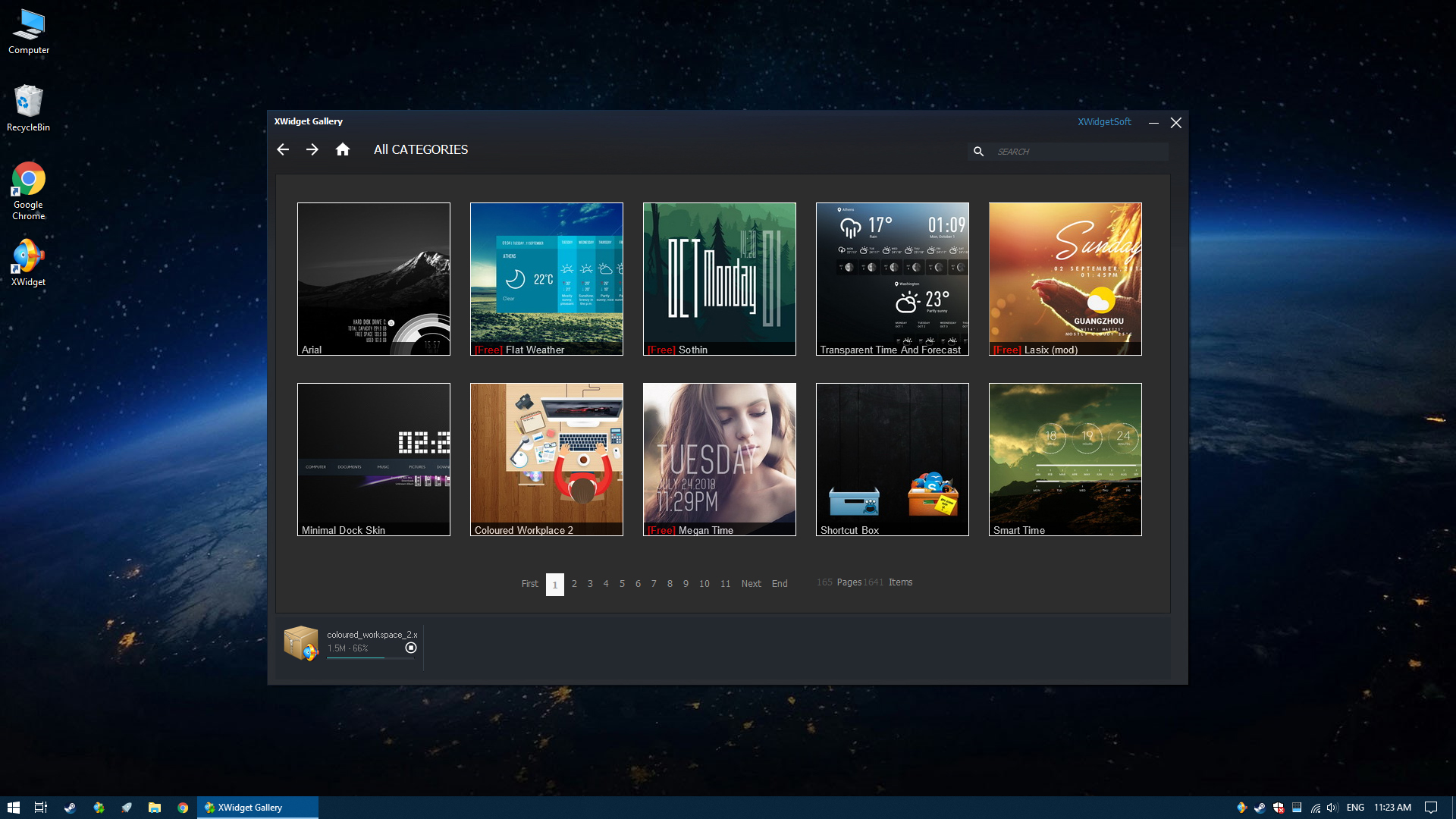
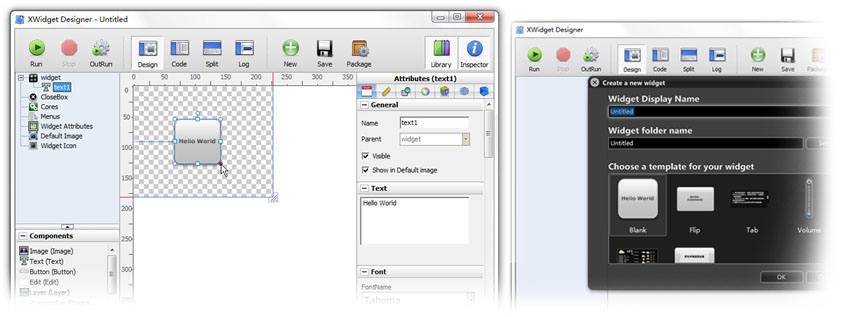
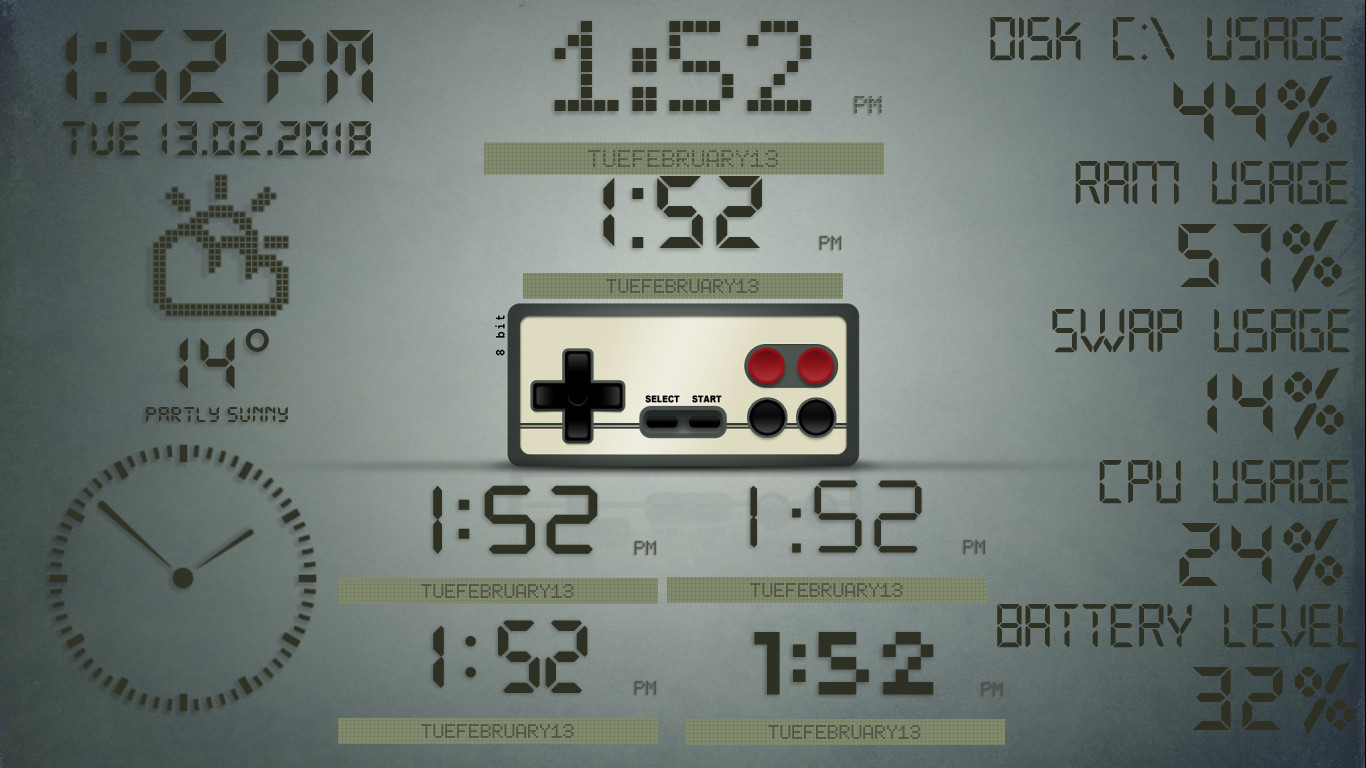
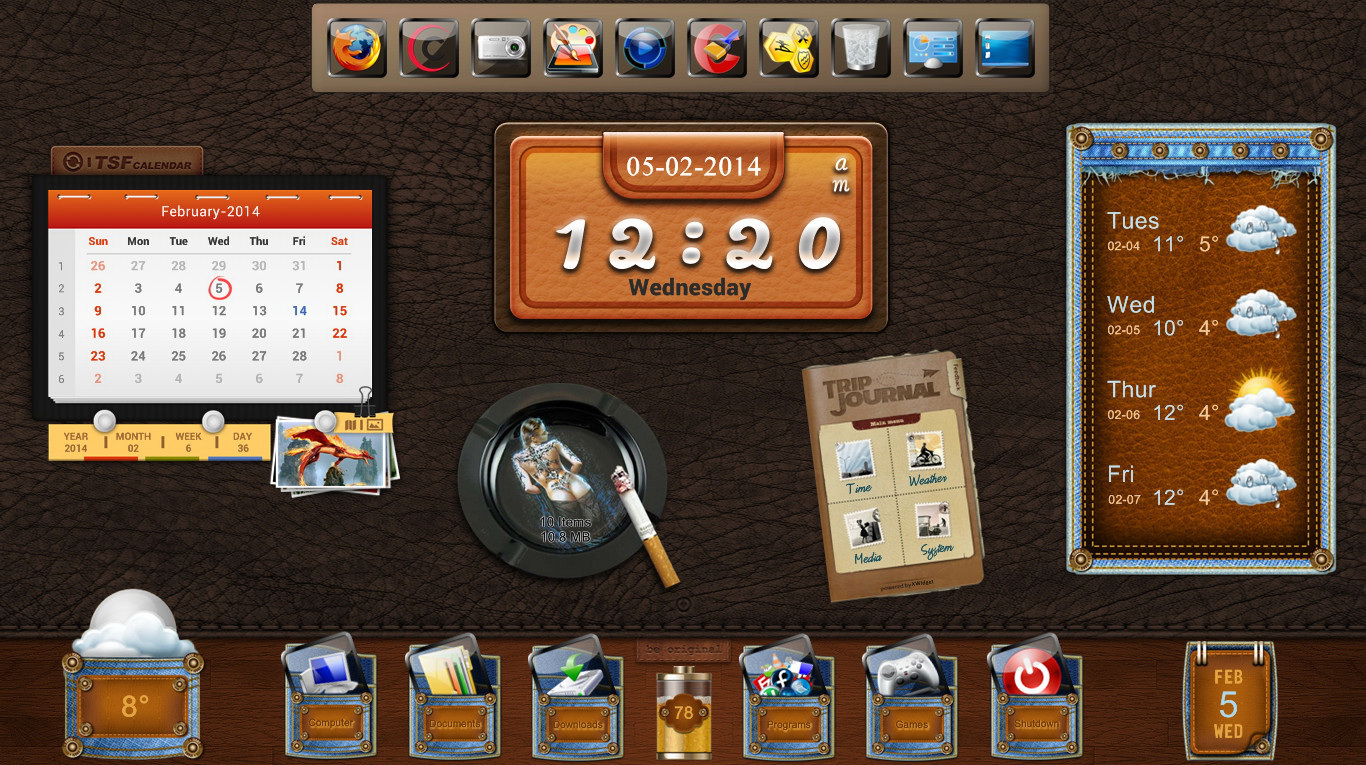
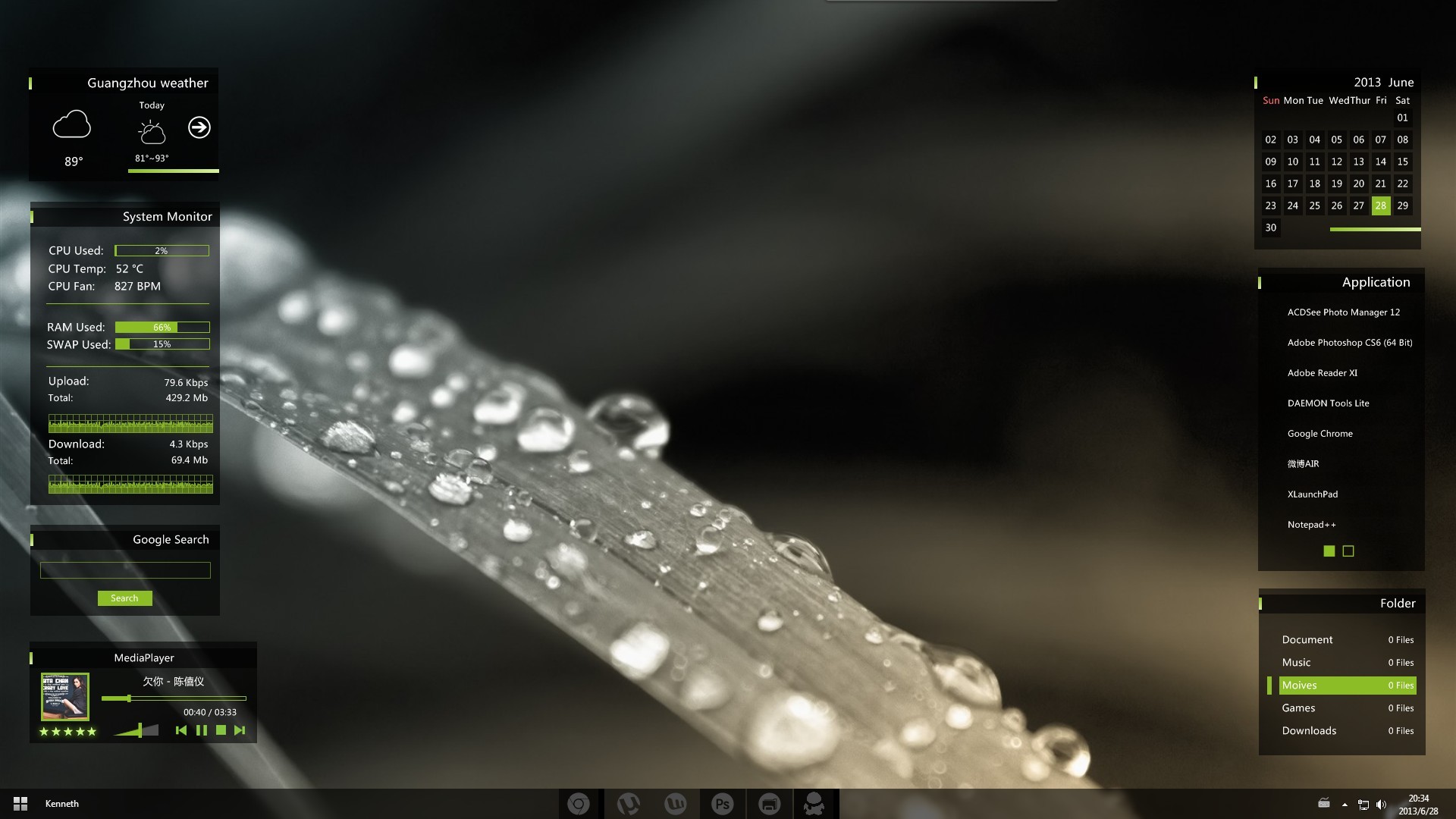
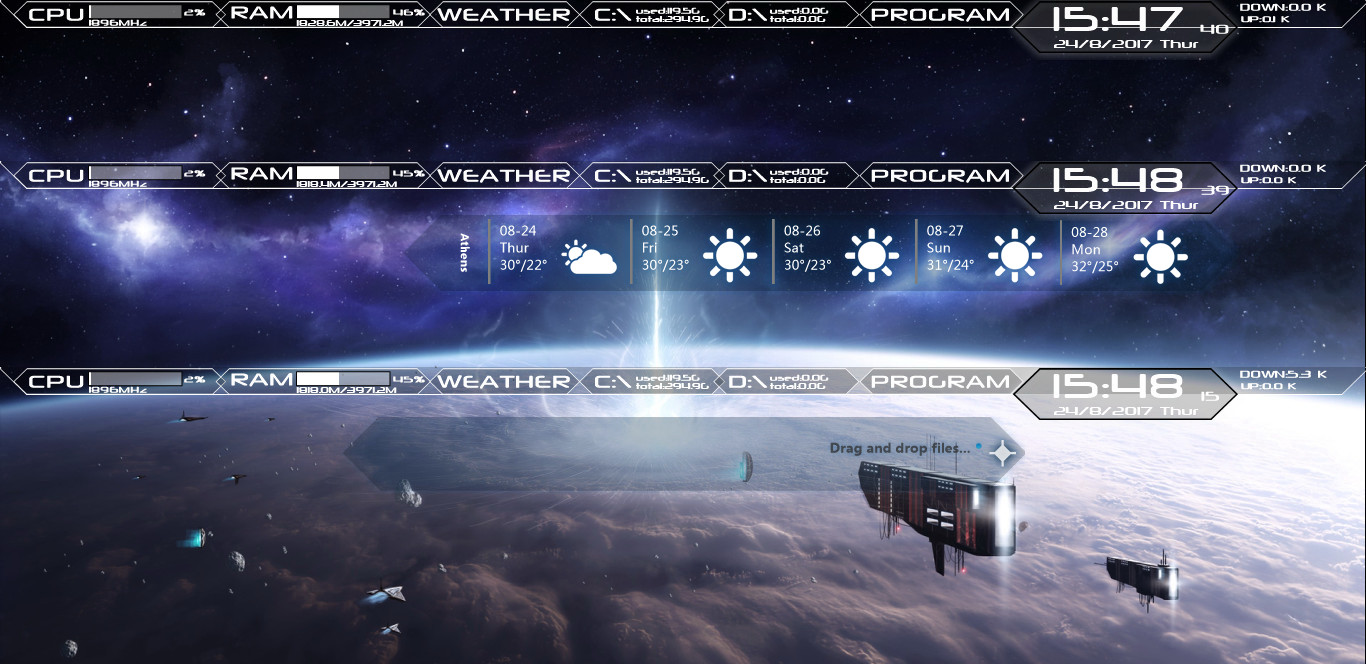
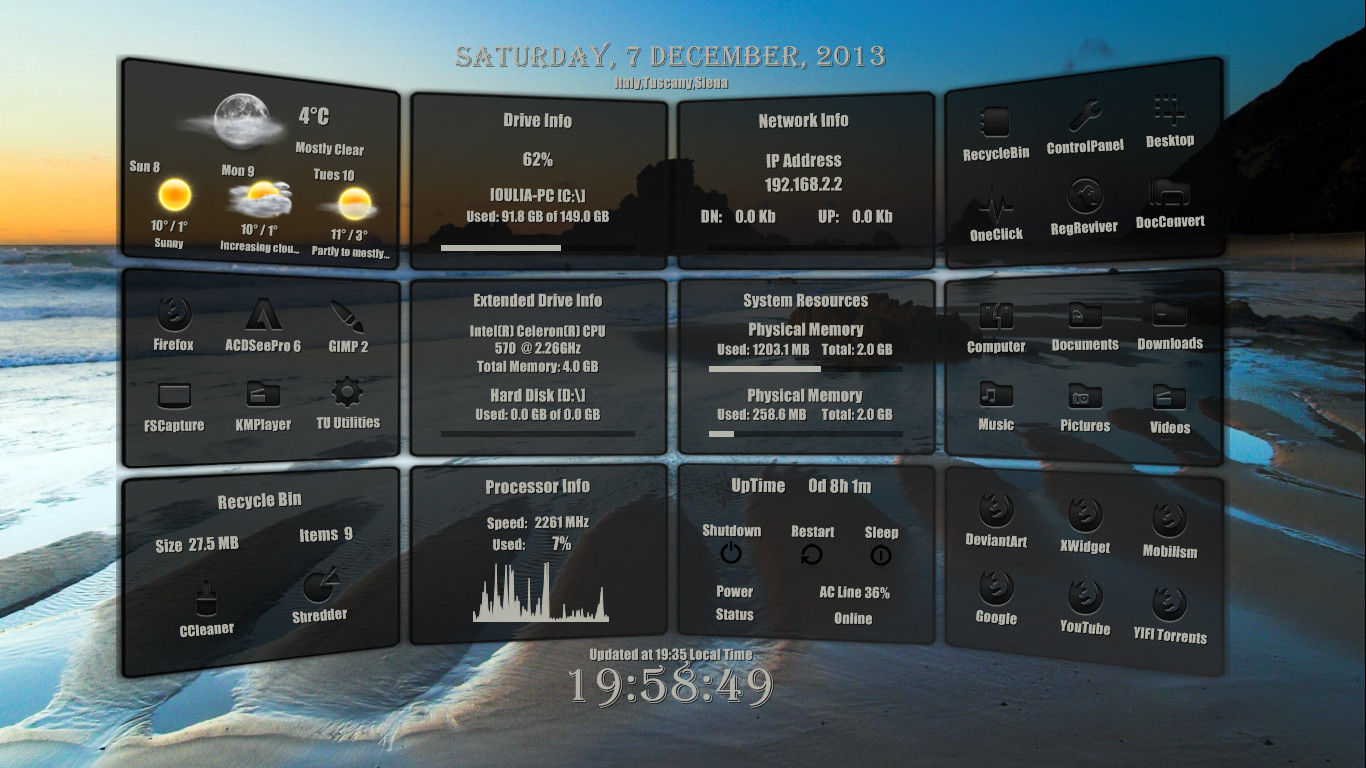
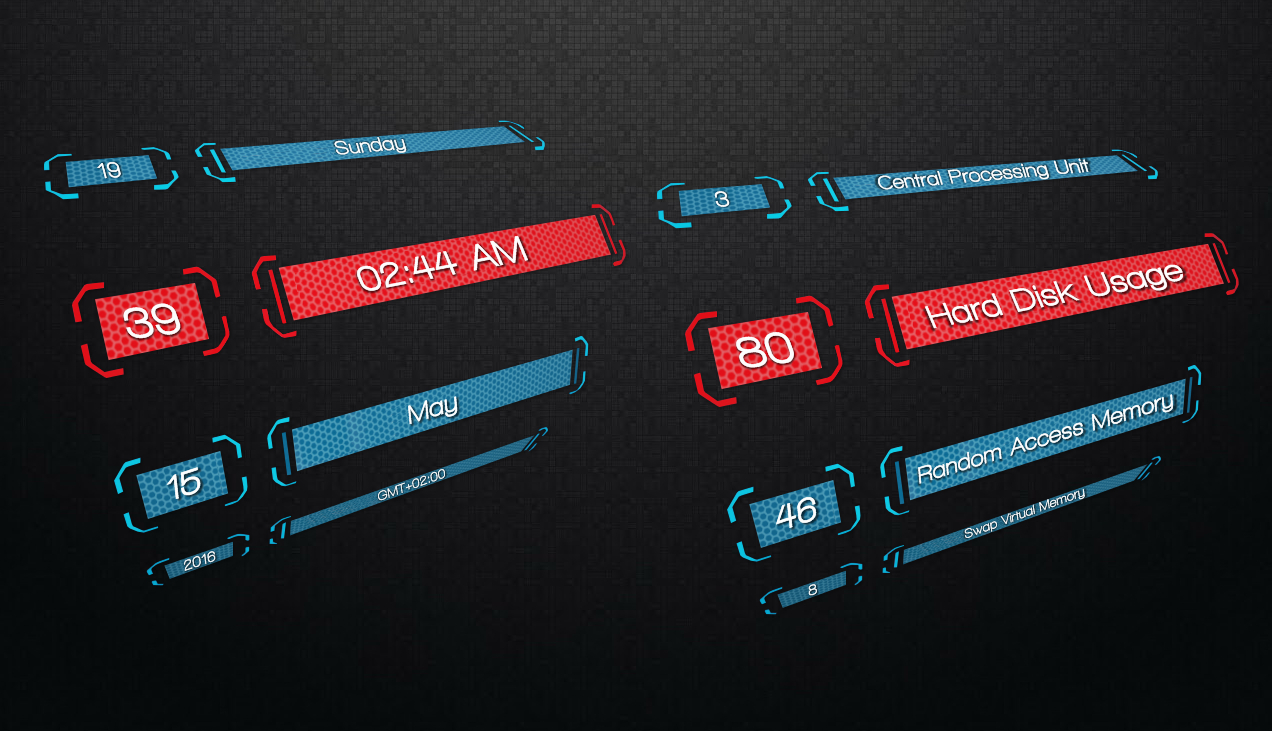
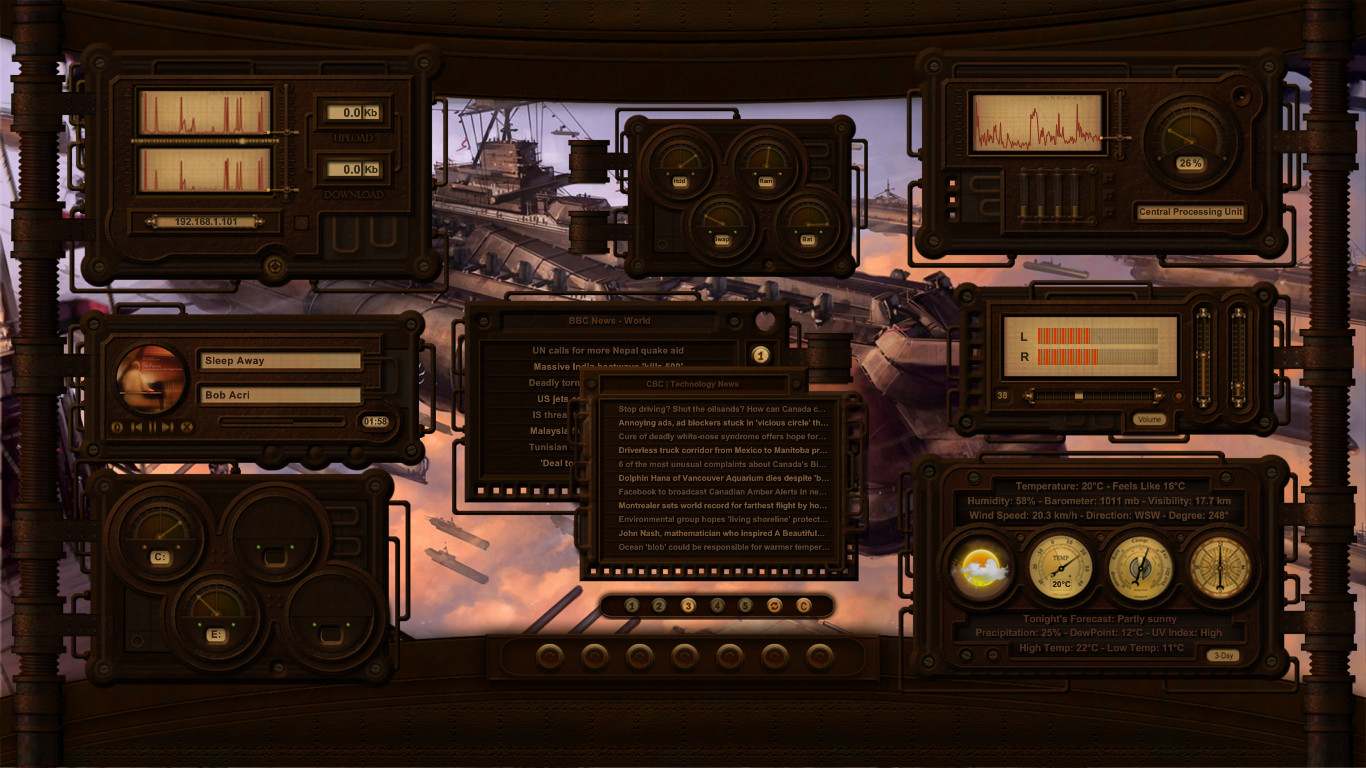
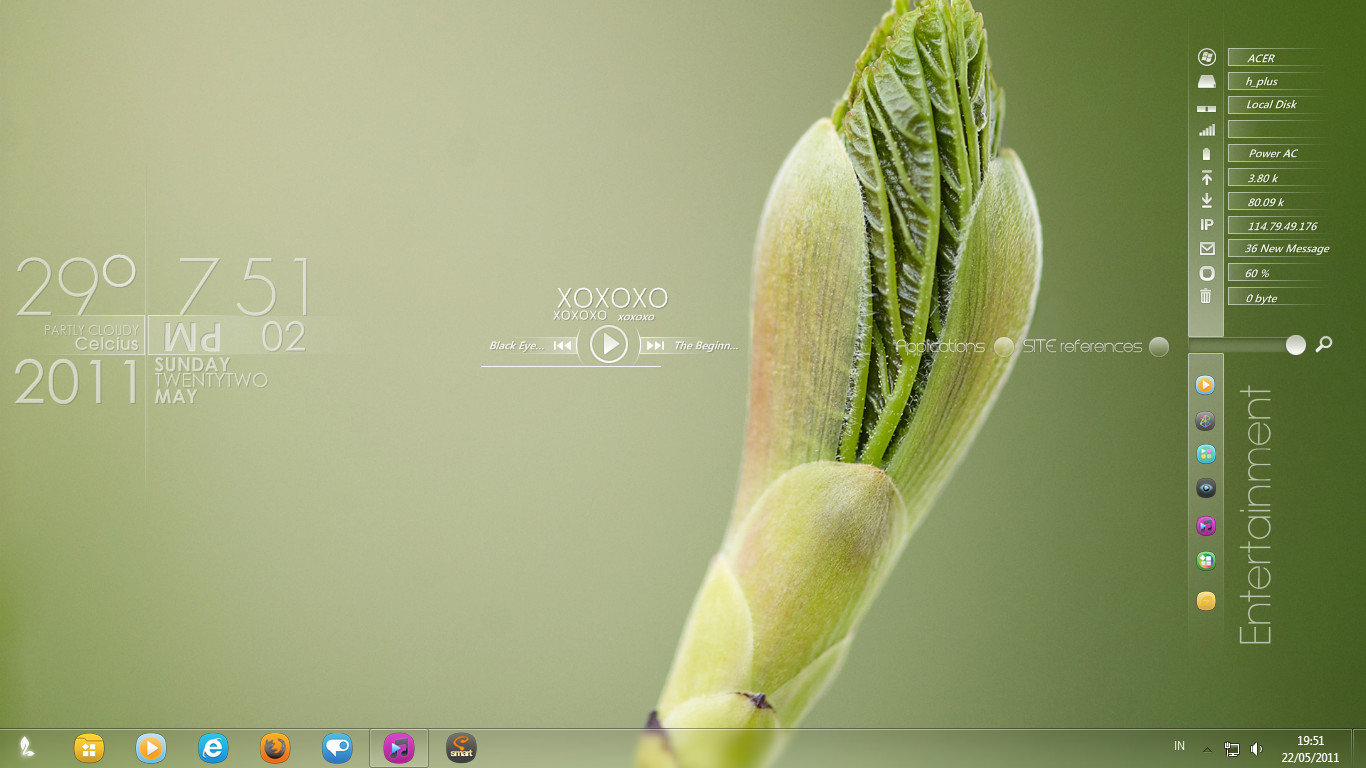
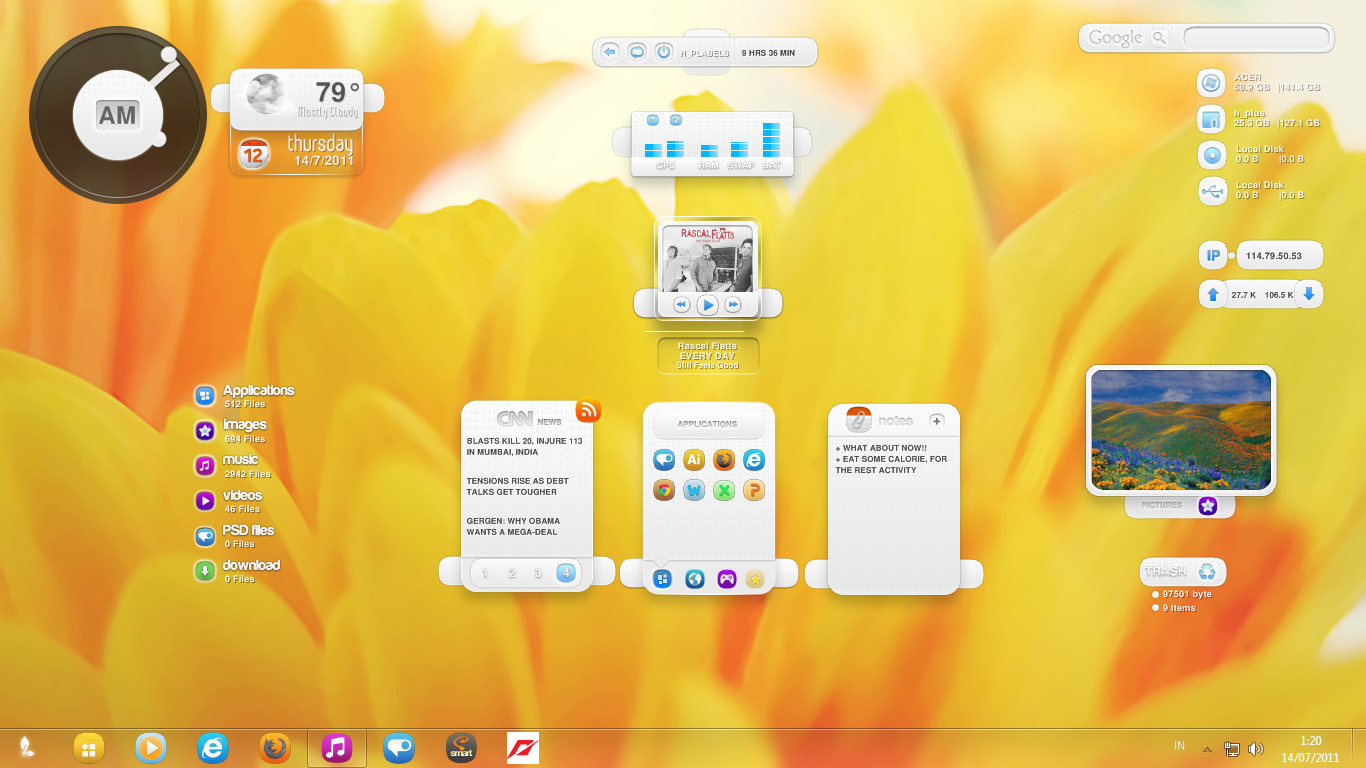
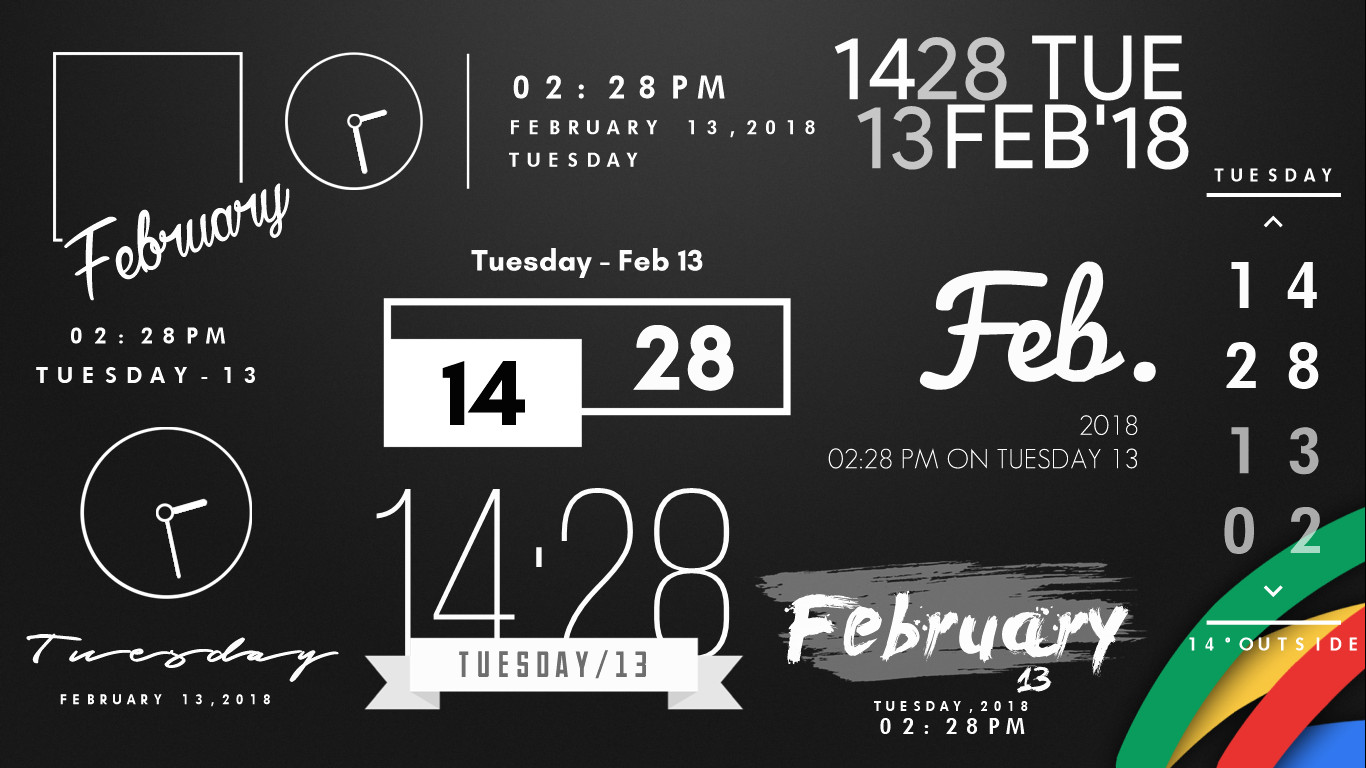
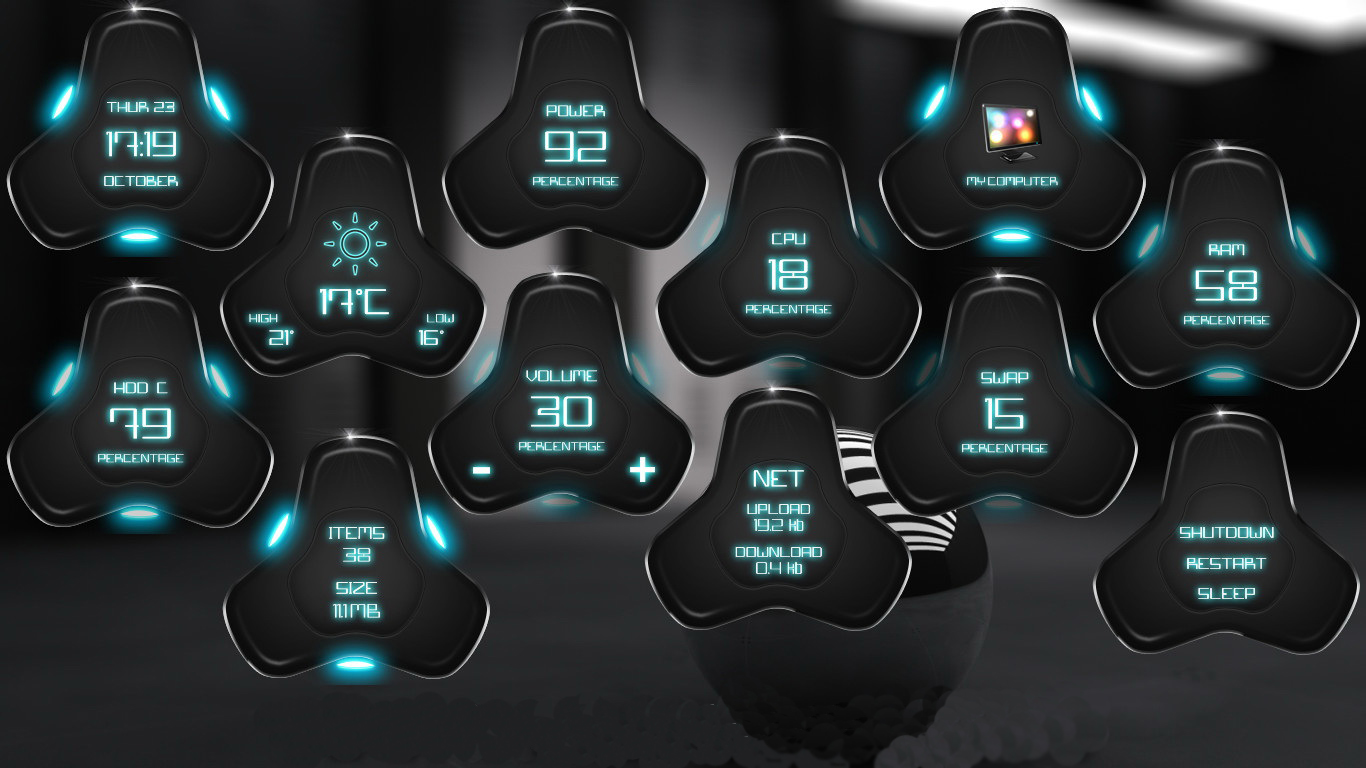
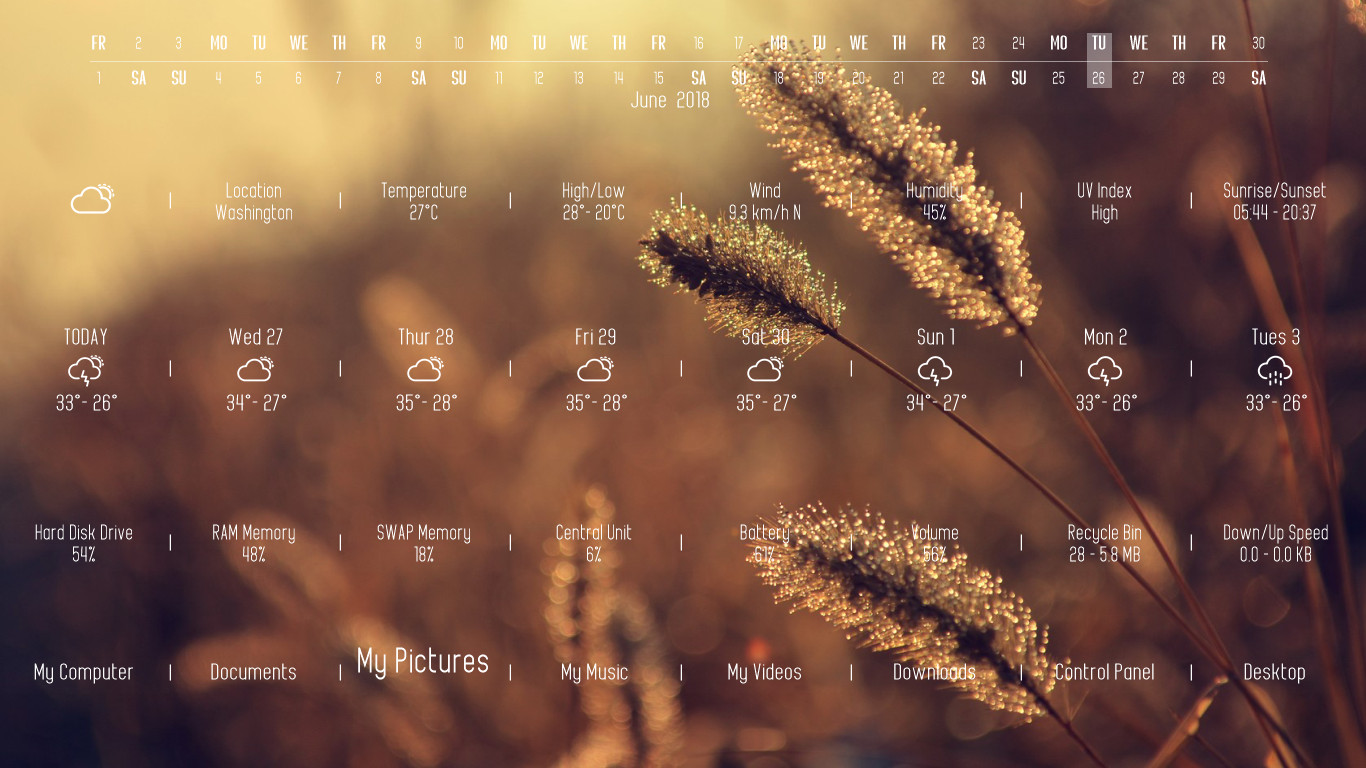
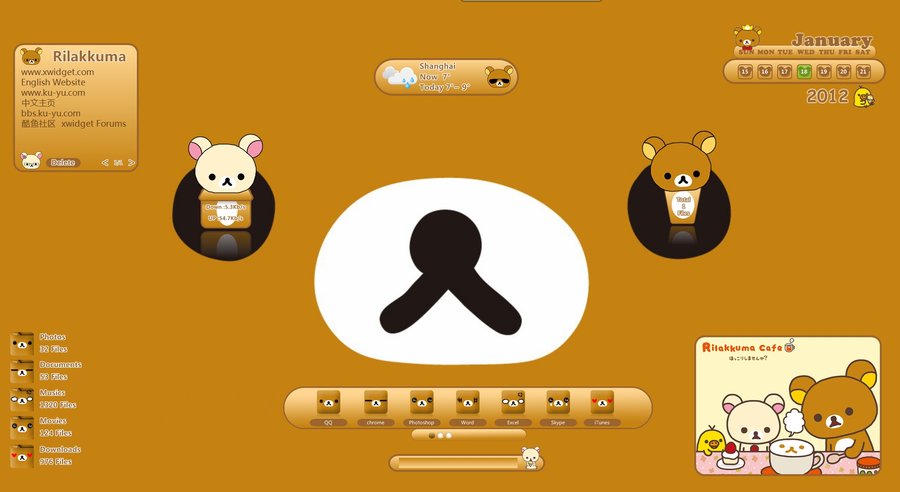
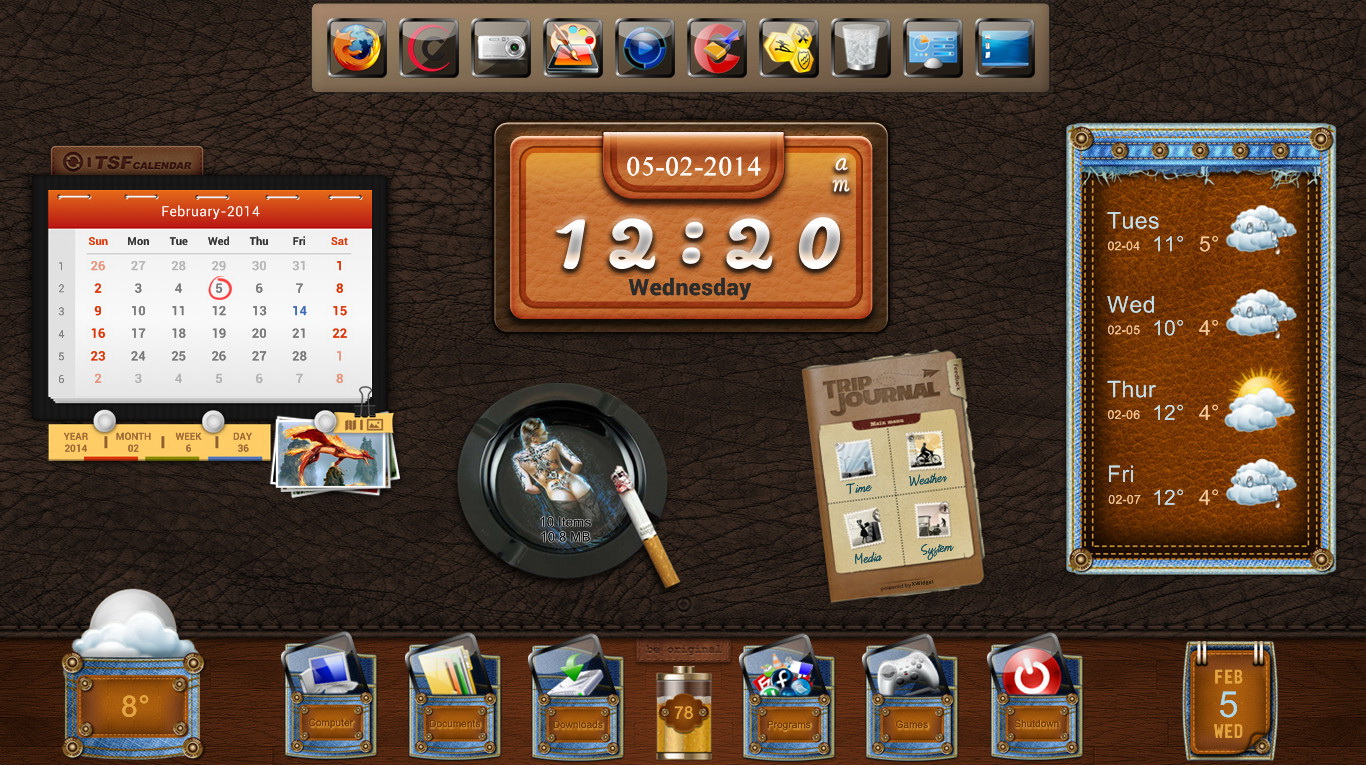
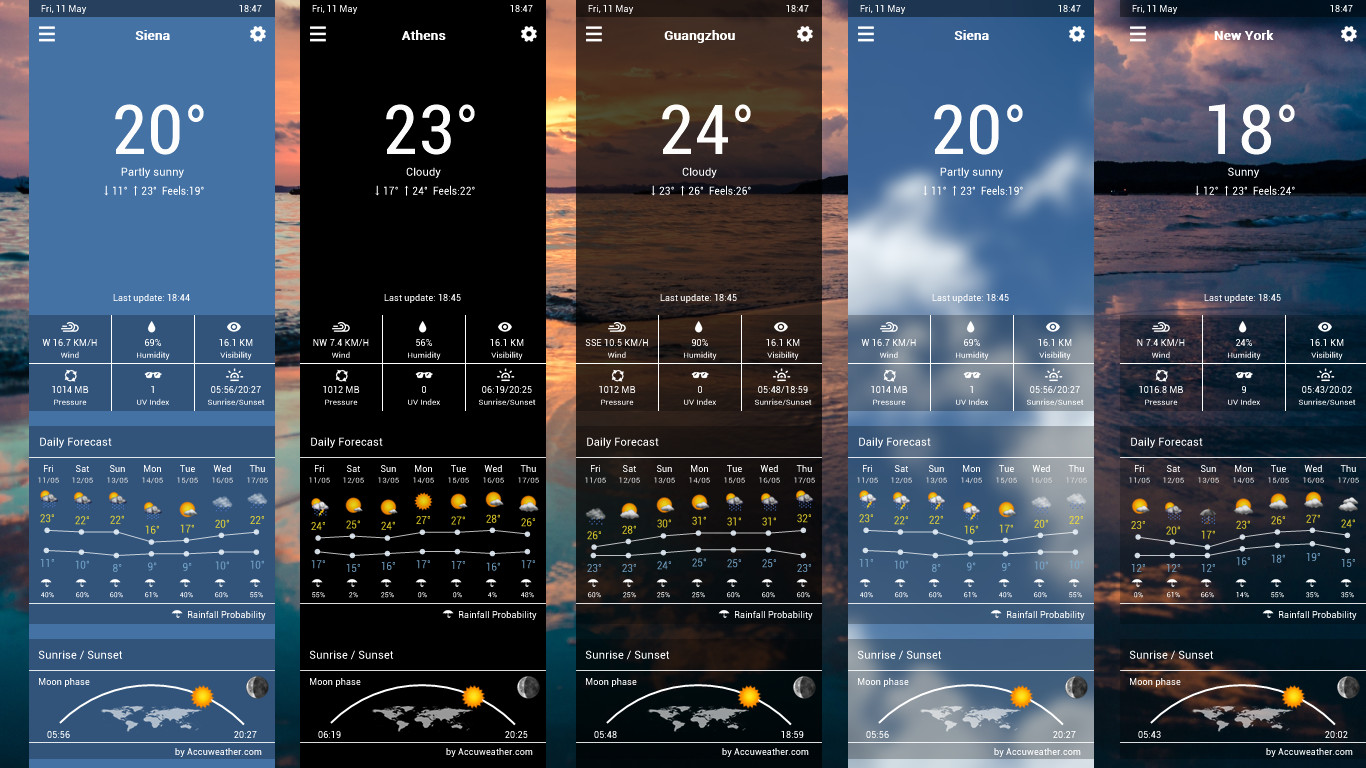
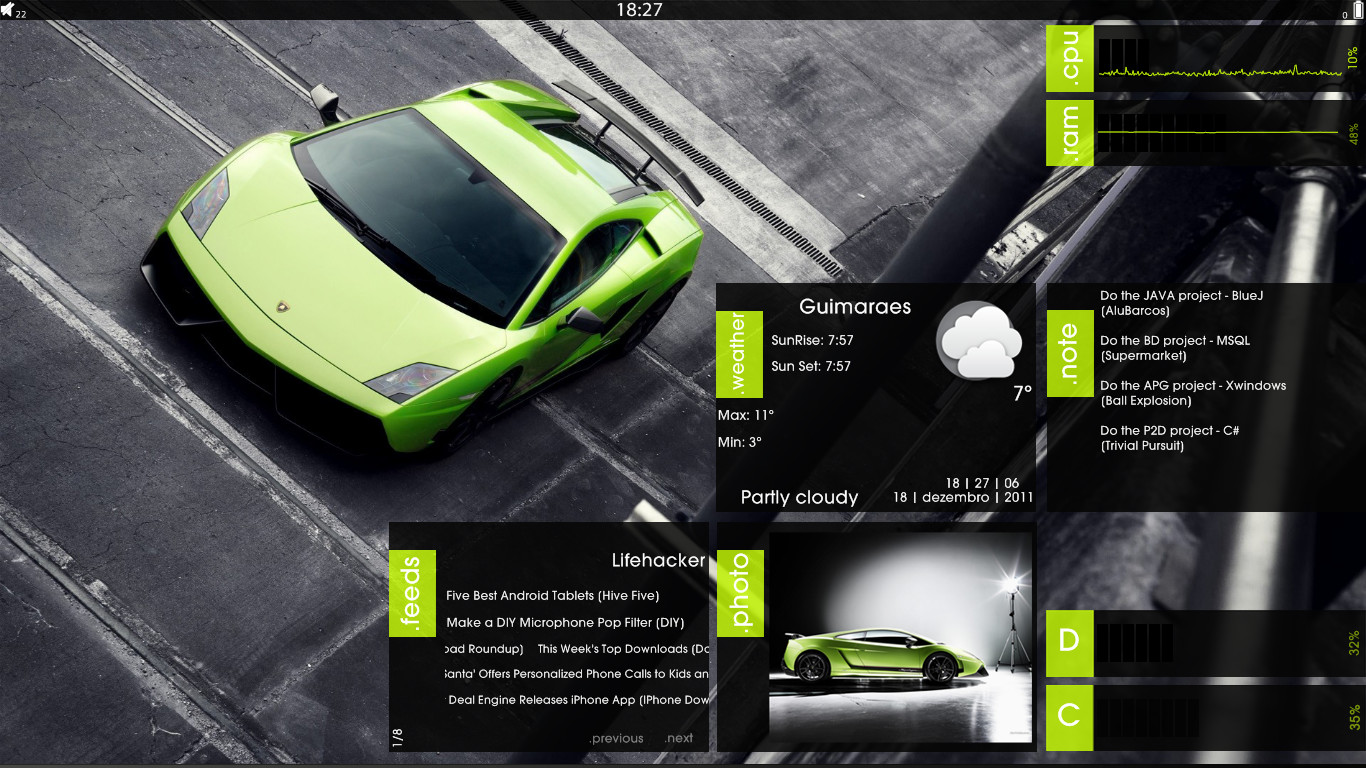
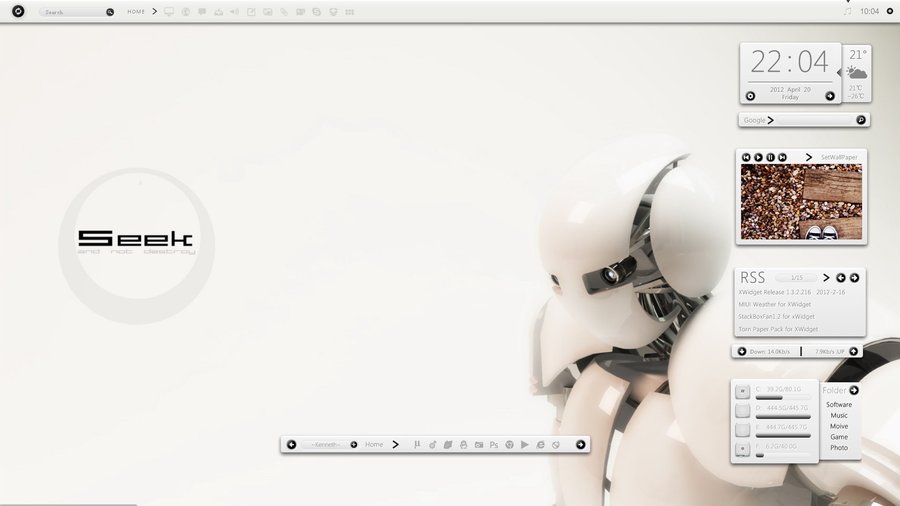
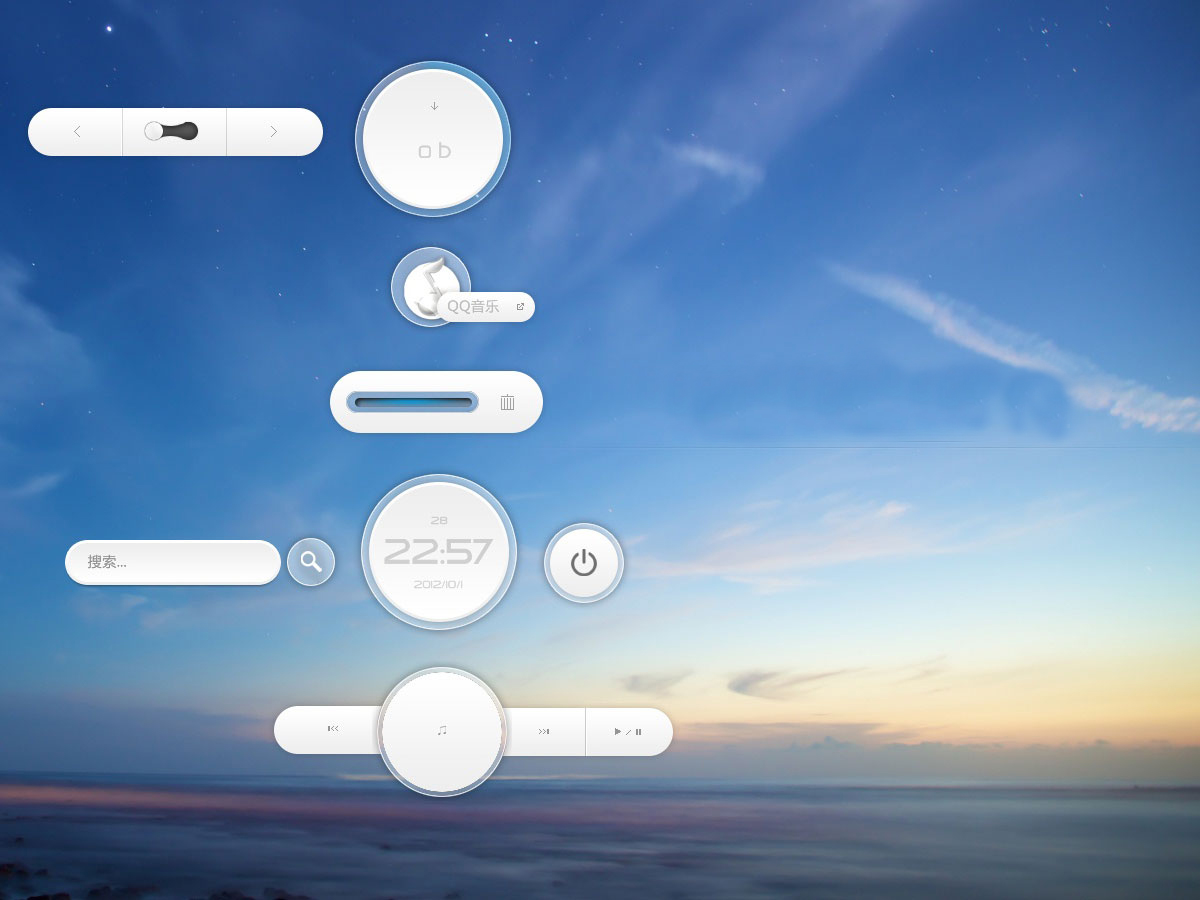
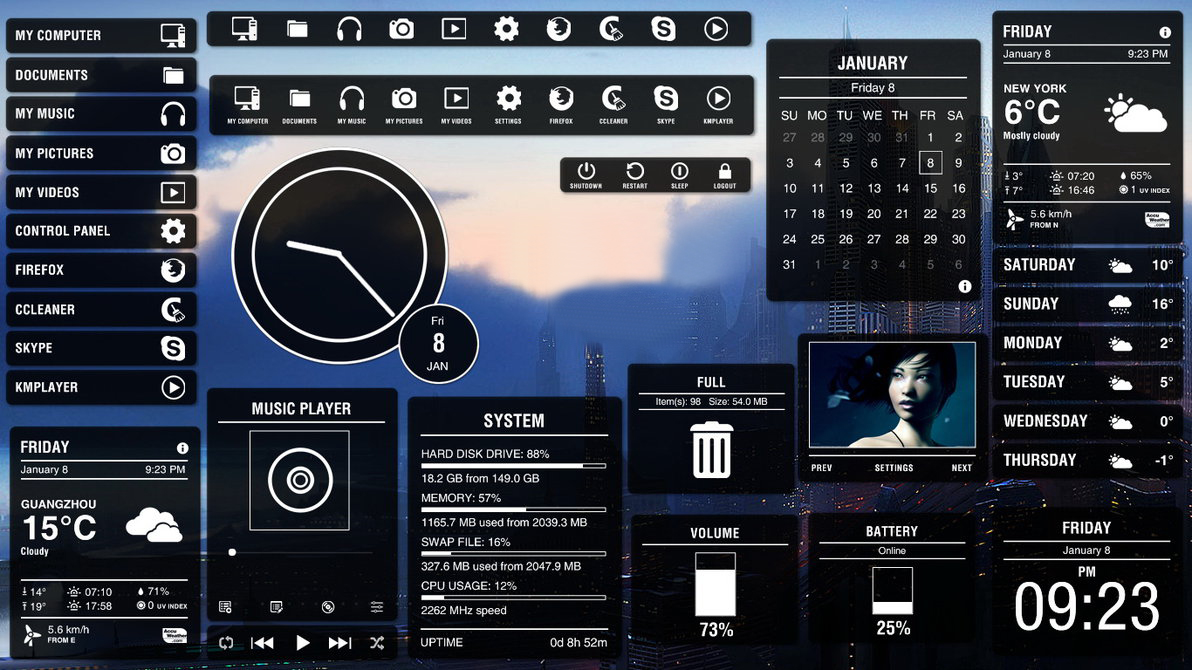
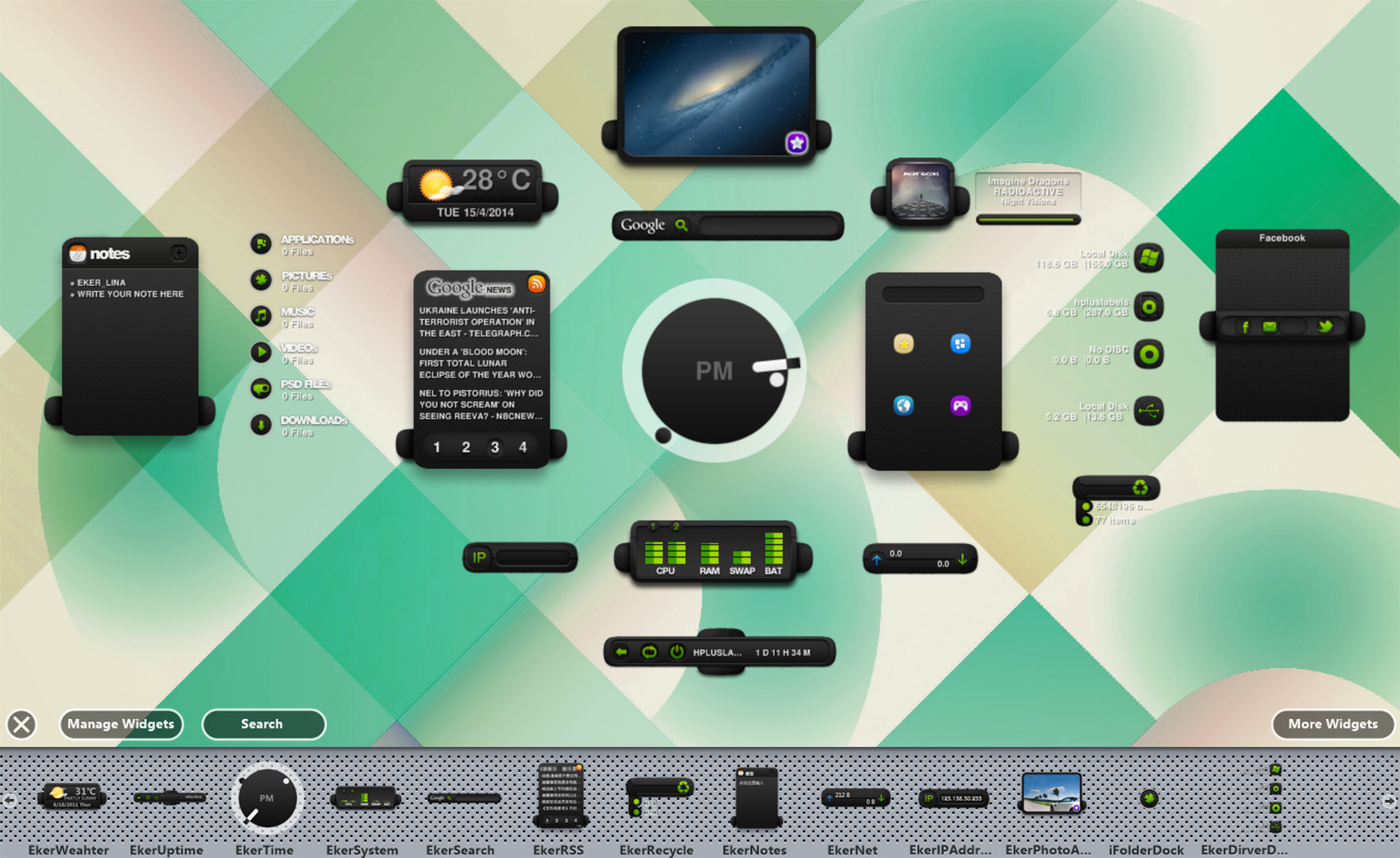
XWidget is a powerful desktop widget customization engine. It's light, handy with smooth animations. Built-in powerful visual widget editor and widgets online gallery. You can download more then 1600+ widgets from the built-in gallery with just one-click.

XWidget is a utilities, animation & modeling and design & illustration game developed and published by DeskDev Team.
Released on November 19th 2018 is available only on Windows in 8 languages: English, Simplified Chinese, German, Russian, Japanese, Traditional Chinese, Arabic and Korean.

It has received 430 reviews of which 297 were positive and 133 were negative resulting in a rating of 6.6 out of 10. 😐

The game is currently priced at 3.99€ on Steam.


The Steam community has classified XWidget into these genres:

Media & Screenshots

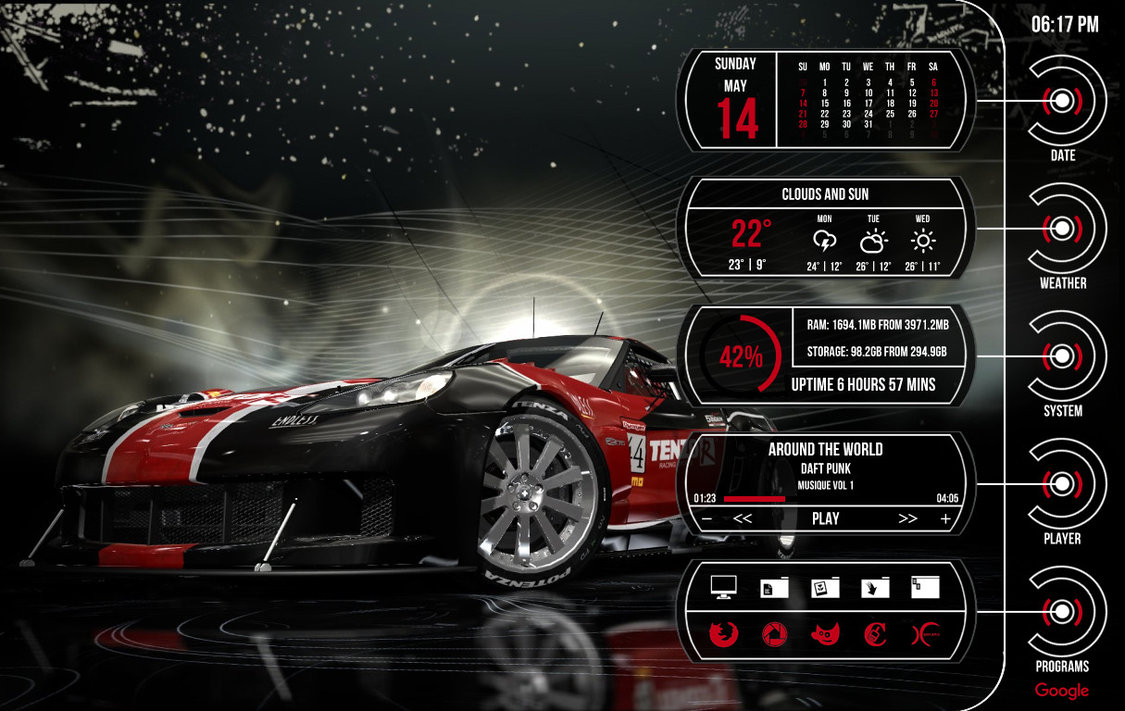
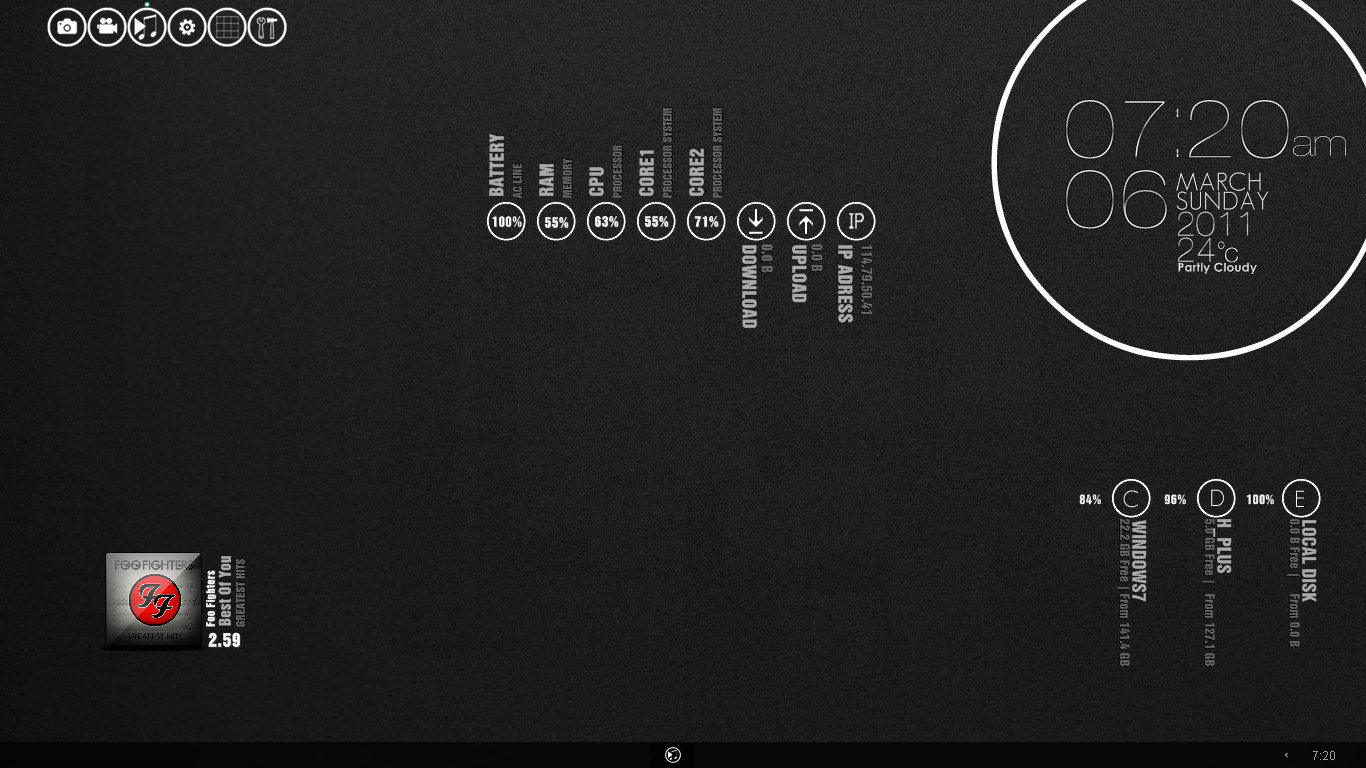
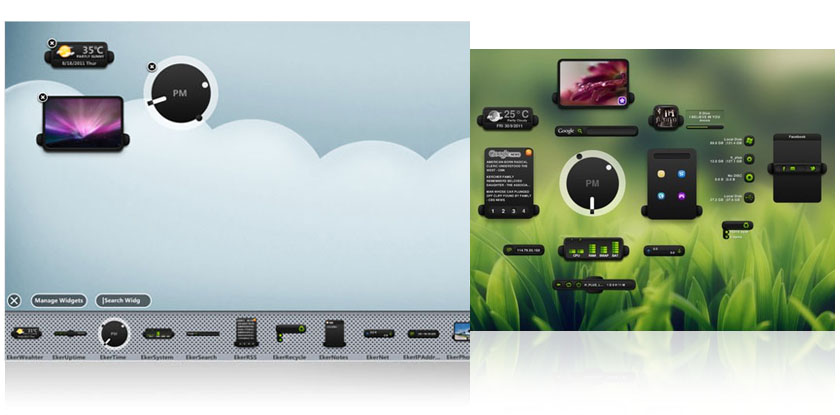
Get an in-depth look at XWidget through various videos and screenshots.
System requirements

These are the minimum specifications needed to play the game. For the best experience, we recommend that you verify them.

Windows
  • OS *: Windows 7,8,8.1,10
  • Memory: 128 MB RAM
  • Storage: 50 MB available space

User reviews & Ratings

Explore reviews from Steam users sharing their experiences and what they love about the game.

Nov. 2025
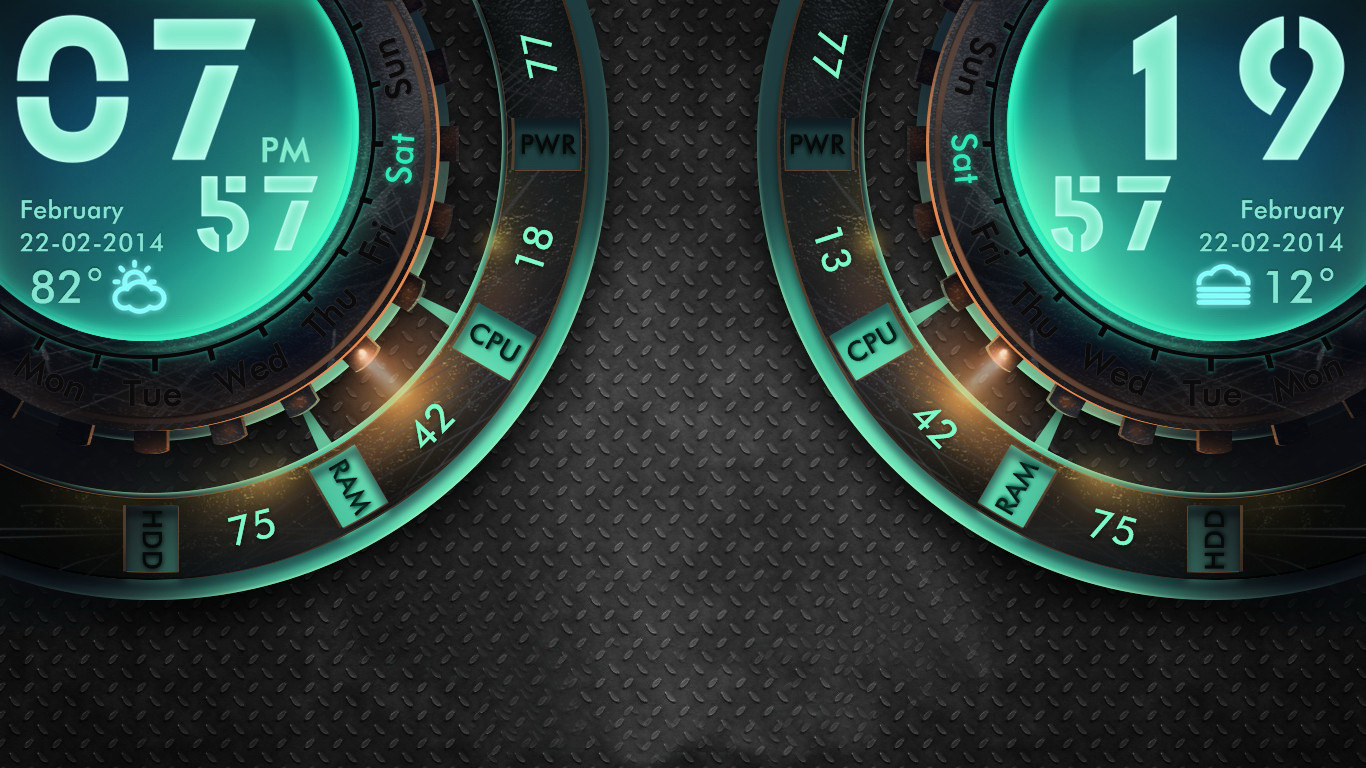
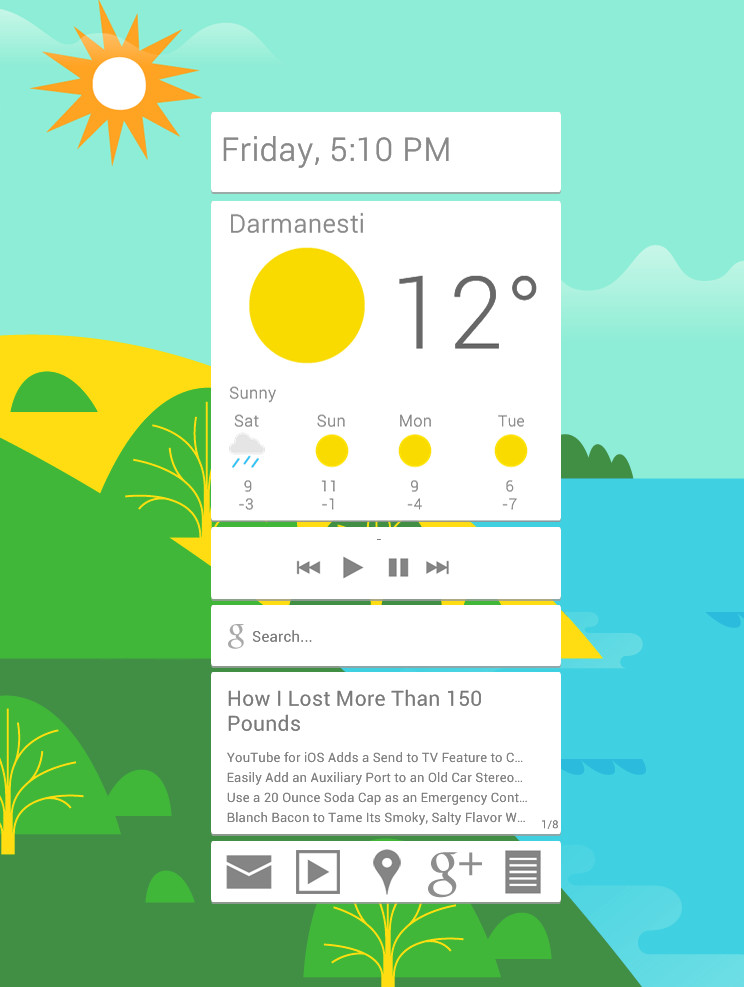
XWidget is a desktop customization tool built for users who want their workspace to feel personal, dynamic, and informative rather than static. At its core, it functions as a lightweight widget engine, allowing you to place clocks, weather panels, system monitors, launchers, calendars, and all kinds of decorative or functional elements directly onto your Windows desktop. The appeal is immediate: instead of relying on the limited built-in customization options of the operating system, XWidget gives you a flexible canvas where you can arrange information exactly where and how you want it. For users who enjoy tailoring their digital environment, the software offers a satisfying level of control right from the start. One of XWidget’s standout features is the sheer variety of widgets available through its online gallery. With well over a thousand user-made and official widgets to browse through, the platform supports a broad spectrum of tastes—from minimalistic time displays to elaborate system dashboards with animations. Installing and positioning a widget is simple, and once placed on the desktop, most widgets can be resized, layered, or modified to better fit a layout. The ability to combine functional displays, such as CPU or RAM monitors, with purely aesthetic pieces allows users to build a desktop that is as informative or decorative as they wish. This range of choice gives the software a breadth seldom found in similar tools. For technically inclined users, the built-in widget editor is one of XWidget’s most powerful assets. It allows the creation of entirely custom widgets using a visual interface supported by scripting. Elements can be dragged into place, animated, and bound to system variables or online data sources, making the software far more than just a wallpaper accessory. The editor enables hobbyist designers to experiment with UI concepts or build practical tools for their own use. This creative potential sets XWidget apart from more restrictive personalization apps, and those willing to invest time can craft desktop components that integrate perfectly into their workflow. Despite its strengths, XWidget does show its age in certain areas. Some widgets in the gallery feel stylistically outdated, and the varying quality between community submissions can make browsing uneven. The software’s interface is functional but somewhat old-fashioned, lacking the modern polish seen in newer customization platforms. Users have also reported occasional inconsistencies with widget scaling or positioning, especially on high-resolution or multi-monitor setups. While none of these issues break the experience, they do highlight that the engine’s design philosophy stems from an earlier era of desktop customization. Performance-wise, XWidget generally stays true to its promise of being lightweight, but it depends heavily on which widgets you choose to run. A few resource-heavy designs with complex animations or constant data polling can start to feel demanding, especially on older systems. Managing multiple widgets at once can also lead to a cluttered or overwhelming desktop if not arranged carefully. The software gives users a lot of freedom, but it also requires a sense of discipline to avoid turning the workspace into visual noise. Overall, XWidget is best suited for users who enjoy hands-on customization and appreciate having the freedom to tweak, design, and refine their desktop environment. It offers a robust widget ecosystem, a capable editing toolset, and the flexibility to tailor your workspace in ways that standard operating systems simply don’t allow. While its aesthetics and interface show some age, and while the quality of individual widgets may vary, the software remains a powerful choice for anyone who wants more control over the look and function of their desktop. For casual users it may feel like more effort than it’s worth, but for hobbyists, designers, and customization enthusiasts, XWidget provides a satisfying playground for creativity and personalization. Rating: 6/10

Expand the review
July 2025
There are variants better than it, but if you want to waste your money it's best way to do that
Expand the review

Frequently Asked Questions

XWidget is currently priced at 3.99€ on Steam.

XWidget is currently not on sale. You can purchase it for 3.99€ on Steam.

XWidget received 297 positive votes out of a total of 430 achieving a rating of 6.60.
😐

XWidget was developed and published by DeskDev Team.

XWidget is playable and fully supported on Windows.

XWidget is not playable on MacOS.

XWidget is not playable on Linux.

XWidget is a single-player game.

XWidget does not currently offer any DLC.

XWidget does not support mods via Steam Workshop.

XWidget does not support Steam Remote Play.

XWidget does not currently support Steam Family Sharing.

You can find solutions or submit a support ticket by visiting the Steam Support page for XWidget.

Data sources

The information presented on this page is sourced from reliable APIs to ensure accuracy and relevance. We utilize the Steam API to gather data on game details, including titles, descriptions, prices, and user reviews. This allows us to provide you with the most up-to-date information directly from the Steam platform.

Additionally, we incorporate data from the SteamSpy API, which offers insights into game sales and player statistics. This helps us present a comprehensive view of each game's popularity and performance within the gaming community.

Last Updates
Steam data 18 January 2026 15:37
SteamSpy data 27 January 2026 19:58
Steam price 28 January 2026 20:29
Steam reviews 26 January 2026 19:54

If you'd like to dive deeper into the details about XWidget, we invite you to check out a few dedicated websites that offer extensive information and insights. These platforms provide valuable data, analysis, and user-generated reports to enhance your understanding of the game and its performance.

  • SteamDB - A comprehensive database of everything on Steam about XWidget
  • SteamCharts - Analysis of XWidget concurrent players on Steam
  • ProtonDB - Crowdsourced reports on Linux and Steam Deck XWidget compatibility

XWidget
Rating
6.6
297
133
Game modes
Online players
4
Developer
DeskDev Team
Publisher
DeskDev Team
Release 19 Nov 2018
Platforms