

Virtual Circuit Board
Virtual Circuit Board is the sandbox drawing-based logic simulator where you can build, program, decorate, and simulate anything from simple monochrome circuits to complex and colorful computers. Play with digital logic in this sandbox-only experience.
Sync your Steam wishlist to find the lowest game prices instantly. No login required, just paste your Steam profile URL!
⚡ Try Wishlist Radar!
Sync your Steam wishlist to find the lowest game prices instantly. No login required!
⚡ Try Wishlist Radar!
Close

Craftomation 101: Programming & Craft on Steam
Quick menu
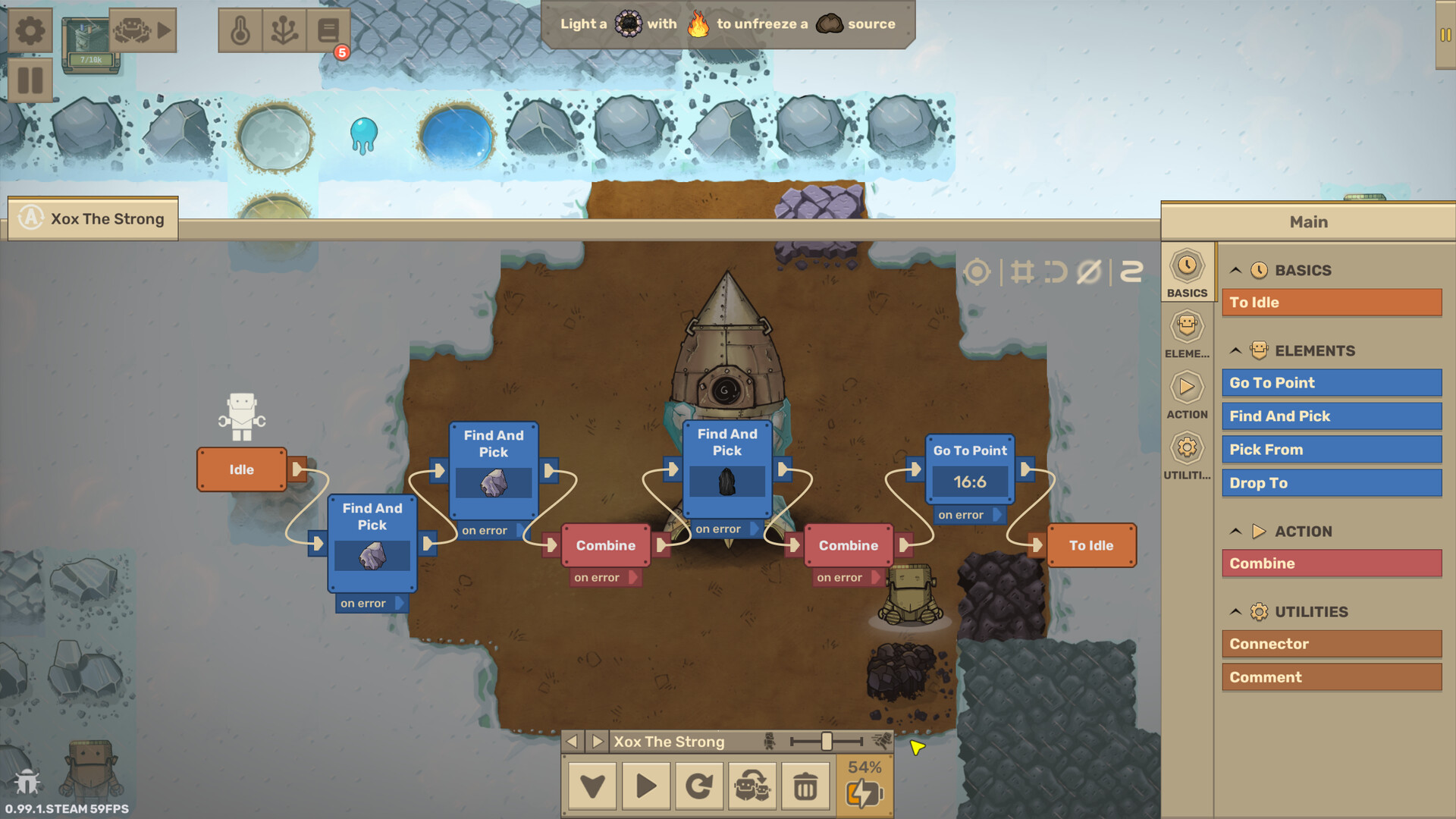
Program a crew of tiny robots to turn a frozen planet into a living world. Connect visual code blocks, automate crafting, and build a workforce that fuels itself. Keep the heat flowing, refine your machines, and watch your ideas come to life.
Craftomation 101: Programming & Craft is a education, programming and automation game
developed and published by Luden.io.
Released on September 14th 2026 is available on Windows, MacOS, Linux, Steam Deck and Steam Machine
in 31 languages: English, Russian, French, Italian, German, Spanish - Spain, Arabic, Bulgarian, Dutch, Korean, Polish, Portuguese - Portugal, Simplified Chinese, Spanish - Latin America, Traditional Chinese, Czech, Danish, Finnish, Greek, Hungarian, Indonesian, Japanese, Norwegian, Portuguese - Brazil, Romanian, Swedish, Thai, Turkish, Ukrainian, Vietnamese and Malay.
It has received 666 reviews of which 546 were positive and 120 were negative resulting in a rating of 7.8 out of 10. 😊
The game is currently priced at 14.99€ on Steam, but you can find it for 14.83€ on G2A.
The Steam community has classified Craftomation 101: Programming & Craft into these genres:
Education
Programming
Automation
Sandbox
Puzzle
Crafting
Robots
Base Building
Strategy
2D
Cute
Singleplayer
Simulation
Indie
Open World Survival Craft
Casual
Early Access
Relaxing
Sci-fi
Resource Management
Here is the detailed breakdown of supported languages for Craftomation 101: Programming & Craft:
| UI | Subtitle | Audio | |
|---|---|---|---|
| English | |||
| German | |||
| French | |||
| Italian | |||
| Korean | |||
| Spanish - Spain | |||
| Simplified Chinese | |||
| Traditional Chinese | |||
| Russian | |||
| Thai | |||
| Japanese | |||
| Portuguese - Portugal | |||
| Polish | |||
| Danish | |||
| Dutch | |||
| Finnish | |||
| Norwegian | |||
| Swedish | |||
| Hungarian | |||
| Czech | |||
| Romanian | |||
| Turkish | |||
| Portuguese - Brazil | |||
| Bulgarian | |||
| Greek | |||
| Arabic | |||
| Ukrainian | |||
| Spanish - Latin America | |||
| Vietnamese | |||
| Indonesian | |||
| Malay |
Media & Screenshots
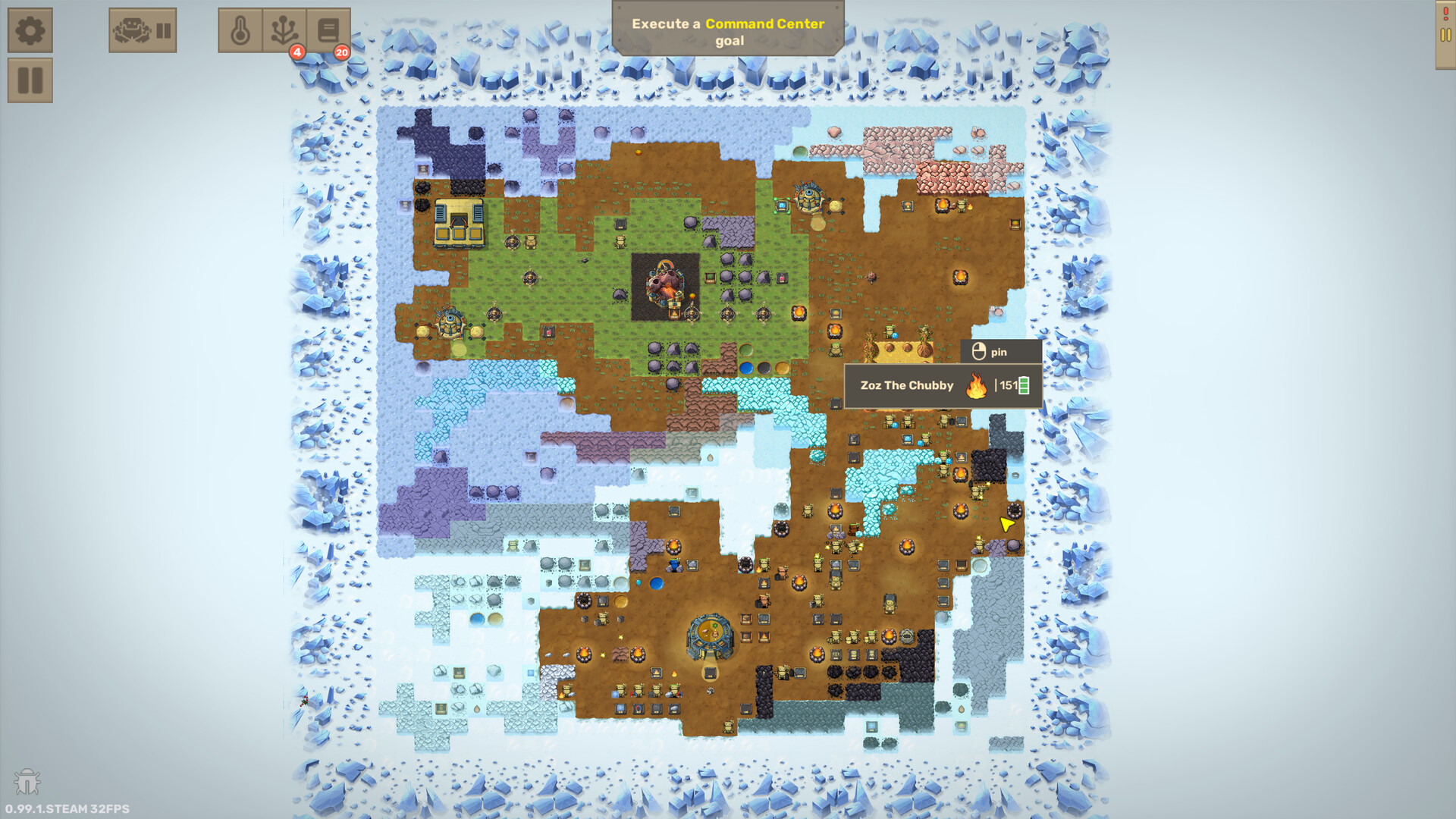
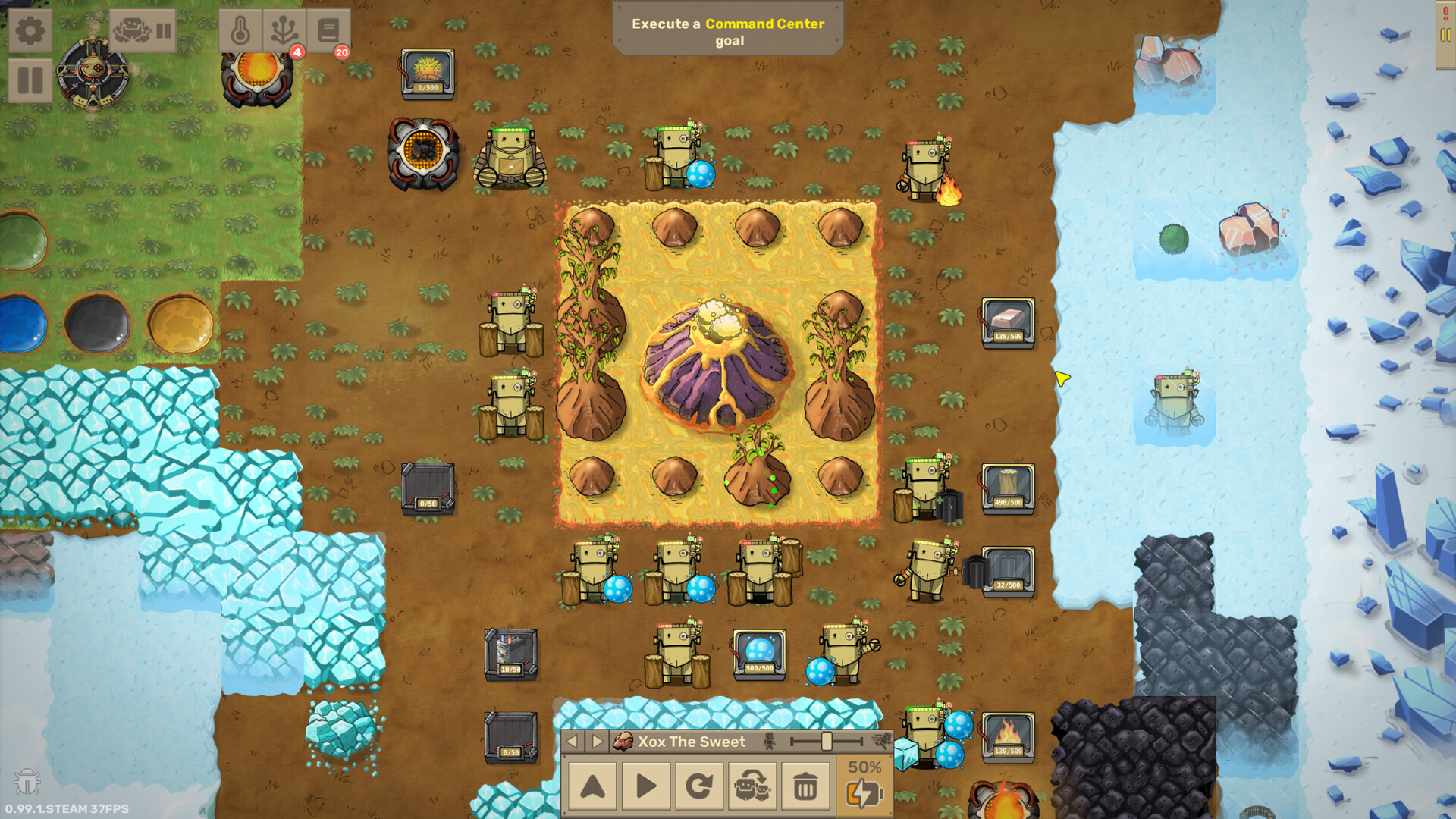
Get an in-depth look at Craftomation 101: Programming & Craft through various videos and screenshots.


Load More


System requirements
These are the minimum specifications needed to play the game. For the best experience, we recommend that you verify them.
Windows
- OS *: Windows Vista / 7 / 8 / 10 / 11
- Processor: 1.2 GHz
- Memory: 1 GB RAM
- Graphics: Intel HD Graphics 3000, OpenGL 2.0+
- DirectX: Version 9.0
- Storage: 100 MB available space
MacOS
- OS: macOS 10.13+
- Processor: 1.2 GHz
- Memory: 1 GB RAM
- Graphics: Intel HD Graphics 3000, OpenGL 2.0+
- Storage: 100 MB available space
Linux
- OS: Ubuntu 16.04+, SteamOS
- Processor: 1.2 GHz
- Memory: 1 GB RAM
- Graphics: Intel HD Graphics 3000, OpenGL 2.0+
- Storage: 100 MB available space
Steam Price & Best Deals
User reviews & Ratings
Explore reviews from Steam users sharing their experiences and what they love about the game.
I'm a real indie game kind of guy and love logic games especially those with code. While I would prefer a text coding environment like The Farmer Was Replaced, I don't have any issues with the games visual coding approach. It's been fun to approach the problems from different angles and search for more efficient ways to use the bots so that I have more available for other work. I'm not sure how long it will keep my attention but for now I am enjoying the challenge. I only started playing the early access of the game a couple of weeks ago. The final product has a much more refined interface than the early access version. It's easier to read and is well organized. ###Edit### Today v1.0.9 was released. This is an improvement to an already good game. If you haven't tried since that release, you might want to try again.
Frickin awesome! context reasons tism + adhd + studying C# & obsessing over trying to understand WHY things do things and then played this and in the first ten minutes I realized I could put functions inside functions like methods in classes and brain EXPLOSION went WOAH o-o I have a suspicion that variables are only working in some scenarios and not others because when I finallly figured out why variables make sense they connected but didnt change the accidentally set pos in a box and confused the heck out of me but that might be a bug. There seem to be a lot of bugs but finding them is fun, and learning how the things work is extremely fun for me. I did worry if I was too dum to understand programming cause of all the roadblocks I keep hitting in trying to learn C# but it seems like this game is breaking down the roadblocks little by little, tho with great difficulty, the moment of realizing why a thing or how a thing is a moment of WOAH holy HECK HOW DID and then brain go wat and facepalm at self for moments like realizing coding is probably sudoku with more steps, that idea sent me flying and then WHA! that being said and tangents of whatever the heck is going on in my brain aside, the game is a fun kind of tedious, u make the robots do the things then realize they're not doing it right then fix how they're doing it then craft some stuff by mouse because of not having enough braincell to make the robots do everything related to the hub then unlock some stuff and then try to learn how to use that stuff and have an existential crisis about how code works and a yureka moment when something goes as planned and suddenly the world is your hamburger! basically TLDR, Good game, difficult came. WORTH IT.
Very fun game with a lot of replay value. I’m always finding new ways to make my setup more efficient, and the different map seeds and map types keep each playthrough feeling fresh. I’ve been playing Craftomation 101 since it was a free browser game, and it’s been great seeing how much it has grown. I love the updates, the improvements, and the direction the game is heading. Easy recommendation for anyone who enjoys crafting, automation, or visual coding-style games. It’s an easy buy-in, quick to get into, and gets you from launch to actual gameplay fast.
Similar games
View all
JOY OF PROGRAMMING - Software Engineering Simulator
Use real Python code to automate machines, robots, drones and more: Program self-driving vehicles; crack passwords; apply machine learning; automate logistics; use image processing to guide missiles. Gain real coding skills and solve exciting bite-sized programming challenges.

shapez
shapez is an easy-going, minimalistic factory building game about the automation of shapes through extraction and satisfying production lines. Adapt to increasingly complex shapes and grow your factory across an infinitely expanding map. Your only limitation is your creativity!
SHENZHEN I/O
BUILD CIRCUITS. WRITE CODE. RTFM.
Code: Terraform
A deep automation and programming game on a frozen alien planet. Write real code to drive rovers, run power grids, fabricate parts, and fly drone fleets across the world. Your scripts run while you plan your next move. The more you terraform, the more the planet responds.

Turing Complete
Learn CPU architecture with puzzles
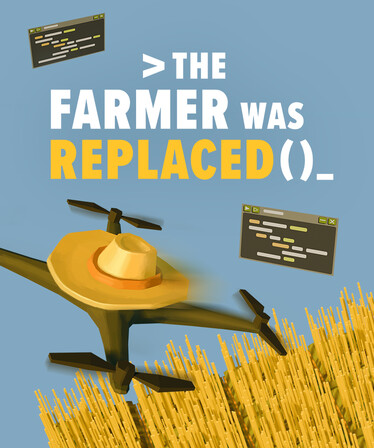
The Farmer Was Replaced
Program and optimize a drone to automate a farm and watch it do the work for you. Collect resources to unlock better technology and become the most efficient farmer in the world. Improve your problem solving and coding skills.
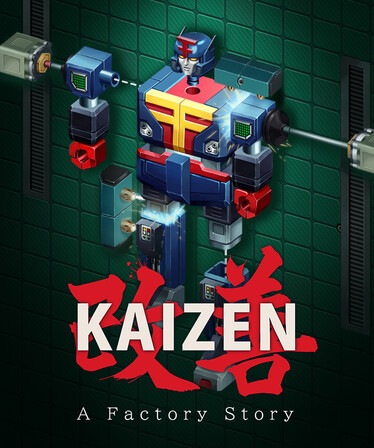
Kaizen: A Factory Story
Kaizen is an open-ended puzzle automation game from the original Zachtronics team, set in 1980s Japan. Design, build, and optimize production lines to create iconic products, like calculators, camcorders, and arcade machines.
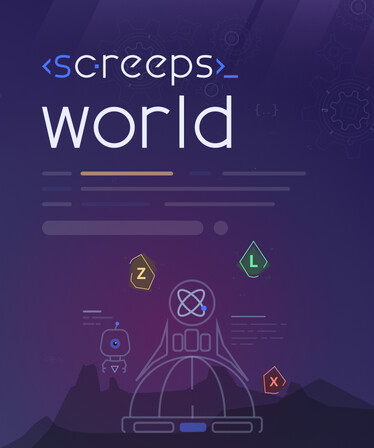
Screeps: World
Screeps: World is an open source MMO strategy sandbox game for programming enthusiasts. You control your colony by writing JavaScript code that operates 24/7 in the huge persistent online open world.

Infinifactory
Infinifactory is a sandbox puzzle game by Zachtronics, the creators of SpaceChem and Infiniminer. Build factories that assemble products for your alien overlords, and try not to die in the process.

Word Factori
Word Factori is a word-building game where your only resource is the letter "i". Build a chain of factories to bend, rotate, reflect, and merge "i" into more complex letters. Discover secret letter recipes, unlock hidden word art, and optimize your factory chains for high scores.
Frequently Asked Questions
Craftomation 101: Programming & Craft is currently priced at 14.99€ on Steam.
No, Craftomation 101: Programming & Craft is currently not on sale. You can purchase it for 14.99€ on Steam.
Yes, Craftomation 101: Programming & Craft received 546 positive votes out of a total of 666 achieving a rating of 7.75.
😊
Craftomation 101: Programming & Craft was developed and published by Luden.io.
Yes, Craftomation 101: Programming & Craft is playable and fully supported on Windows.
Yes, Craftomation 101: Programming & Craft is playable and fully supported on MacOS.
Yes, Craftomation 101: Programming & Craft is playable and fully supported on Linux.
Yes, Craftomation 101: Programming & Craft is playable on Steam Deck, though it might require a few minor tweaks. Make sure to check the Steam store page and community feedback on ProtonDB for exact compatibility details.
Yes, Craftomation 101: Programming & Craft is playable on Steam Machine, though it might require a few minor tweaks. Make sure to check the Steam store page and community feedback on ProtonDB for exact compatibility details.
No, Craftomation 101: Programming & Craft does not support VR.
Craftomation 101: Programming & Craft is a single-player game.
Yes, there are 3 DLCs available for Craftomation 101: Programming & Craft. Explore additional content available for Craftomation 101: Programming & Craft on Steam.
No, Craftomation 101: Programming & Craft does not support mods via Steam Workshop.
No, Craftomation 101: Programming & Craft does not support Steam Remote Play.
Yes, Craftomation 101: Programming & Craft is enabled for Steam Family Sharing. This means you can share the game with authorized users from your Steam Library, allowing them to play it on their own accounts. For more details on how the feature works, you can read the original Steam Family Sharing announcement or visit the Steam Family Sharing user guide and FAQ page.
You can find solutions or submit a support ticket by visiting the Steam Support page for Craftomation 101: Programming & Craft.
Data sources
The information presented on this page is sourced from reliable APIs to ensure accuracy and relevance. We utilize the Steam API to gather data on game details, including titles, descriptions, prices, and user reviews. This allows us to provide you with the most up-to-date information directly from the Steam platform.
Additionally, we incorporate data from the SteamSpy API, which offers insights into game sales and player statistics. This helps us present a comprehensive view of each game's popularity and performance within the gaming community.
Last Updates| Steam data | 04 October 2026 22:44 UTC |
|---|---|
| SteamSpy data | 13 October 2026 20:10 UTC |
| Steam price | 26 October 2026 20:11 UTC |
| Steam reviews | 18 October 2026 08:07 UTC |
If you'd like to dive deeper into the details about Craftomation 101: Programming & Craft, we invite you to check out a few dedicated websites that offer extensive information and insights. These platforms provide valuable data, analysis, and user-generated reports to enhance your understanding of the game and its performance.
- SteamDB - A comprehensive database of everything on Steam about Craftomation 101: Programming & Craft
- SteamCharts - Analysis of Craftomation 101: Programming & Craft concurrent players on Steam
- ProtonDB - Crowdsourced reports on Linux and Steam Deck Craftomation 101: Programming & Craft compatibility

Game modes
Features
Online players
8
Developer
Luden.io
Publisher
Luden.io
Release
14 Sep 2026
Platforms
Clicking and buying through these links helps us earn a commission to maintain our services.