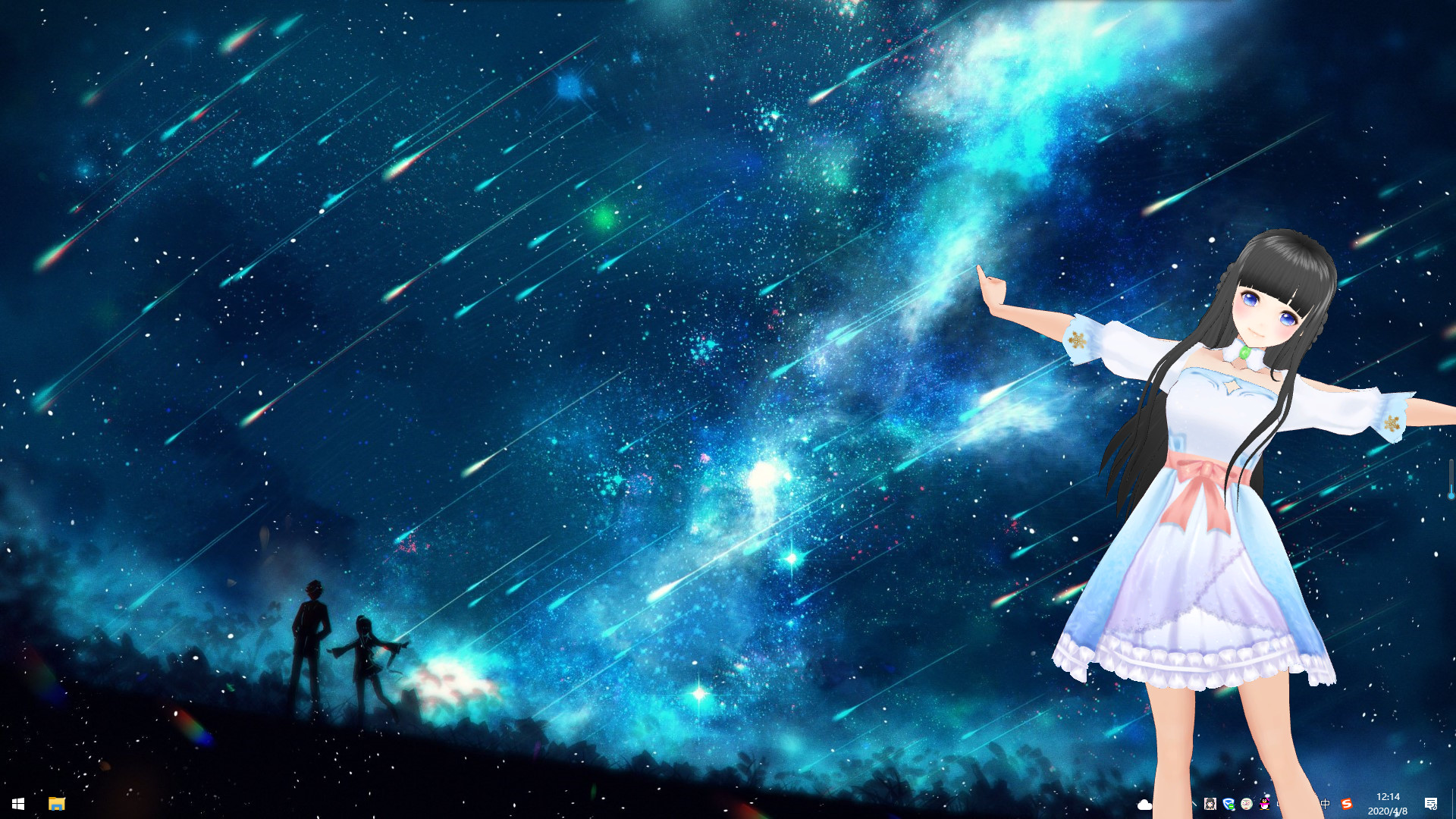
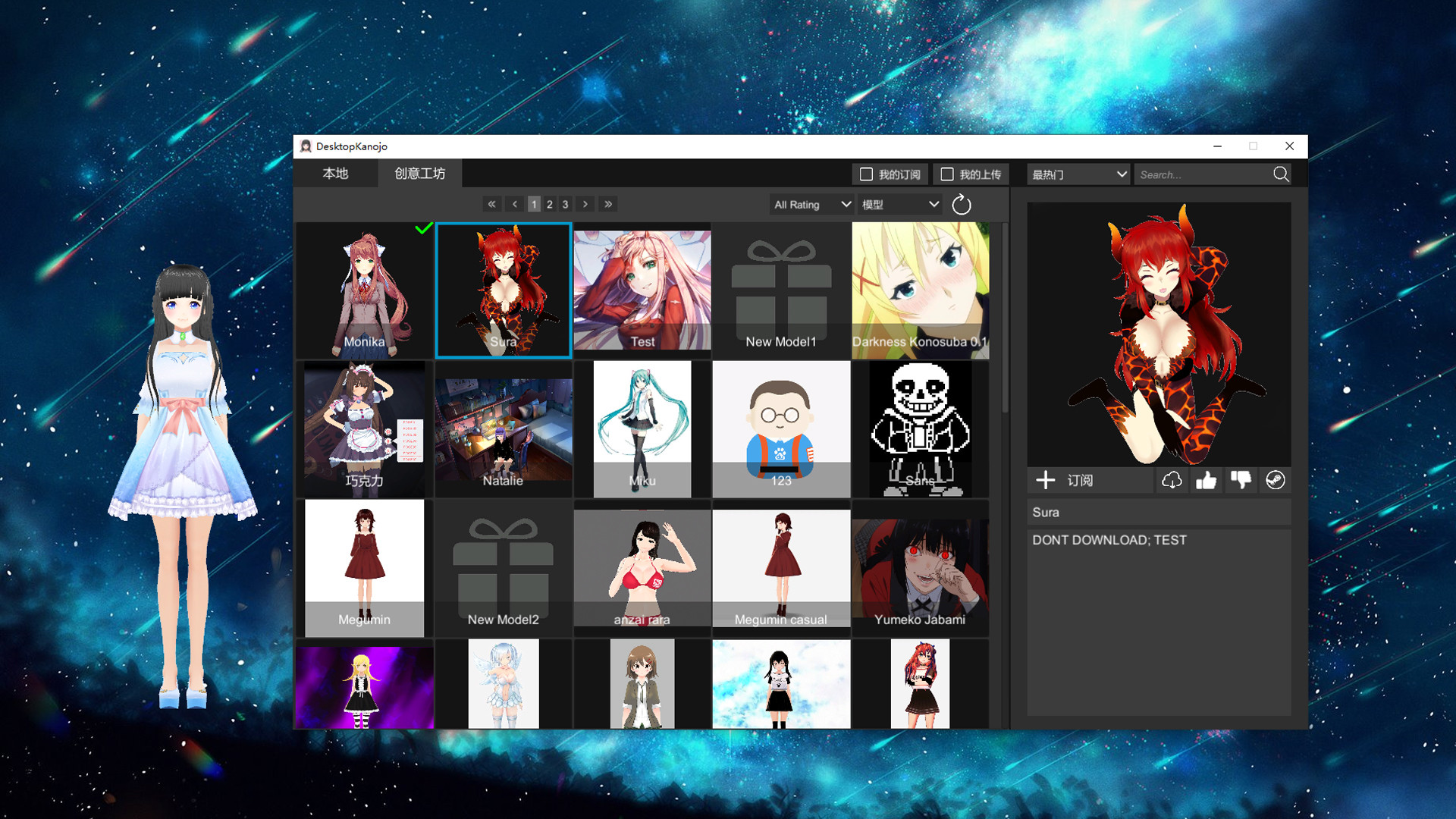
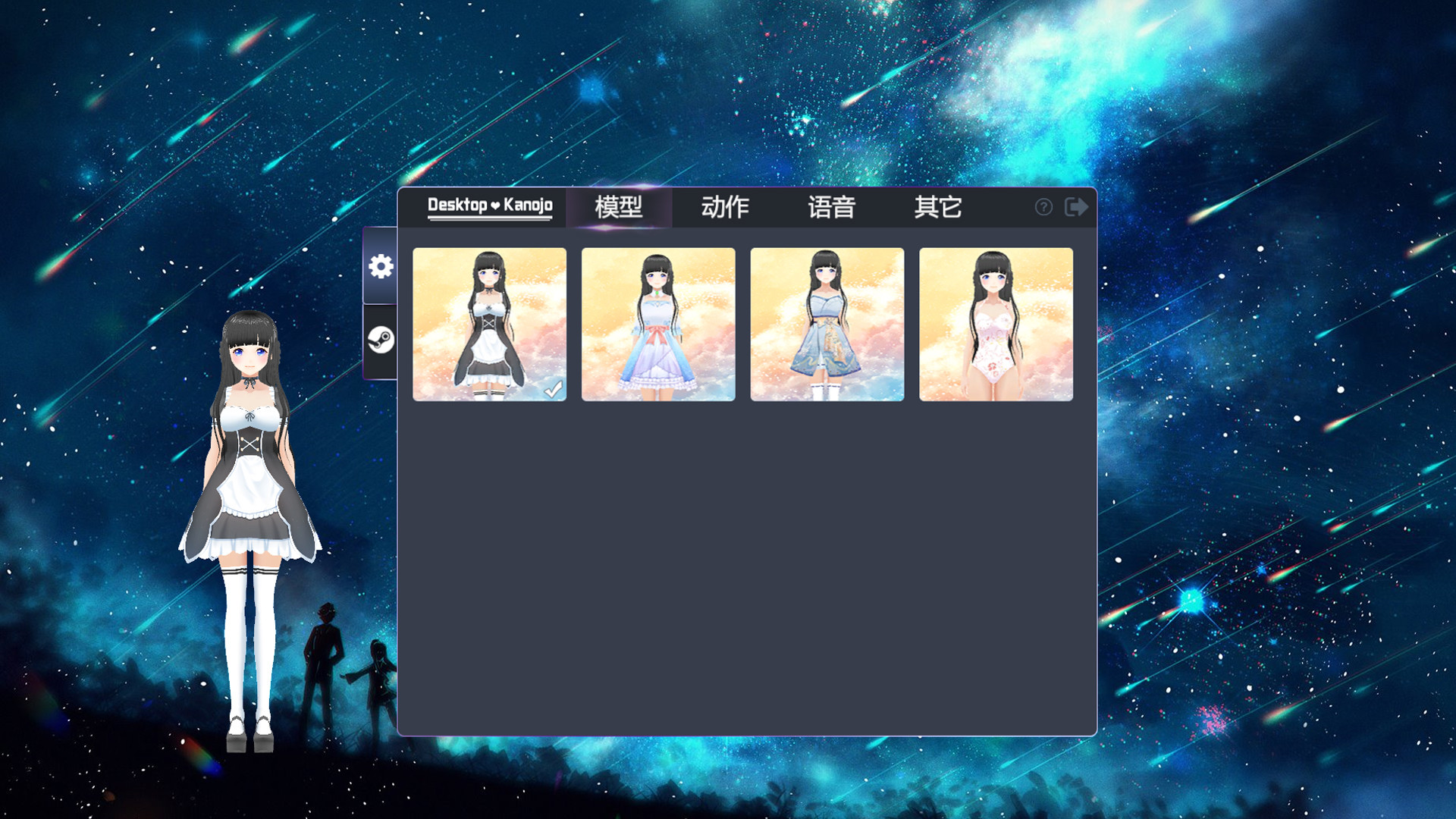
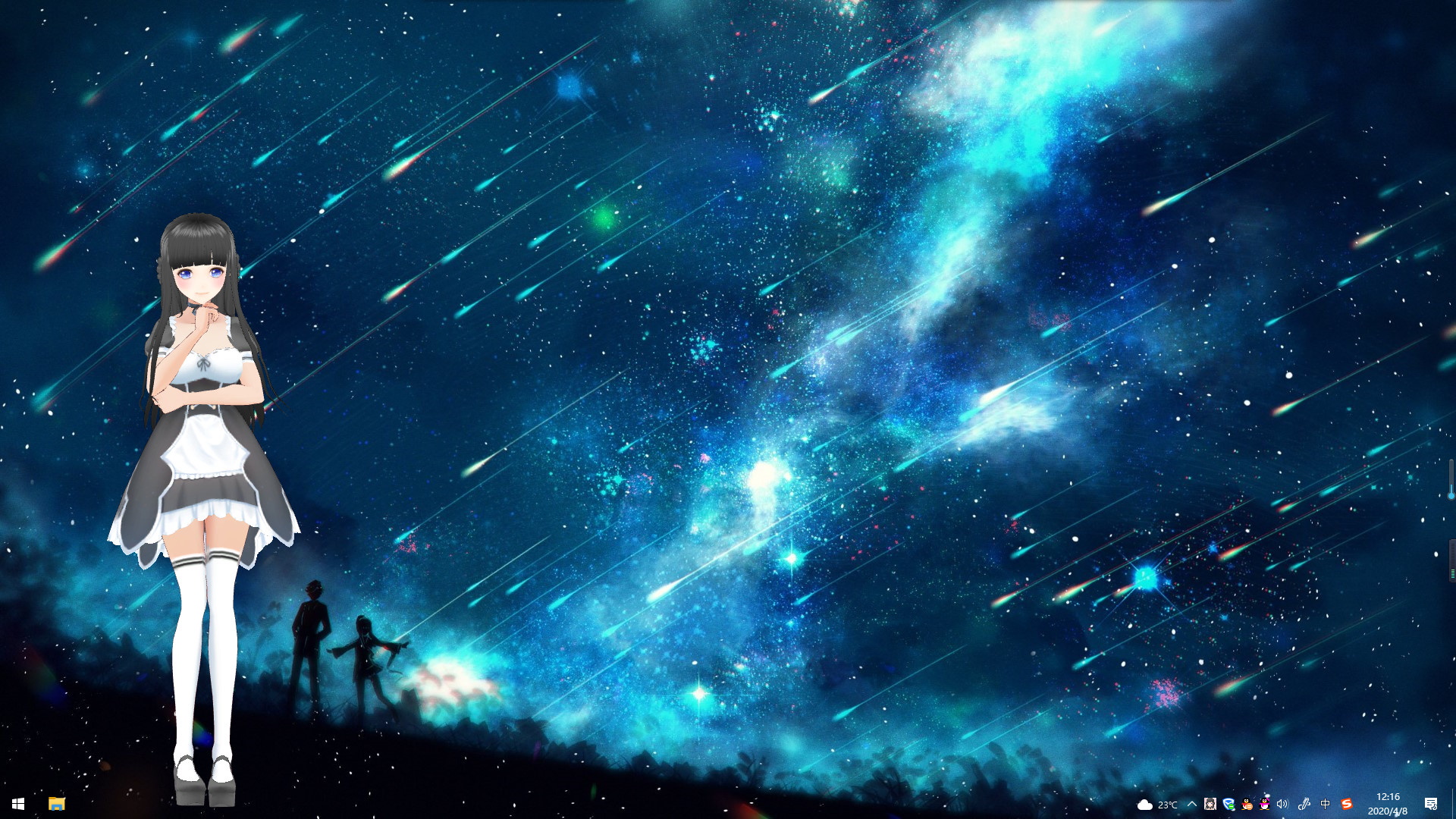
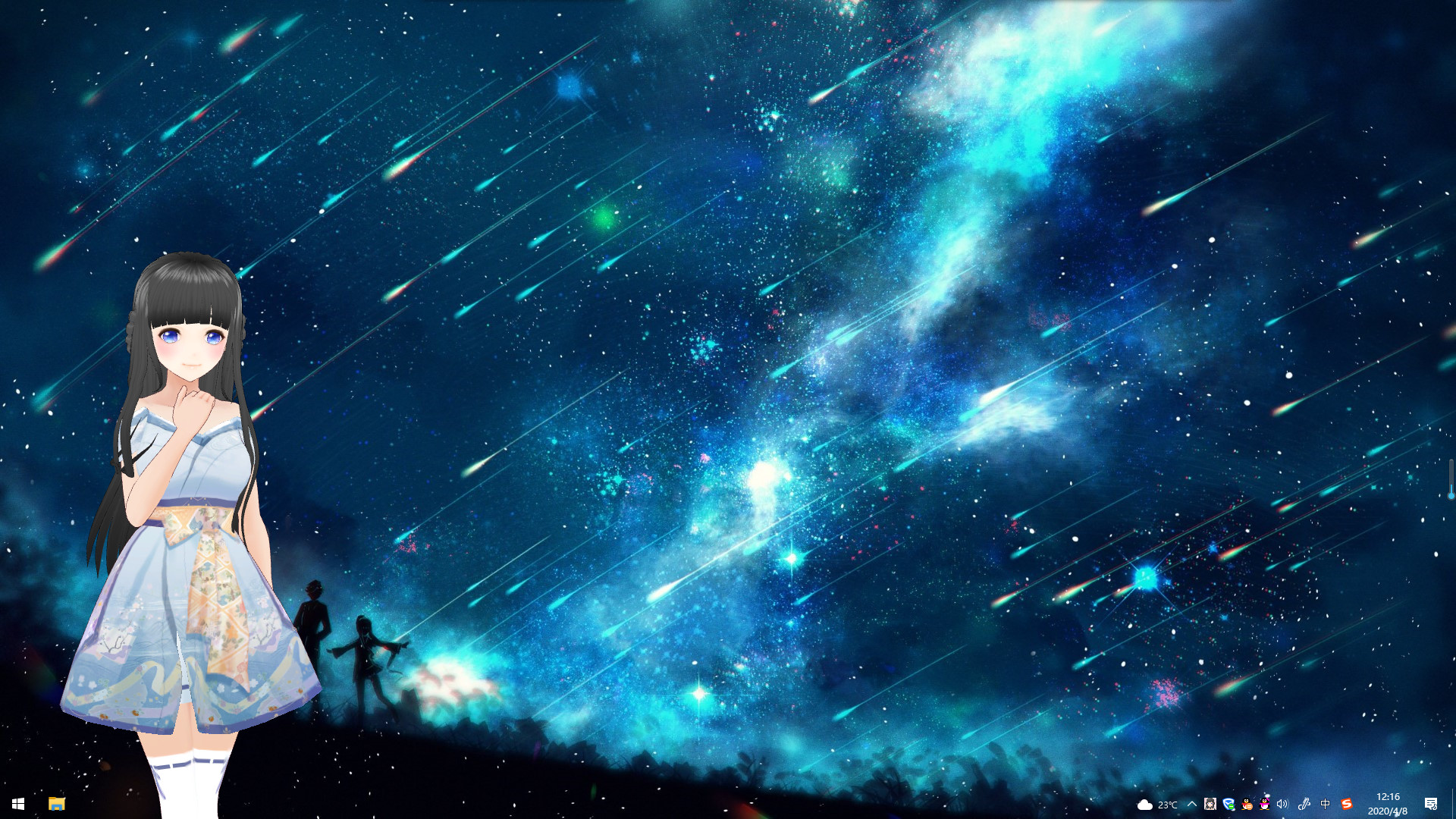
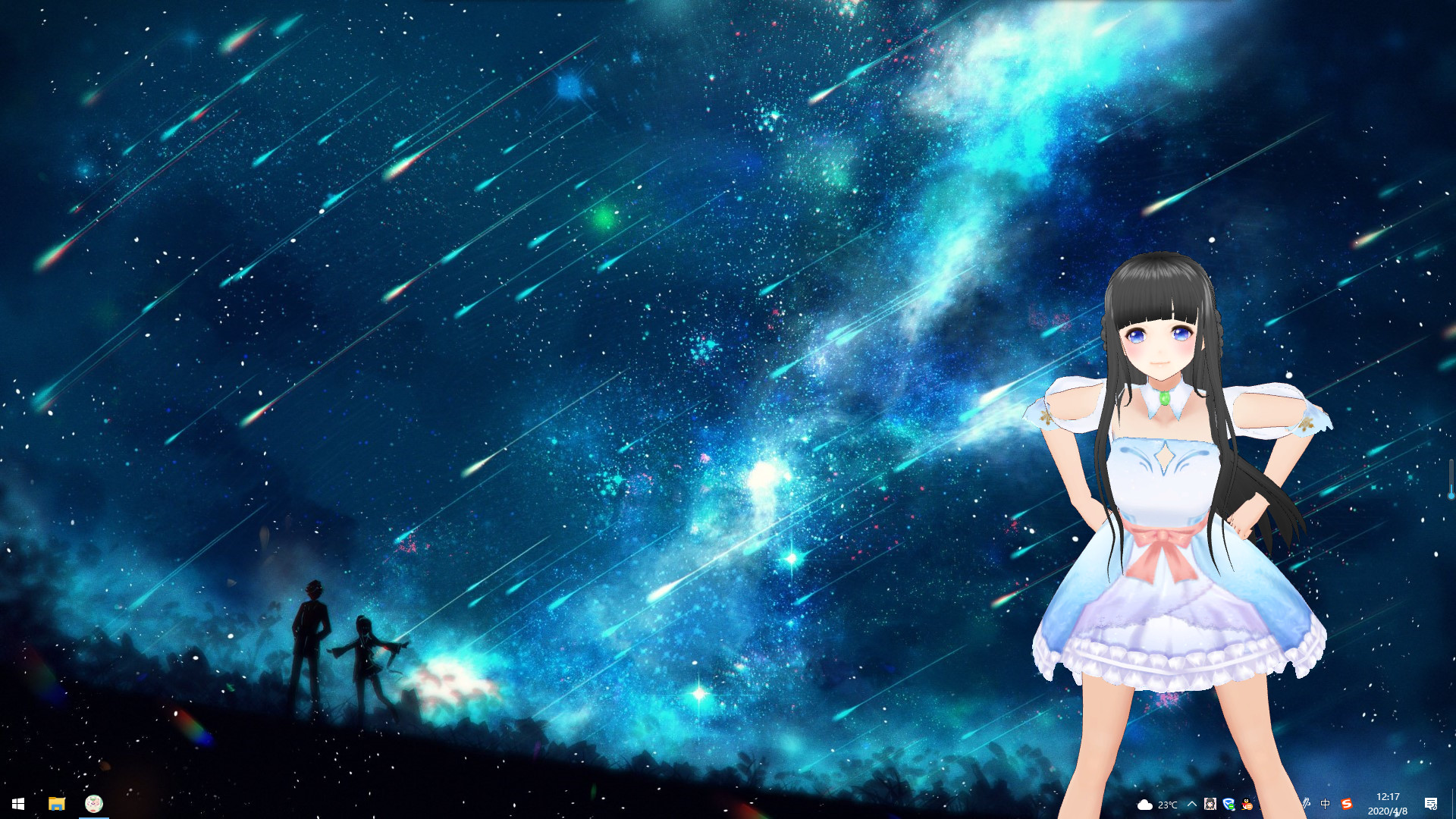
Desktop Kanojo, developed and published by Neko Game, is a charming and unconventional desktop companion application that blends virtual character interaction with playful customization. Rather than functioning as a traditional video game, it acts as a virtual mascot that lives directly on your computer desktop, interacting with you in small but endearing ways. Upon launch, a fully rendered 3D anime-style girl appears on your screen, moving around freely as you work, play, or browse. She can sit, walk, stretch, dance, or perform cute animations, all of which are designed to make your desktop feel a little livelier. The concept is simple yet surprisingly engaging, appealing to those who enjoy personalization, visual flair, or the idea of having a small digital companion to brighten up their workspace. The application’s presentation is sleek and accessible. The character model is expressive, smoothly animated, and rendered in a cel-shaded style that gives her a vibrant, anime-inspired look. Desktop Kanojo supports a variety of animations—over forty in total—that range from idle gestures to short interactions triggered by user input. You can click or drag the character, causing her to react, change poses, or play an animation. The movement feels organic, and her physical responses, such as hair and clothing motion, are enhanced by soft physics that add to the illusion of life. These small touches help the app avoid the stiffness common in lower-quality virtual mascots. It’s clear that Neko Game put significant effort into crafting a model that feels visually appealing and technically smooth, especially considering the modest system requirements. One of the most enjoyable aspects of Desktop Kanojo is its customization. The program allows you to adjust the character’s scale and position, choose from various outfits, and even import your own 3D models if you’re feeling creative. This flexibility means that your experience can be as personal or as minimal as you want it to be. The outfit options are varied, ranging from casual clothes to themed costumes, and users can switch between them instantly. For those with technical skill or curiosity, the ability to replace the default character with custom models opens the door to an almost limitless degree of personalization. Combined with the ability to run unobtrusively in the background, Desktop Kanojo can evolve into a reflection of the user’s personality and aesthetic preferences rather than just a static visual novelty. From a usability perspective, the program is lightweight and efficient. It runs smoothly even on older systems, rarely consuming noticeable CPU or GPU resources. The interface is minimalistic, allowing users to toggle settings, change animations, and reposition the character with ease. It doesn’t interfere with other applications or games, and the mascot remains visible over windows, giving a persistent sense of presence. This seamless integration makes it easy to forget that the companion isn’t part of the operating system itself. However, some users might find that the novelty wears off after a while; since the interactions are limited and there’s no deeper gameplay loop, the experience is more about ambiance and aesthetic pleasure than engagement or progression. It’s the kind of application that’s meant to be enjoyed passively rather than actively played. The tone of the experience depends largely on the user’s expectations. Desktop Kanojo isn’t designed as a narrative-driven virtual companion like some AI or chatbot-based applications; instead, it occupies a space closer to digital art and personalization. Its mature content warning reflects its anime aesthetic, which leans toward light fan service rather than explicit material, though the presentation remains relatively tasteful and harmless. The character’s occasional voice lines, available in Japanese or Chinese, add another layer of personality, though English subtitles are minimal. For some, this exotic charm is part of the appeal, while others may see it as another indicator that the experience is more ornamental than interactive. Technical performance is another area where Desktop Kanojo impresses for its simplicity. It has very low system requirements and runs without issue on most modern versions of Windows. The application’s design allows you to drag the character across your desktop, rotate the view, or zoom in and out. Neko Game even provides tips on addressing potential graphical issues, such as disabling certain GPU settings like FXAA or MFAA if the screen turns black—an acknowledgment that the developers wanted the app to run cleanly across a wide range of setups. Despite being small in scope, it’s a surprisingly polished piece of software that shows attention to detail in its execution. As an experience, Desktop Kanojo succeeds because it knows exactly what it wants to be: a lighthearted, visually pleasing virtual mascot that adds personality to your workspace. It’s not meant to compete with fully interactive virtual assistant programs or life simulation games, and it doesn’t try to. Its charm lies in its simplicity—the quiet delight of glancing at your screen and seeing a cute character performing idle animations or reacting to your clicks. It’s easy to install, easy to use, and surprisingly good at doing exactly what it promises. While it lacks gameplay depth or narrative content, it excels as a digital ornament—a small burst of personality for your everyday computing environment. Ultimately, Desktop Kanojo is a delightful curiosity that combines creativity, customization, and charm in an inexpensive, lightweight package. It’s perfect for users who enjoy virtual companions, anime aesthetics, or simply the novelty of having something visually engaging accompany their daily computer use. Though limited in interactivity, its polish, smooth animation, and flexible customization options make it one of the better examples of desktop mascot software available. It doesn’t strive for complexity, and that’s precisely why it works so well: it’s a simple, joyful, and surprisingly endearing little presence on your screen, quietly reminding you that even in the digital workspace, there’s room for a bit of whimsy. Rating: 8/10
Expand the review