
OVR Advanced Settings
OVR Advanced Settings is a Dashboard Application for VR, that allows you to access many settings. OVRAS also has a myriad of utility features such as: simulated movement, adding smooth/snap turn to any game, video controls for the headset such as brightness, per-app bindings and much more.
Sync your Steam wishlist to find the lowest game prices instantly. No login required, just paste your Steam profile URL!
⚡ Try Wishlist Radar!
Sync your Steam wishlist to find the lowest game prices instantly. No login required!
⚡ Try Wishlist Radar!
Close

SteamVR on Steam
Quick menu
Grab SteamVR to access and play VR games using your HTC Vive, Oculus Rift, Windows Mixed Reality headset, or any other supported VR headset and controllers.
SteamVR is a vr, software and simulation game
developed by Valve
and published by .
It's available only on Windows.
It has received 87,109 reviews of which 74,914 were positive and 12,195 were negative resulting in a rating of 8.5 out of 10. 😎
The game is free to play on Steam.
The Steam community has classified SteamVR into these genres:
VR
Software
Simulation
Utilities
3D
Shooter
Realistic
Romance
Combat
Co-op
Immersive
Online Co-Op
Action-Adventure
Here is the detailed breakdown of supported languages for SteamVR:
| UI | Subtitle | Audio | |
|---|---|---|---|
| English | |||
| German | |||
| French | |||
| Italian | |||
| Korean | |||
| Spanish - Spain | |||
| Simplified Chinese | |||
| Traditional Chinese | |||
| Russian | |||
| Thai | |||
| Japanese | |||
| Portuguese - Portugal | |||
| Polish | |||
| Danish | |||
| Dutch | |||
| Finnish | |||
| Norwegian | |||
| Swedish | |||
| Hungarian | |||
| Czech | |||
| Romanian | |||
| Turkish | |||
| Portuguese - Brazil | |||
| Bulgarian | |||
| Greek | |||
| Ukrainian | |||
| Spanish - Latin America | |||
| Vietnamese |
Media & Screenshots
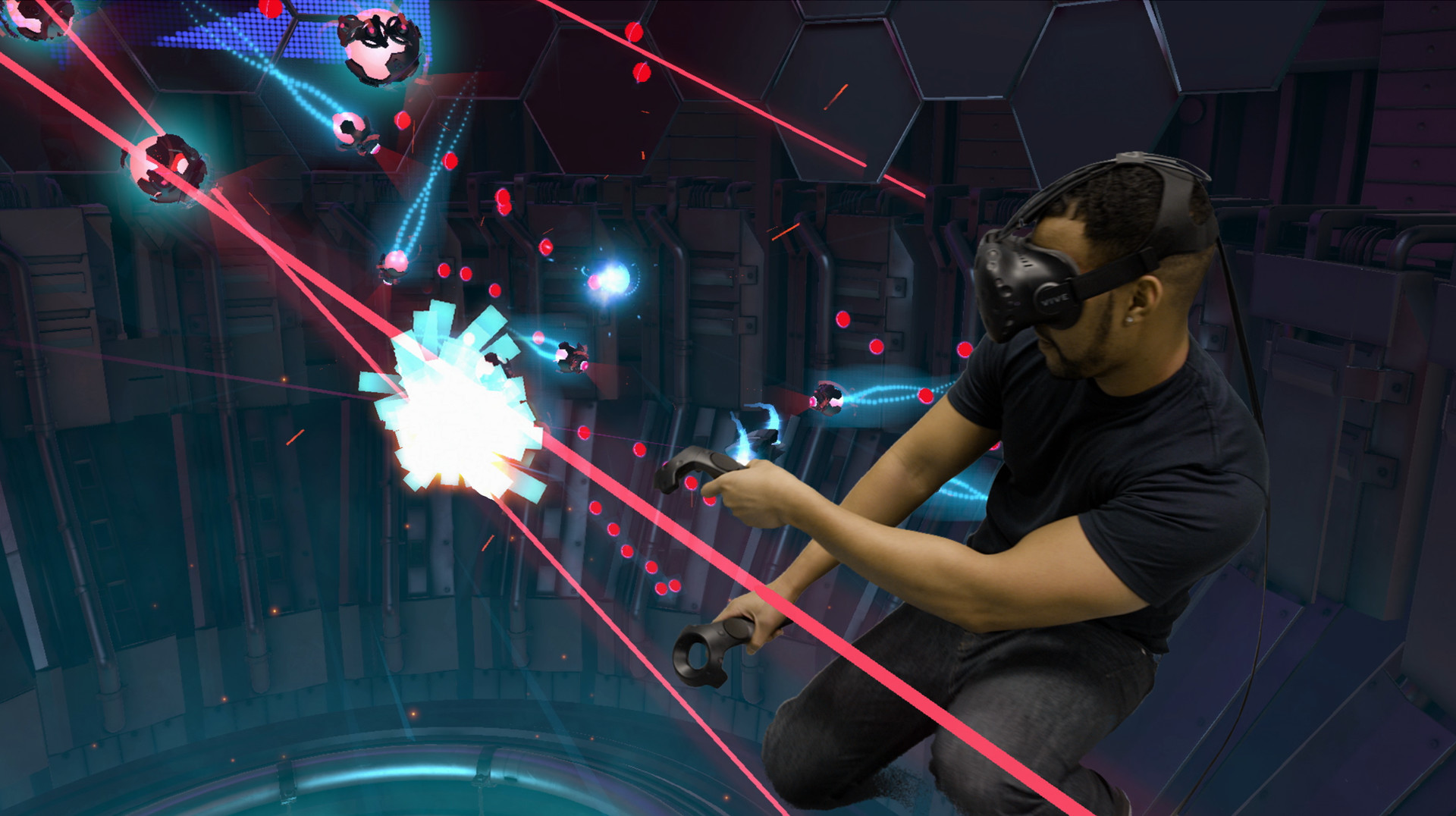
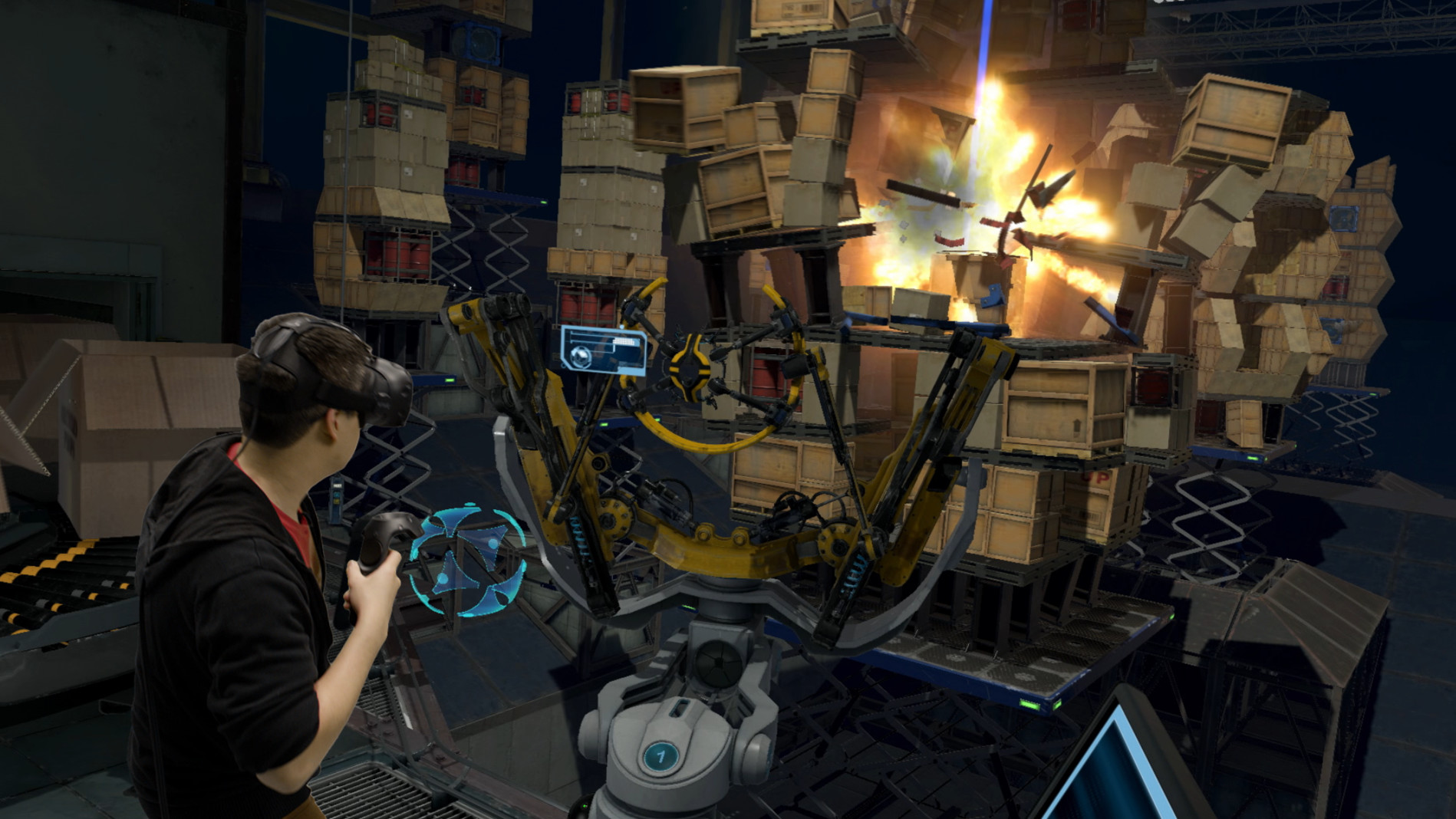
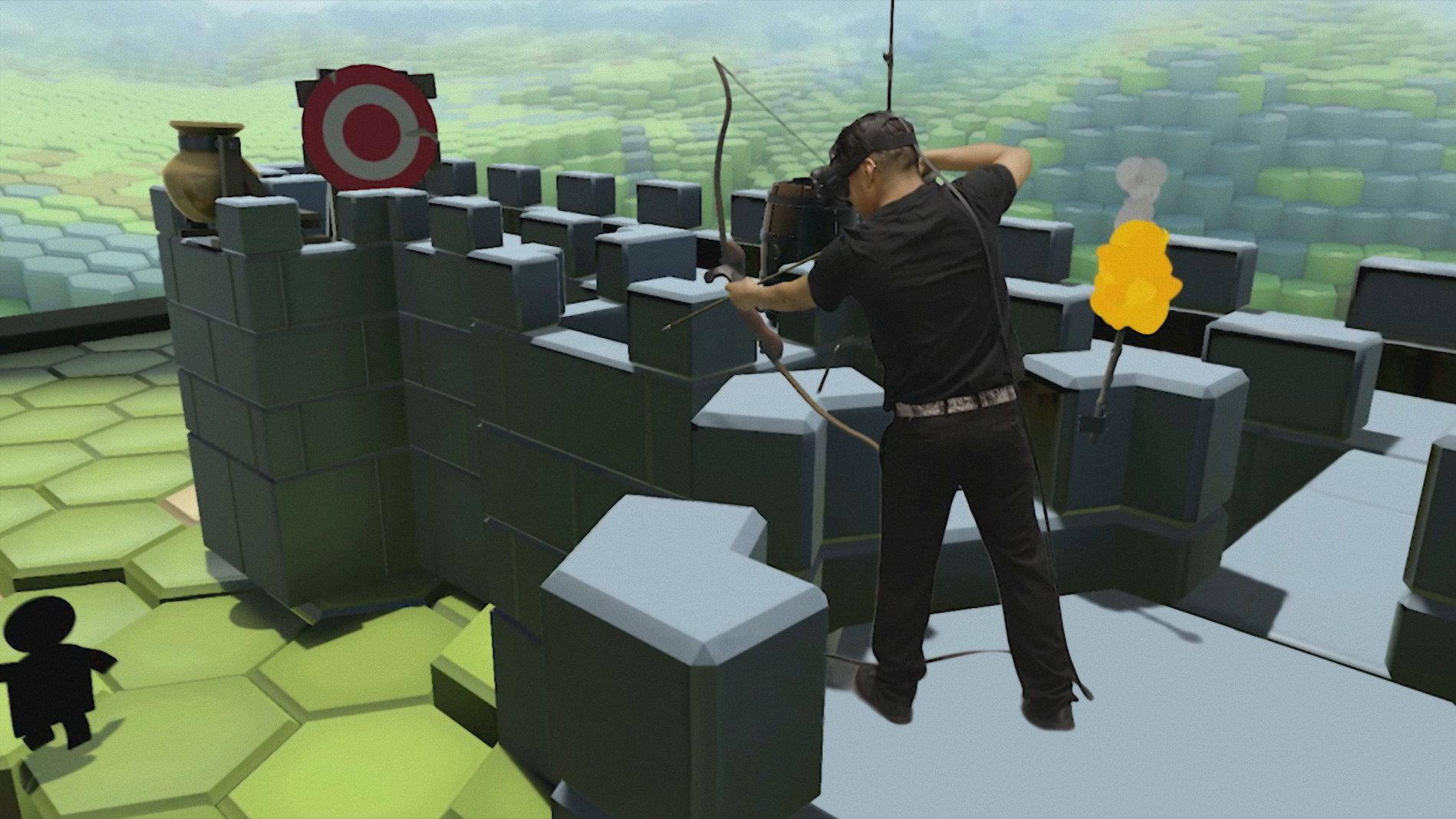
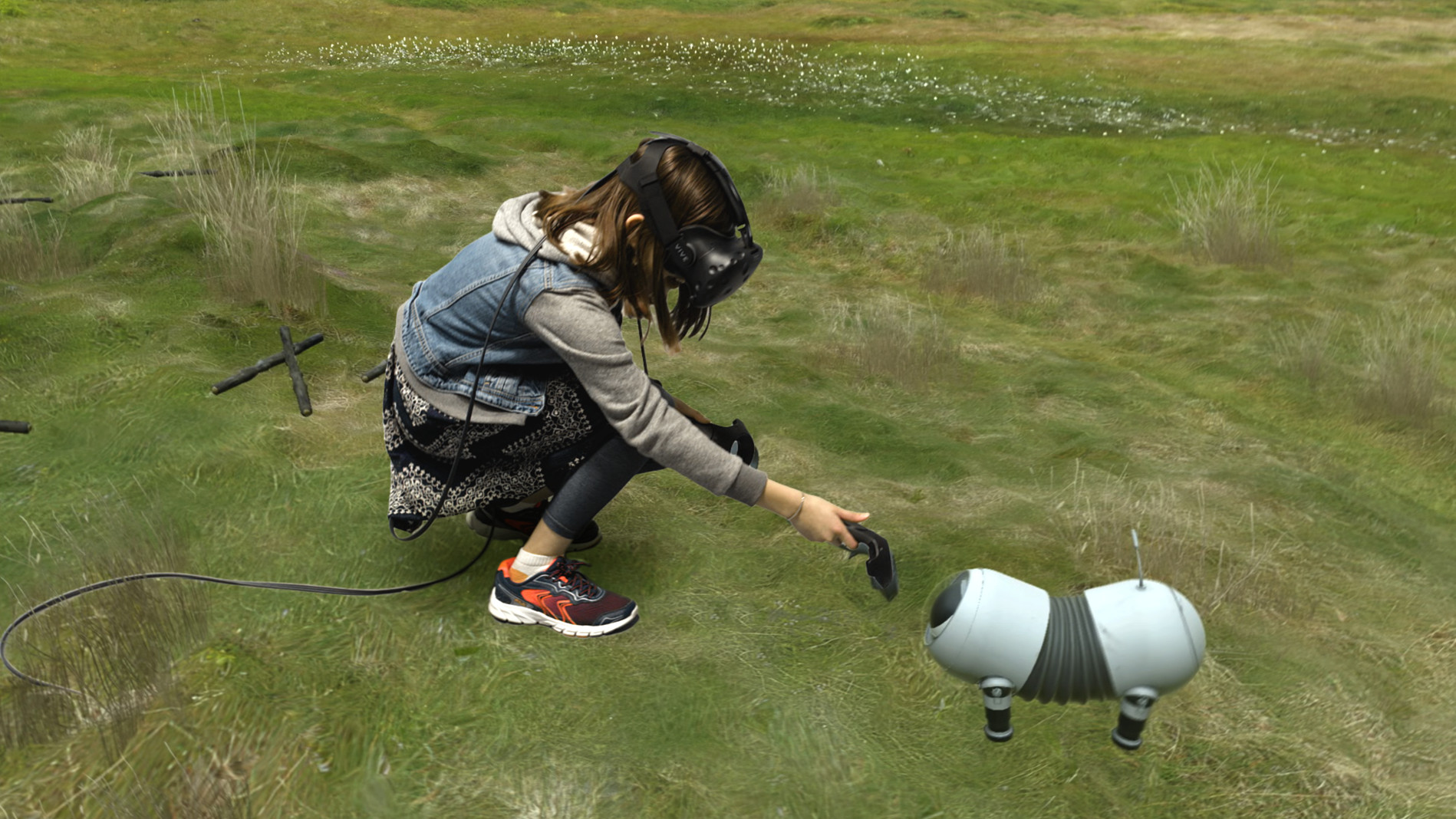
Get an in-depth look at SteamVR through various videos and screenshots.


Load More
System requirements
These are the minimum specifications needed to play the game. For the best experience, we recommend that you verify them.
Windows
- OS *: Windows 7 SP1, Windows 8.1 or later, Windows 10
- Processor: Intel Core i5-4590/AMD FX 8350 equivalent or better
- Memory: 4 GB RAM
- Graphics: NVIDIA GeForce GTX 970, AMD Radeon R9 290 equivalent or better
- Network: Broadband Internet connection
- VR Support: SteamVR
- Additional Notes: 1x USB 2.0 or newer, HDMI 1.4, DisplayPort 1.2 or newer
Steam Price & Best Deals
Similar games
View all

Natural Locomotion
Move naturally in virtual reality in any SteamVR game that supports trackpad/stick locomotion. More immersion, more comfort!

Virtual Desktop Classic
Virtual Desktop is an application developed for the Oculus Rift / Rift S, HTC Vive, Valve Index and WMR headsets that lets you use your computer in VR. This app is NOT for the Oculus Quest or Pico headsets. You can browse the web, watch movies, Netflix or even play games on a giant virtual screen.

OVR Toolkit - Desktop Overlay
OVR Toolkit is a utility application designed to make viewing the desktop in VR simple and fast, it allows for viewing the desktop within VR, mouse input, typing with a virtual keyboard, and quickly switching between windows. You can also control your media, see time, and more!

OyasumiVR - VR Sleeping Utilities
Software that helps you sleep in virtual reality. OyasumiVR detects when you are asleep and automates various tasks and settings to make VR sleeping as comfortable as possible.
fpsVR
Utility for SteamVR for keeping track of FPS, frame time and other performance metrics in the in-game overlay. Easily change SteamVR settings in the fpsVR settings overlay in the SteamVR dashboard. Headset cable twist tracking and other useful features.

Driver Booster 3 for STEAM
Driver Booster 3 for STEAM, as a powerful & easy-to-use driver updater, provides 1-click solution to rapidly & securely update drivers including the outdated, missing and faulty ones. Moreover, game components and game-related drivers are supported for enhanced gaming experience.


iVRy Driver for SteamVR
Use your iPhone, Android, GearVR, Oculus, Vive Wave, Pico Mobile or Sony Playstation VR/VR2 headset as a Virtual Reality Headset for your PC. Lets you run SteamVR & Oculus Rift PC VR titles without a dedicated PC VR headset.

NoLimits 2 Roller Coaster Simulation
NoLimits 2 is the ultimate roller coaster simulation that lets you experience authentic roller coaster thrills. Climb into the world's most famous roller coasters and experience the excitement in real time. Or design a new roller coaster that is engineered to your specifications.

Frequently Asked Questions
Yes, SteamVR is free to play on Steam.
SteamVR is not on sale because is already free to play on Steam.
Yes, SteamVR received 74,914 positive votes out of a total of 87,109 achieving a rating of 8.48.
😎
SteamVR was developed by Valve.
Yes, SteamVR is playable and fully supported on Windows.
No, SteamVR is not playable on MacOS.
No, SteamVR is not playable on Linux.
This information about SteamVR is not available yet.
This information about SteamVR is not available yet.
No, SteamVR does not support VR.
No, SteamVR does not currently offer any DLC.
Yes, SteamVR is fully integrated with Steam Workshop. Visit Steam Workshop.
No, SteamVR does not support Steam Remote Play.
Yes, SteamVR is enabled for Steam Family Sharing. This means you can share the game with authorized users from your Steam Library, allowing them to play it on their own accounts. For more details on how the feature works, you can read the original Steam Family Sharing announcement or visit the Steam Family Sharing user guide and FAQ page.
You can find solutions or submit a support ticket by visiting the Steam Support page for SteamVR.
Data sources
The information presented on this page is sourced from reliable APIs to ensure accuracy and relevance. We utilize the Steam API to gather data on game details, including titles, descriptions, prices, and user reviews. This allows us to provide you with the most up-to-date information directly from the Steam platform.
Additionally, we incorporate data from the SteamSpy API, which offers insights into game sales and player statistics. This helps us present a comprehensive view of each game's popularity and performance within the gaming community.
Last Updates| Steam data | 25 September 2026 04:27 UTC |
|---|---|
| SteamSpy data | 16 October 2026 08:46 UTC |
| Steam price | 25 September 2026 04:27 UTC |
| Steam reviews | 22 October 2026 17:51 UTC |
If you'd like to dive deeper into the details about SteamVR, we invite you to check out a few dedicated websites that offer extensive information and insights. These platforms provide valuable data, analysis, and user-generated reports to enhance your understanding of the game and its performance.
- SteamDB - A comprehensive database of everything on Steam about SteamVR
- SteamCharts - Analysis of SteamVR concurrent players on Steam
- ProtonDB - Crowdsourced reports on Linux and Steam Deck SteamVR compatibility
