
Chill Corner
This is just an idle game for chilling, relaxing or focusing.
Sync your Steam wishlist to find the lowest game prices instantly. No login required, just paste your Steam profile URL!
⚡ Try Wishlist Radar!
Sync your Steam wishlist to find the lowest game prices instantly. No login required!
⚡ Try Wishlist Radar!
Close

Cozy Time on Steam
Quick menu
Cozy Time provides you with a cozy environment to focus, relax or rest without being disturbed.
Cozy Time is a casual, simulation and relaxing game
developed and published by Cozy Live.
Released on July 12th 2022 is available on Windows, Steam Deck and Steam Machine
in 7 languages: English, Simplified Chinese, Traditional Chinese, Russian, Japanese, Korean and German.
It has received 309 reviews of which 269 were positive and 40 were negative resulting in a rating of 8.1 out of 10. 😎
The game is currently priced at 1.19€ on Steam with a 60% discount.
The Steam community has classified Cozy Time into these genres:
Casual
Simulation
Relaxing
Atmospheric
Utilities
Cute
Time Management
Software
Idler
Immersive Sim
2D
Cartoon
Hand-drawn
Resource Management
Singleplayer
Soundtrack
Cozy
Experimental
Music
Indie
Here is the detailed breakdown of supported languages for Cozy Time:
| UI | Subtitle | Audio | |
|---|---|---|---|
| English | |||
| German | |||
| Korean | |||
| Simplified Chinese | |||
| Traditional Chinese | |||
| Russian | |||
| Japanese |
Media & Screenshots
Get an in-depth look at Cozy Time through various videos and screenshots.

Load More
System requirements
These are the minimum specifications needed to play the game. For the best experience, we recommend that you verify them.
Windows
- OS *: Windows 7+
- Processor: Intel Core or AMD
- Memory: 1 GB RAM
- Graphics: Any graphics card
- Storage: 300 MB available space
- Sound Card: Any
Steam Price & Best Deals
User reviews & Ratings
Explore reviews from Steam users sharing their experiences and what they love about the game.
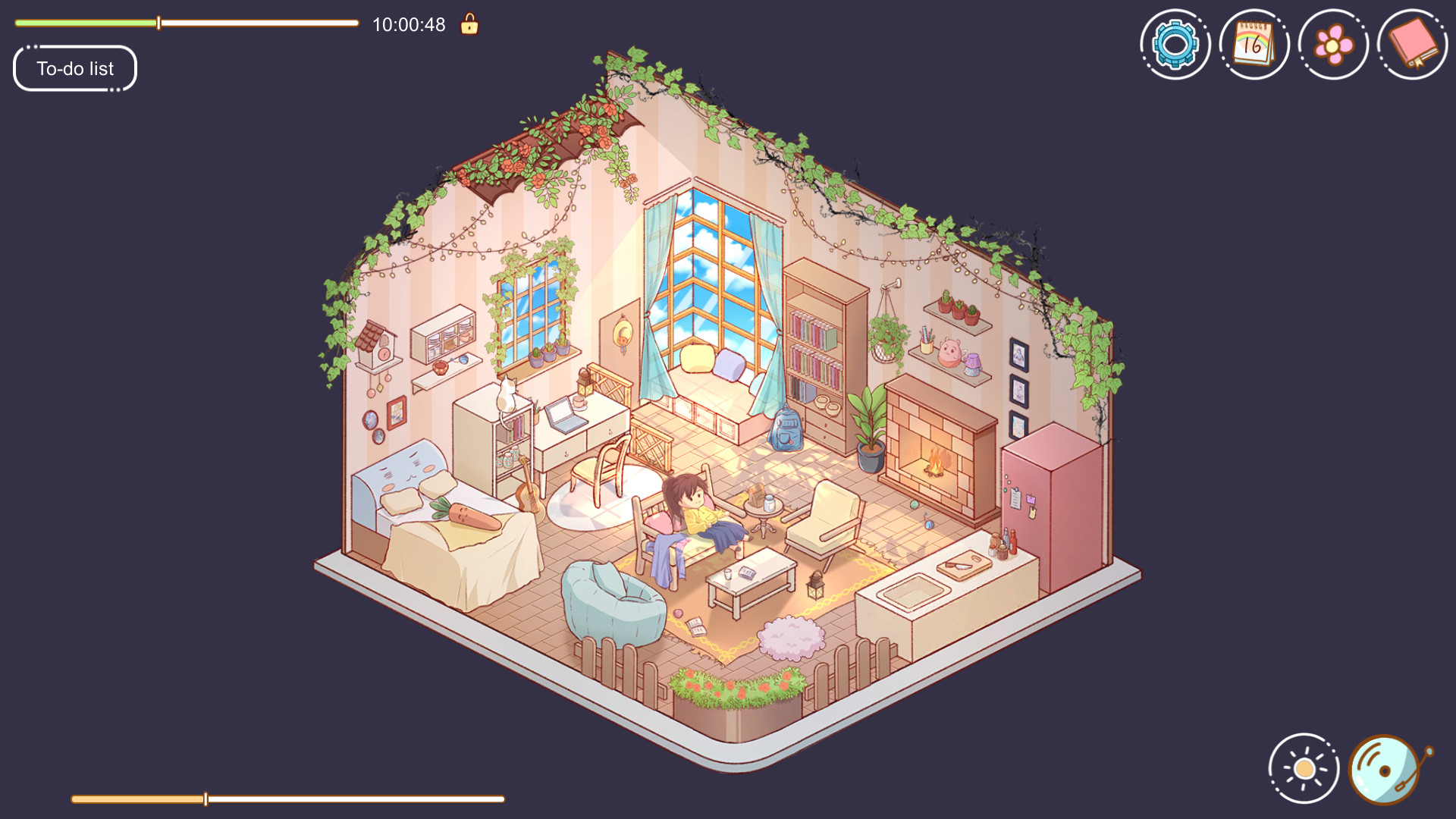
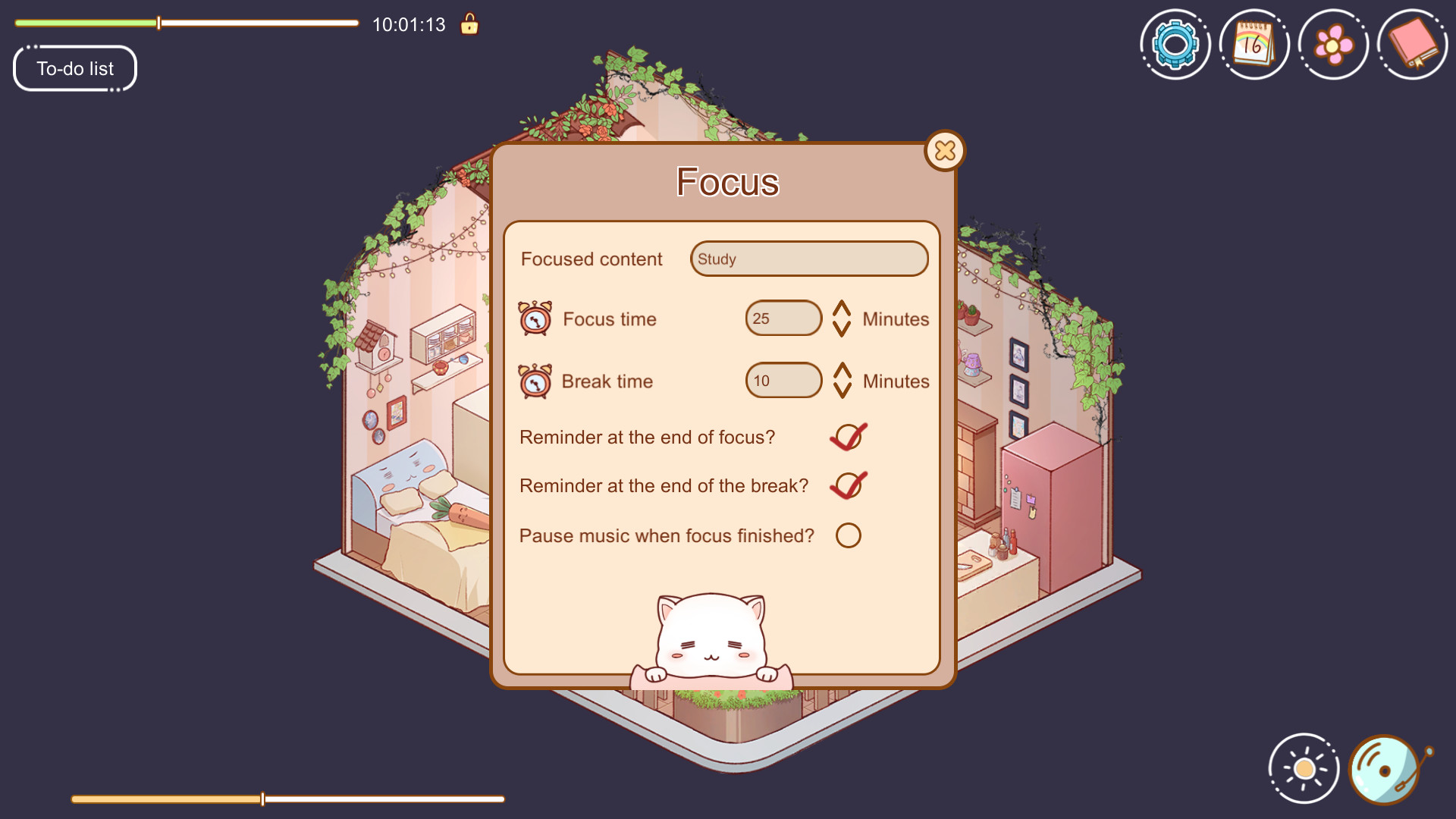
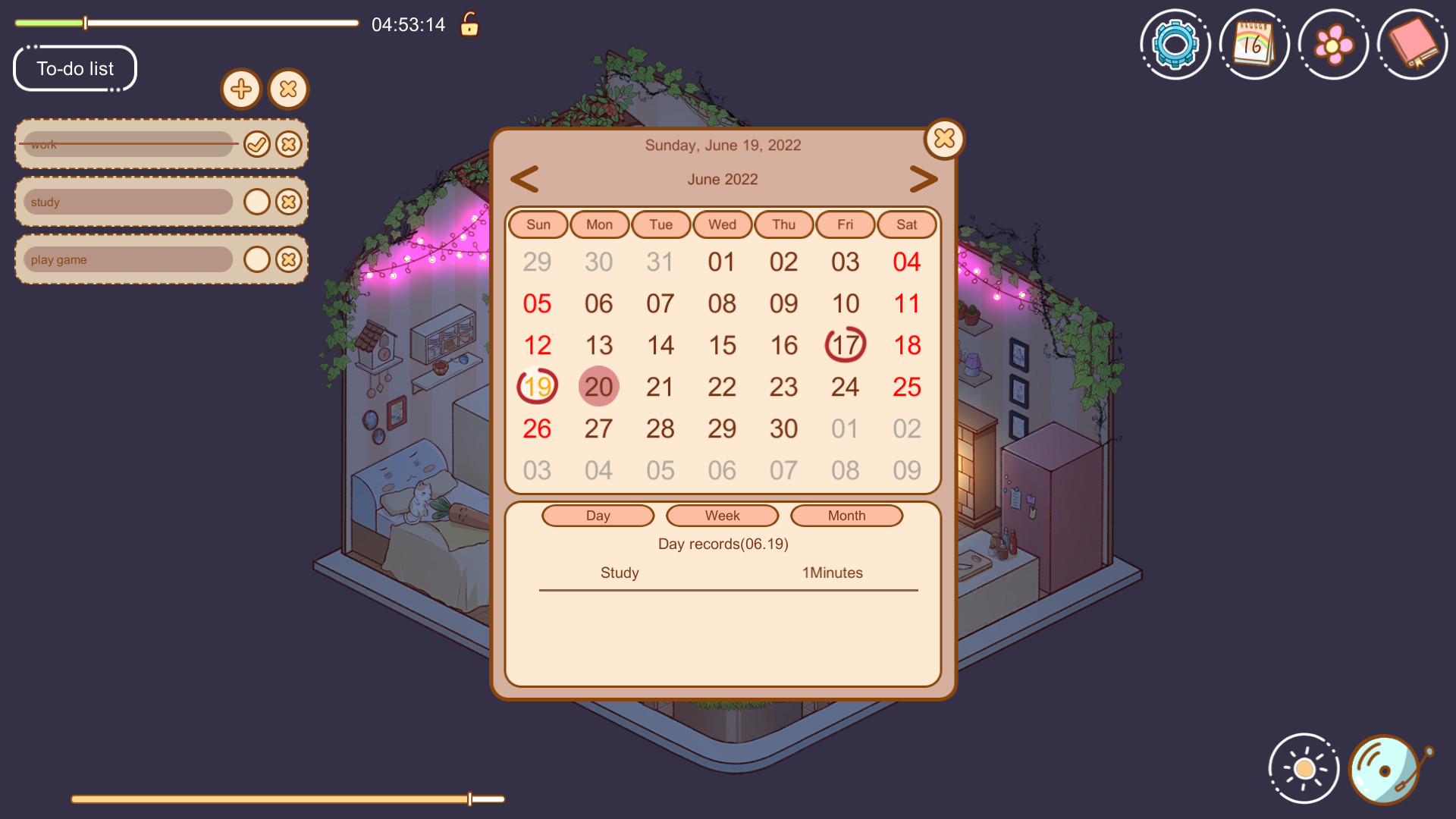
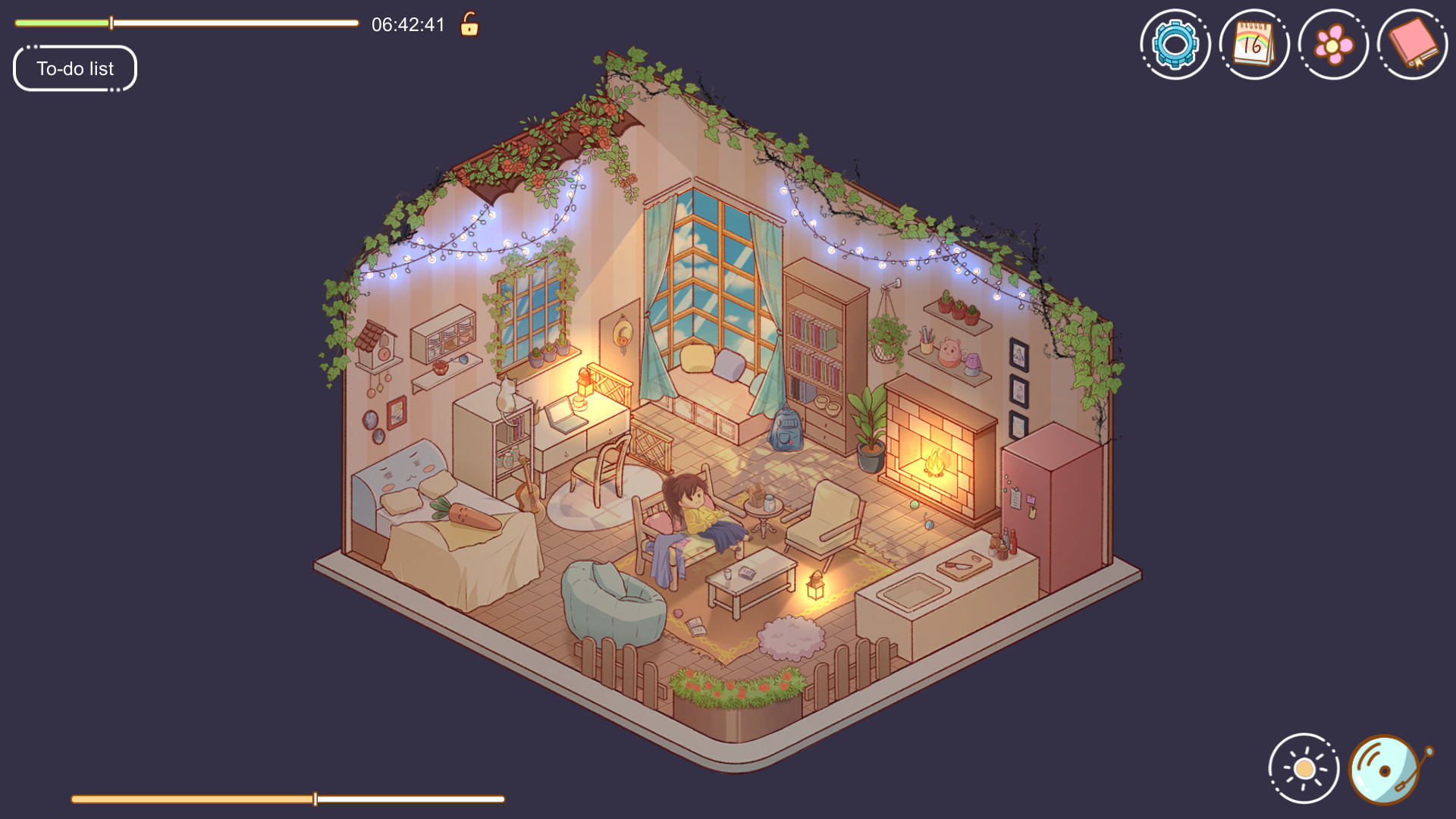
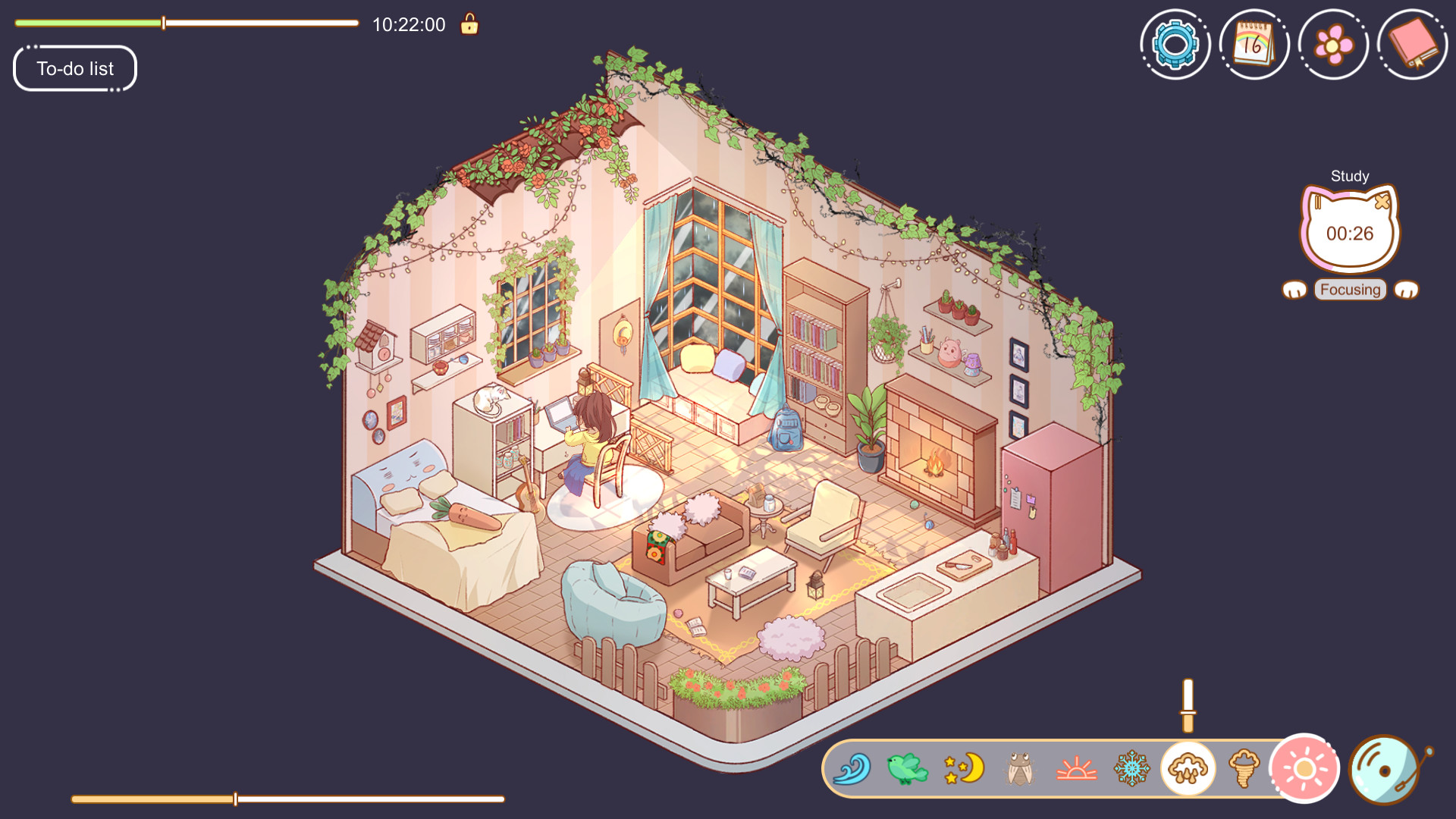
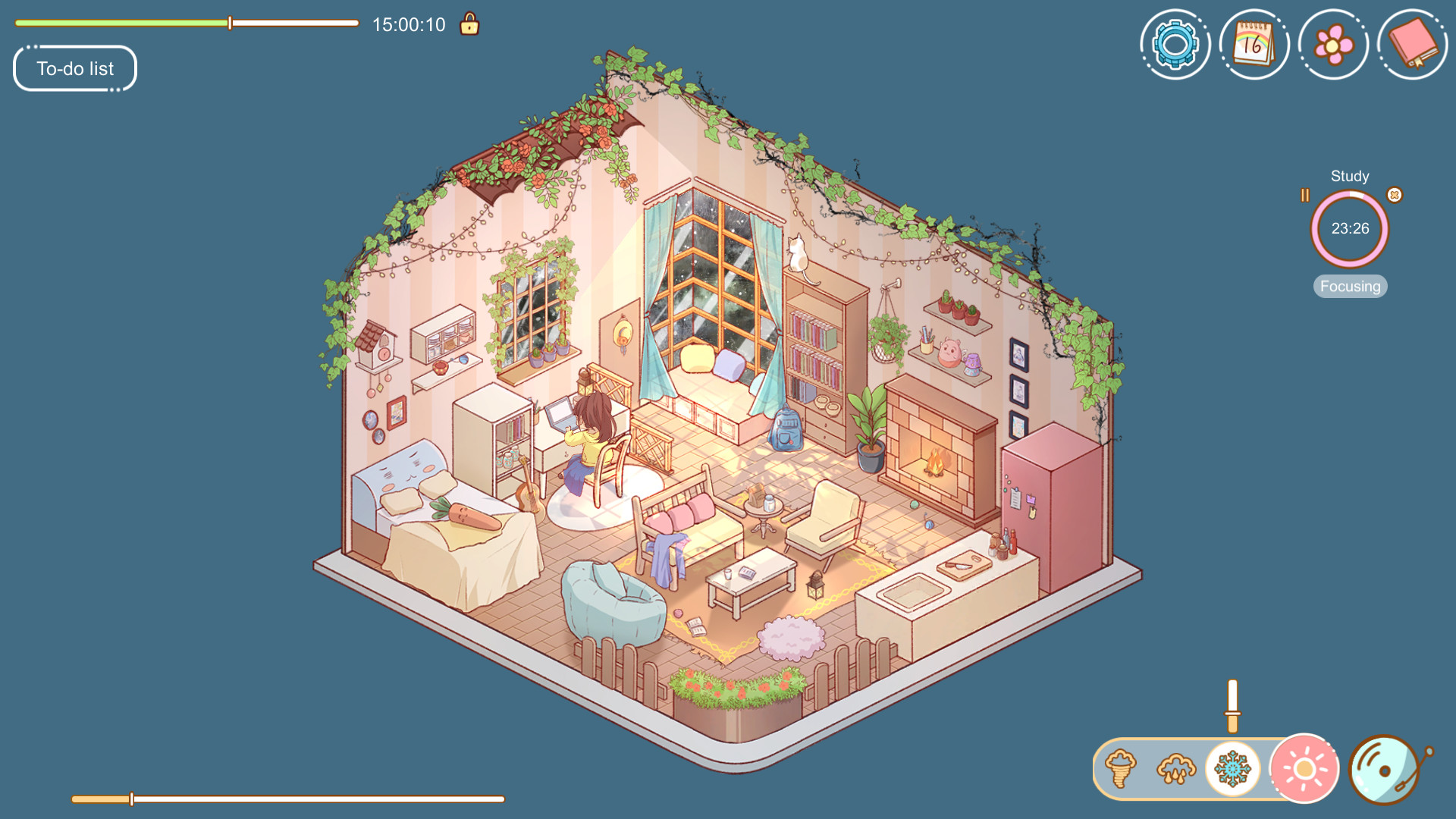
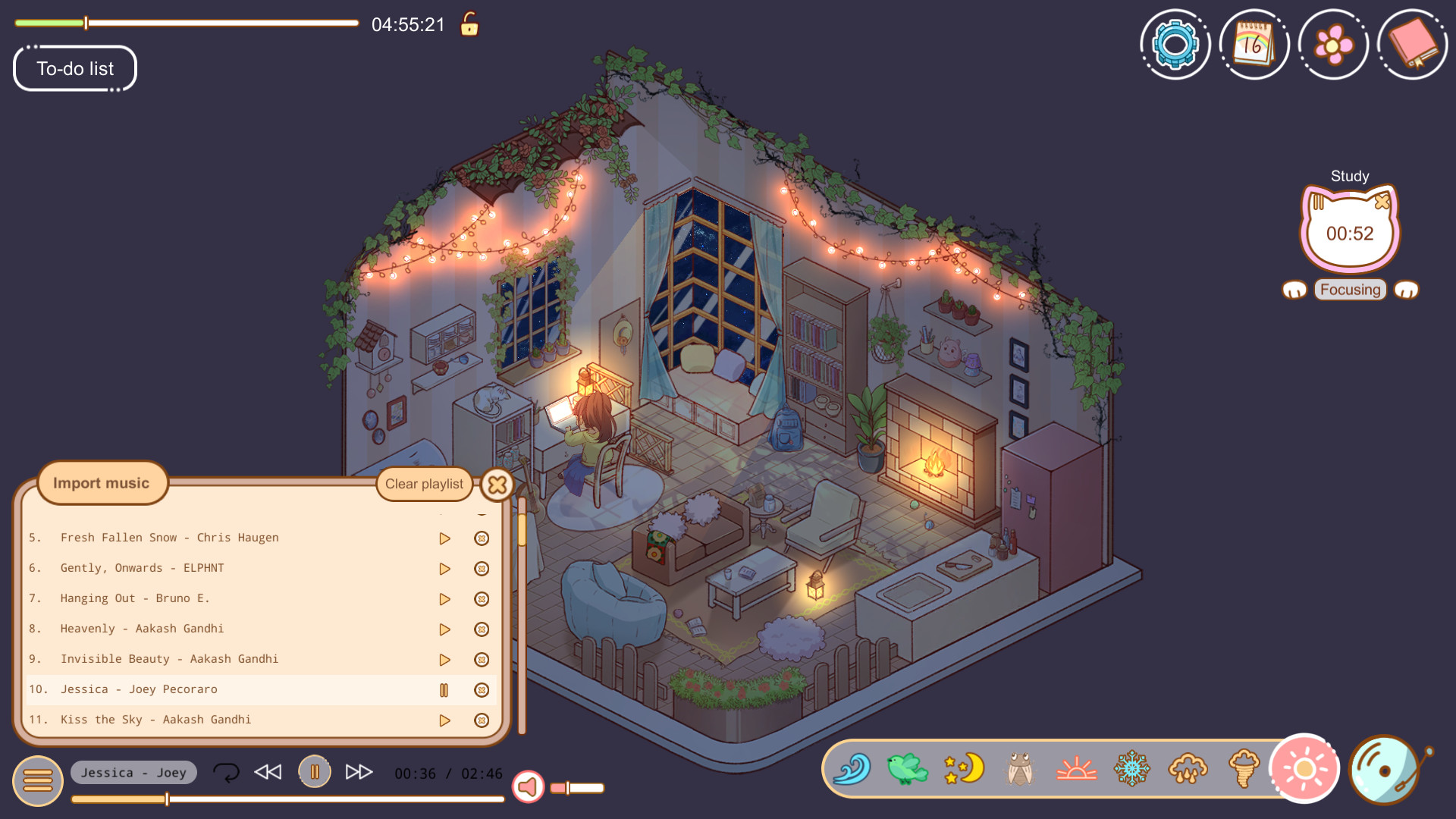
Cozy Time is less of a conventional game and more of a relaxing productivity companion built around the idea that concentration becomes easier when the surrounding atmosphere feels comfortable. Developed and published by Cozy Live, it combines a virtual cottage environment with practical tools for studying, working, reading, or completing everyday tasks. There are no complicated objectives demanding constant attention. Instead, the experience deliberately stays in the background, providing a peaceful digital workspace while the player focuses on something outside the game. Its most important feature is the Pomodoro-inspired focus timer. Players can determine how long they want to concentrate and establish breaks between sessions, transforming the application into a straightforward productivity tool. The system works particularly well because it is presented within a cozy environment rather than through the clinical interface commonly associated with timers and organizational software. Setting a goal and watching a focus session progress creates just enough structure to encourage productivity without turning the process into another demanding activity. The built-in to-do list complements this approach by giving users somewhere to organize individual goals. Tasks can be established before beginning a focus session, making it possible to use the program as a small organizational hub rather than simply leaving it open for ambience. A calendar records focused time across daily, weekly, and monthly periods, providing a useful visual history of how consistently the application has been used. This creates an unconventional form of progression where the meaningful accomplishment comes from the player's actual productivity rather than experience points or character upgrades. Presentation is where the concept becomes more distinctive. The cozy cottage aesthetic establishes a warm, uncomplicated setting that is intentionally designed to remain pleasant without becoming distracting. Real-time synchronization allows the scene lighting to reflect changes between daytime and nighttime, giving extended sessions a subtle feeling of continuity. Users are not restricted to real-world conditions, either, since the time can be manually adjusted to create preferred lighting such as early morning, dusk, or nighttime. It is a small feature that makes a substantial difference when someone wants a particular atmosphere regardless of the actual hour. Weather effects further strengthen the environmental side of the experience. Wind, rain, and other atmospheric elements can be used to make the cottage feel more immersive, especially when paired with suitable background audio. These options are not mechanically sophisticated, but mechanical complexity would arguably work against the application's purpose. The appeal comes from creating an environment that feels comfortable enough to leave running for extended periods without constantly demanding interaction. Music is equally important to the overall experience. A collection of relaxing and lo-fi tracks provides immediate background listening suitable for concentration or rest. More importantly, users can import their own music, preventing the included selection from becoming repetitive during long-term use. This flexibility turns the application into something closer to a personalized focus space. Someone could combine favorite music with rain effects and nighttime lighting for studying, then switch to brighter surroundings and a different playlist for daytime work. There is some light gamification through Steam achievements, including accomplishments associated with focusing, using productivity functions, and interacting with other available features. These do not fundamentally transform the experience into a traditional game, but they provide additional encouragement for players who enjoy measurable milestones. The approach is sensible because the achievements remain secondary to the main purpose rather than overwhelming it with artificial progression systems. The main limitation is the lack of substantial conventional gameplay. Anyone expecting a detailed cottage simulator, extensive decorating experience, management game, or virtual life simulation may find the package considerably more restrained than anticipated. Most of its value depends on whether the user genuinely intends to utilize the focus timer, task management, calendar, music, and environmental features. Without that productivity component, the interactive content can feel thin. The visual presentation and weather effects are pleasant, but they are supporting elements rather than the foundation of a deep simulation. Steam Deck compatibility is rated Playable rather than fully Verified. The application runs successfully on SteamOS, its default controller configuration provides access to its functionality, and the default graphical configuration performs well. There are nevertheless some handheld inconveniences. Entering certain text requires manually opening the Steam Deck's on-screen keyboard, which matters because features such as the to-do list naturally involve typing. Some text may also appear relatively small on the Deck's display. These issues do not prevent portable use, and the relaxed nature of the experience actually suits handheld sessions quite well, but keyboard interaction is less seamless than it would be with a conventional desktop setup. Ultimately, this succeeds because it understands that a productivity companion should encourage concentration instead of competing for it. The Pomodoro timer, to-do list, focus calendar, customizable music, dynamic lighting, and weather effects form a coherent collection of features centered around creating a calm workspace. Its limited depth prevents it from being an essential purchase for players seeking traditional entertainment, but those wanting an atmospheric background application for studying, working, or relaxing may find it surprisingly useful. The combination of practical organization and cozy presentation gives it a clear identity without unnecessary complexity. Rating: 8/10
It's been a while since I last had this game open, but here we are. A sweet, cozy game for creating a calm space to relax. I don't have a lot to say about it since I did do what I wanted with it. All I know is that I enjoyed it for a while, but no longer see the need to use it. Do with that opinion what you want.
This is such a cute focus app, you are in a house and the character is just resting until you select how long you want to focus for, then she is at the computer doing work. Each 60 minuets you focus for you will get a flower token and you can spend those on different furniture and pets for your in game house. There are 15 achievements to get and they will take time but this could be great if you want something cute on screen while you study or do work, you can even add your own music to listen to while you focus.
I really like this cozy game because it feels less like something you “play” and more like a quiet space you accidentally step into, where you immediately feel your shoulders drop. The art has a soft, comforting simplicity, and the music blends in so naturally. I highly recommend it if you’re looking for something calming to relax with.
Similar games
View all

Chill with You : Lo-Fi Story
"Chill with You : Lo-Fi Story" is a sound novel game where you work alongside Satone, a girl who loves writing stories. Customize lo-fi music, ambient sounds, and landscapes to create a focused environment. As you deepen your bond with Satone, you may discover a special connection with her.

Urban Jungle
Use luscious plants to turn your ordinary home into a green haven in Urban Jungle. Find the best place for each plant in your small apartment and enjoy gardening without worries. And don't forget to pet your cat!


Panelka
Panelka is a nostalgic, relaxing game where you immerse yourself in the atmosphere of the post-Soviet era. Create your cozy apartment or garage with that familiar, warm interior from your childhood. You have a wide selection of furniture and many other interior details at your disposal.

Typing Farmer
Welcome to Typing Farmer! This desktop idle healing game will make a corner of your screen a cozy farm. Your daily actions—typing and clicking—automatically foster crop growth, attract cute animals play with you. Let the healing charm of adorable creatures infuse your intense workdays~

Sticky Business
Experience the joy of running your own cozy small business: Create stickers, pack orders and hear your customers’ stories. Time to build the cutest shop on the internet!

Thrifty Business
Run your very own thrift shop in this laid-back management sim! Sort through boxes to find hidden treasures and arrange nostalgic displays of clothes, antiques, toys & more. Befriend the regulars, help with their requests and expand your store into a hub for the local community!

Fantasy Aquarium
Fantasy Aquarium offers an effortless way to enhance your gaming experience. You can nurture a diverse range of small fish with unique characteristics and construct a vibrant fantasy world from scratch, transforming mundane fish-keeping into an engaging pursuit.

Bit Buddy
Bit Buddy reacts to your keyboard, mouse, and even your voice in real time. Collect decorations as you use your computer, customize your workspace, explore over 3,000 community-made buddies and decorations through Steam Workshop, or create and share your own.

Unpacking
Unpacking is a zen puzzle game about the familiar experience of pulling possessions out of boxes and fitting them into a new home. Part block-fitting puzzle, part home decoration, you are invited to create a satisfying living space while learning clues about the life you’re unpacking.

Little Corners
Peel, place, and arrange stickers across tiny windows into different worlds. Relax and unwind to lofi beats, collect unique stickers and share your cozy creations with the world.
Frequently Asked Questions
Cozy Time is currently priced at 1.19€ on Steam.
Yes, Cozy Time is currently available at a 60% discount. You can purchase it for 1.19€ on Steam.
Yes, Cozy Time received 269 positive votes out of a total of 309 achieving a rating of 8.05.
😎
Cozy Time was developed and published by Cozy Live.
Yes, Cozy Time is playable and fully supported on Windows.
No, Cozy Time is not playable on MacOS.
No, Cozy Time is not playable on Linux.
Yes, Cozy Time is playable on Steam Deck, though it might require a few minor tweaks. Make sure to check the Steam store page and community feedback on ProtonDB for exact compatibility details.
Yes, Cozy Time is playable on Steam Machine, though it might require a few minor tweaks. Make sure to check the Steam store page and community feedback on ProtonDB for exact compatibility details.
No, Cozy Time does not support VR.
Cozy Time is a single-player game.
No, Cozy Time does not currently offer any DLC.
No, Cozy Time does not support mods via Steam Workshop.
No, Cozy Time does not support Steam Remote Play.
Yes, Cozy Time is enabled for Steam Family Sharing. This means you can share the game with authorized users from your Steam Library, allowing them to play it on their own accounts. For more details on how the feature works, you can read the original Steam Family Sharing announcement or visit the Steam Family Sharing user guide and FAQ page.
You can find solutions or submit a support ticket by visiting the Steam Support page for Cozy Time.
Data sources
The information presented on this page is sourced from reliable APIs to ensure accuracy and relevance. We utilize the Steam API to gather data on game details, including titles, descriptions, prices, and user reviews. This allows us to provide you with the most up-to-date information directly from the Steam platform.
Additionally, we incorporate data from the SteamSpy API, which offers insights into game sales and player statistics. This helps us present a comprehensive view of each game's popularity and performance within the gaming community.
Last Updates| Steam data | 13 October 2026 07:10 UTC |
|---|---|
| SteamSpy data | 03 October 2026 04:14 UTC |
| Steam price | 13 October 2026 18:38 UTC |
| Steam reviews | 13 October 2026 15:45 UTC |
If you'd like to dive deeper into the details about Cozy Time, we invite you to check out a few dedicated websites that offer extensive information and insights. These platforms provide valuable data, analysis, and user-generated reports to enhance your understanding of the game and its performance.
- SteamDB - A comprehensive database of everything on Steam about Cozy Time
- SteamCharts - Analysis of Cozy Time concurrent players on Steam
- ProtonDB - Crowdsourced reports on Linux and Steam Deck Cozy Time compatibility

Game modes
Features
Online players
9
Developer
Cozy Live
Publisher
Cozy Live
Release
12 Jul 2022
Platforms